Laser Tech: Elevating STEM Education with Practical Tools
In STEM education, hands-on learning can make all the difference. Students do not just need to hear about how things work. They need chances to design, test, build, and improve real projects. That is where laser technology can become a powerful classroom tool.
Laser engraving, laser cutting, and laser marking help turn digital ideas into physical results. Instead of stopping at theory, students can create parts, customize projects, test fitment, and see how design choices affect the final outcome. That kind of experience can make lessons more engaging and easier to understand.
For schools, career centers, makerspaces, and training programs, laser technology can support far more than one subject area. It can fit into STEM, engineering, robotics, art, entrepreneurship, and career-tech education. When used with purpose, it gives students a practical way to learn by making.
What Laser Technology Brings to the Classroom
One of the biggest strengths of laser technology is its versatility. A single system can support engraving, cutting, and, in some programs, marking applications. That opens the door for a wide range of classroom projects and learning opportunities.
Students can start with a digital design, choose a material, prepare the file, and watch the finished result take shape. For schools looking for practical ways to apply this in real lessons, our post on Laser in the Classroom: Projects That Teach Tech shares project ideas that connect laser technology to student learning. Along the way, they are learning more than how to run a machine. They are learning problem-solving, measurement, design thinking, and how to move from concept to completed project.
That matters because some of the best learning happens when students can connect ideas on a screen to something they can hold in their hands.
Laser Engraving:
Creativity, Precision, and Design Thinking
Laser engraving gives students a simple but effective way to explore design and production. By engraving on materials like wood, acrylic, coated metal, and more, students can create projects that feel polished and purposeful.
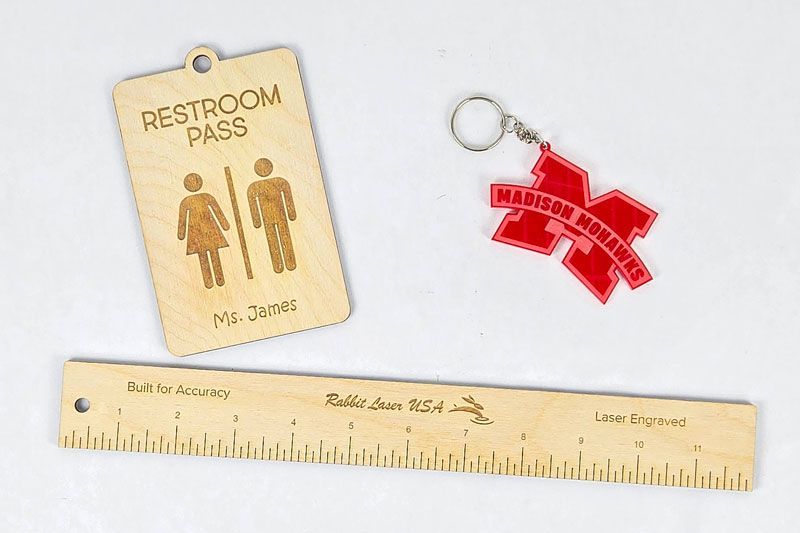
In a classroom setting, that could mean engraved nameplates, classroom signs, rulers, awards, labels, project panels, or branded items for school events. These kinds of projects help students think through layout, spacing, readability, and design choices while also introducing them to real production workflow.
Engraving also helps make abstract ideas more tangible. A student is not just learning about geometry, alignment, or file setup in theory. They are seeing how those choices affect a finished piece. That kind of immediate feedback can build both confidence and attention to detail.
For students who lean toward creativity, engraving can be an approachable starting point. For students who enjoy precision, it reinforces the value of accuracy and consistency. Either way, it creates a strong bridge between digital design and physical output.
Laser Cutting: Turning Ideas Into Real Prototypes
Laser cutting takes students a step further by allowing them to create exact shapes and functional parts. Instead of sketching an idea and stopping there, they can make something real, test it, and improve it.
This is especially valuable in engineering, robotics, and maker-focused environments. Students can create geometry kits, small enclosures, acrylic prototypes, model bridges, brackets, mounting plates, and simple structural parts. Even a basic project can teach important lessons about fit, tolerance, scale, and material behavior.
That process is where a lot of real learning happens. A part may look right on screen but need adjustment once it is physically cut. A slot may be too tight. A tab may need more clearance. A material may react differently than expected. Those moments teach students how design decisions affect performance in the real world.
Laser cutting also supports iteration. Students can make a part, evaluate it, revise the file, and try again. That cycle helps build critical thinking and a stronger understanding of how products are developed.
Laser Marking:
A Strong Fit for Advanced Programs
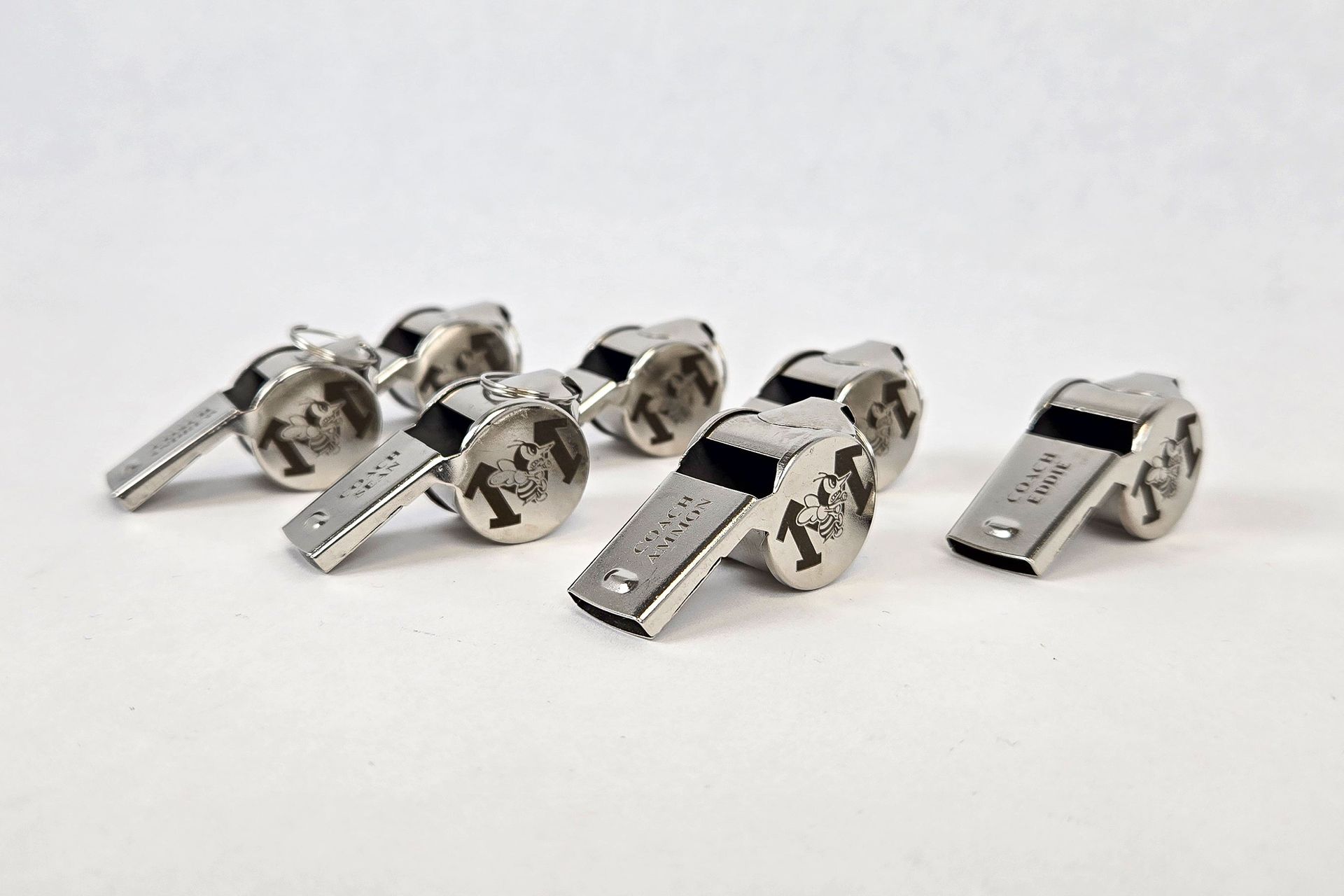
Laser marking can be a valuable addition for more advanced educational settings, especially in engineering, manufacturing, and career-tech programs. It gives students exposure to applications that are closely tied to real industrial environments.
Marking can be used for identification plates, part labeling, serial information, traceability exercises, and material-specific projects. It also gives students a chance to explore how different surfaces respond to laser energy and why certain materials are better suited for certain types of machines.
For programs focused on manufacturing pathways or product development, this kind of exposure can be especially useful. It helps students connect classroom work with real-world processes they may encounter later in technical careers. For programs that want to focus more heavily on permanent marking applications, a fiber laser machine may be worth exploring depending on the materials and goals of the program.
From Idea to Finished Project
One of the best things about using laser technology in education is that it supports the full learning process, not just the final product.
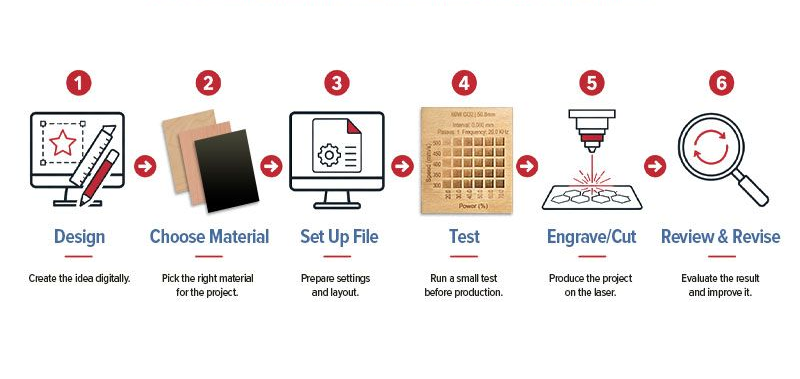
A typical student workflow might look like this:
- Design the part or graphic.
- Choose the right material.
- Set up the file.
- Run a test.
- Engrave or cut the piece.
- Review the result.
- Make adjustments and improve it.
That process teaches patience, observation, and decision-making. It also shows students that good results usually come from testing and refinement, not just pushing a button and hoping for magic. If only every group project in school worked that smoothly.
When students go through that full cycle, they are learning how to think through a project from start to finish. That is a skill that carries well beyond the classroom.
Subjects and Programs That Benefit
Laser technology can support a wide range of educational programs because it crosses over into so many different skills and disciplines.
In STEM and engineering, it supports design, measurement, prototyping, and problem-solving. In robotics, it can help students create parts and assemblies for build projects. In art and design, it adds a production-ready tool for creating detailed work. In entrepreneurship programs, it can be used to create products, branded items, and fundraiser pieces.
That cross-functional value is one reason laser technology fits so well in schools, makerspaces, and career centers. It is not locked into one department or one type of learner. It can support creative students, technical students, and everyone in between.
Skills Students Build Beyond the Project
The machine is only part of the value. The bigger value often comes from the skills students build while using it.
Laser-based projects can strengthen problem-solving, communication, teamwork, planning, and accountability. Students often need to divide tasks, check measurements, review designs, and troubleshoot issues together. That mirrors the kind of collaboration they will see in real workplaces.
There is also an important layer of responsibility involved. Working with advanced equipment teaches students to follow process, respect safety, and think carefully before acting. Those habits matter whether they go into engineering, manufacturing, design, or another technical field.
Students are not just making projects. They are building problem-solving, teamwork, and real-world confidence.
- Ray Scott, Owner, Rabbit Laser USA
Career Readiness Starts Earlier Than People Think
Students do not need to wait until college or the workforce to be introduced to modern fabrication tools. Early exposure can help them better understand what technical careers look like and what kinds of skills those careers require.
Laser technology connects naturally to fields like manufacturing, fabrication, engineering, prototyping, product design, signage, customization, and small business production. It can help students see that technical work is not just about theory. It is about solving problems, making useful things, and working with tools that turn ideas into results.
That kind of experience can also help students build confidence. When they complete a project that looks professional and functions as intended, they begin to see themselves as capable makers, builders, and problem-solvers.
What Schools Should Look for in a Laser System
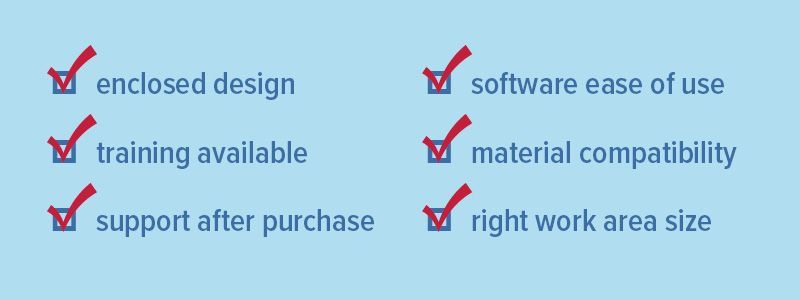
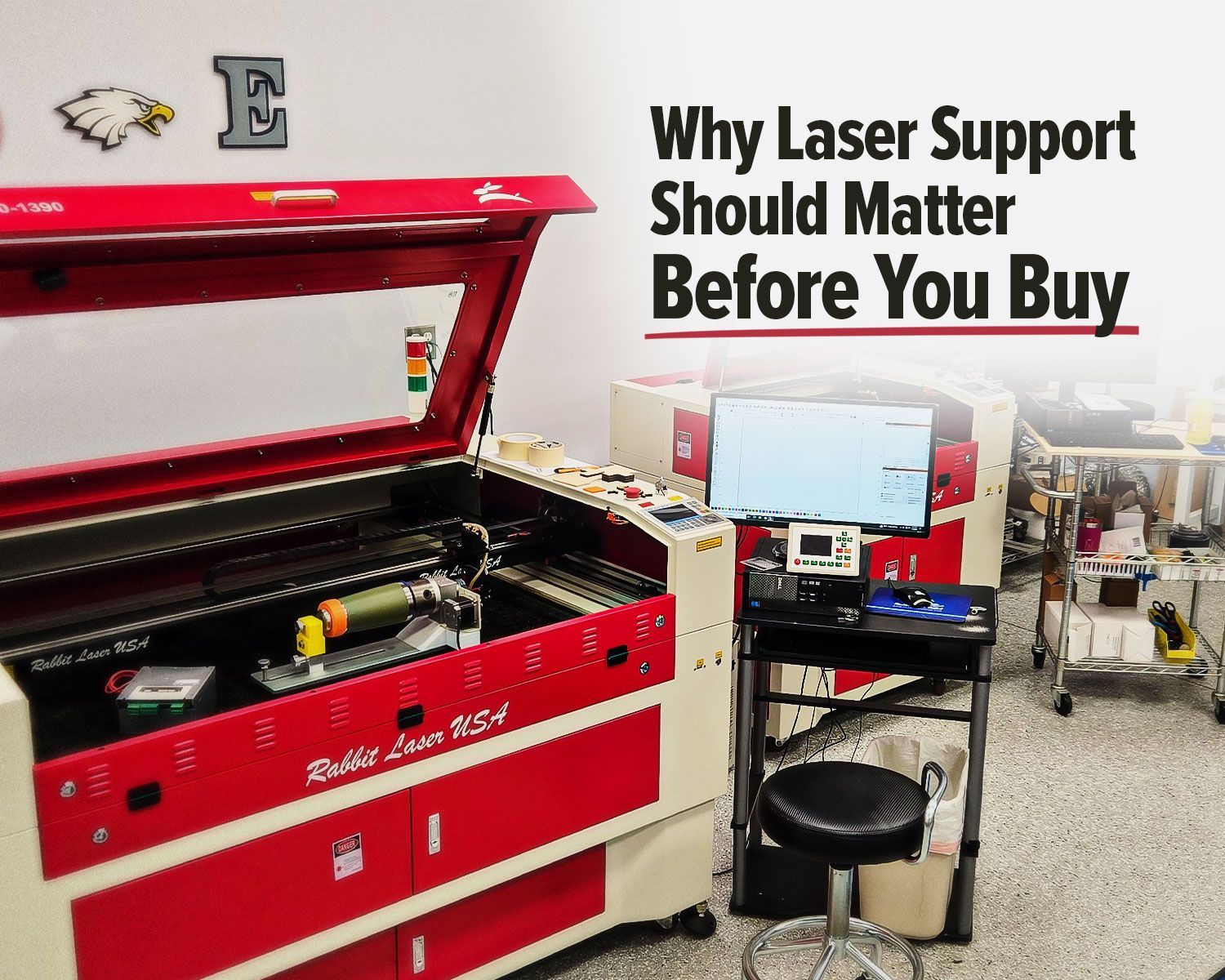
If a school or training program is considering laser technology, the machine itself is only part of the decision. It is just as important to think about support, training, usability, and how the system will fit the program’s goals.
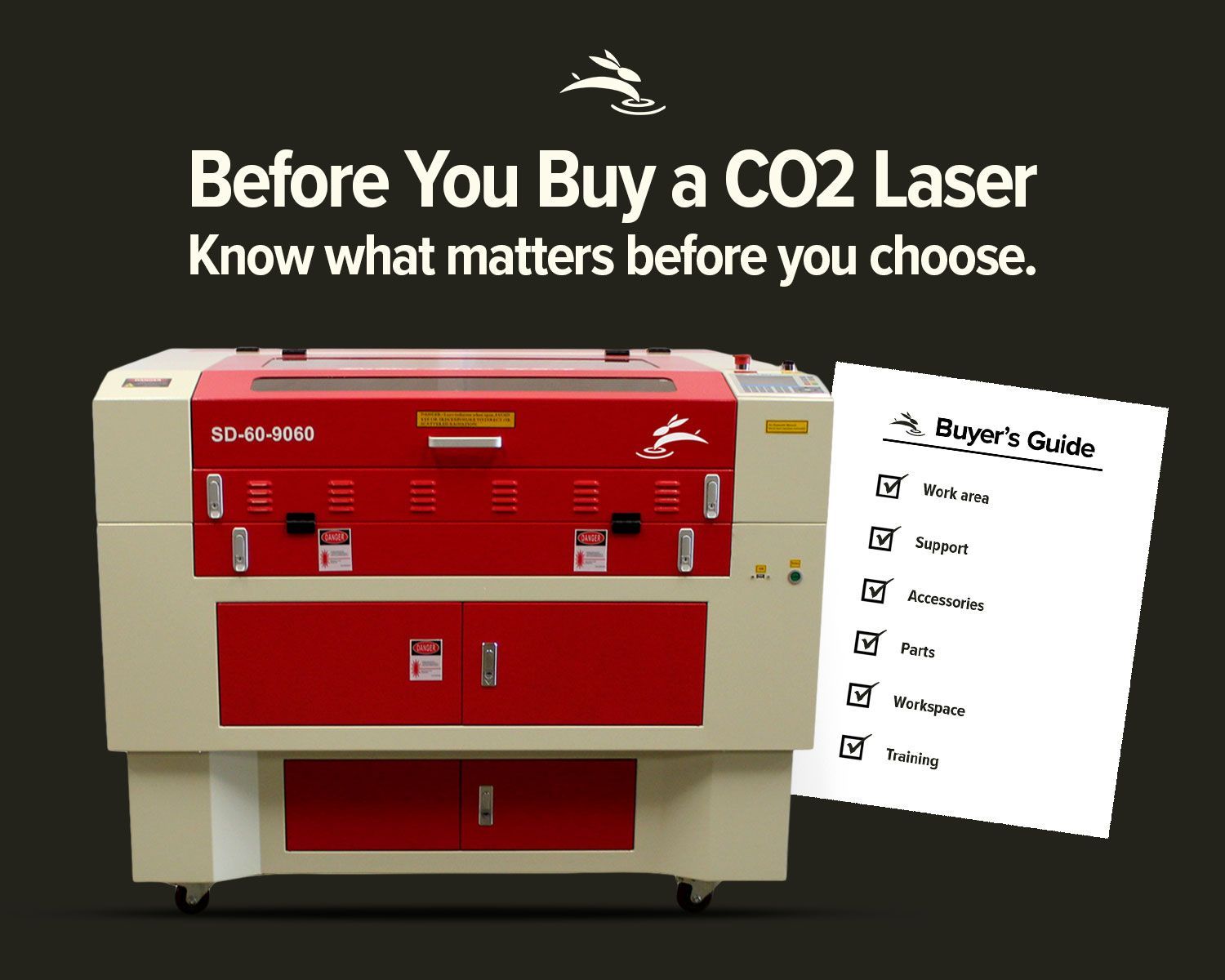
Schools should look at factors like work area size, material compatibility, ease of use, software workflow, safety features, and the kind of help available after the machine arrives. A machine that looks good on paper can still become frustrating if the support is weak or the learning curve is too steep.
That is why it helps to think beyond specs alone. The right system should match the kinds of projects students will actually be making and the level of support the staff will need. For many schools, a CO2 laser machine is a strong fit because it can handle a wide range of classroom-friendly materials used for engraving and cutting.
Why Support Matters Just as Much as the Machine
For schools, support can be the difference between a machine that gets used often and one that ends up collecting dust.
Training, setup help, troubleshooting guidance, and long-term service all matter. That is one reason support should be part of the buying decision, not an afterthought. Our post More Than Delivery: How Rabbit Laser USA Sets You Up for Success explains why setup, training, and ongoing help matter so much. Educators already wear enough hats. They should not be left to figure everything out alone after the purchase is made.
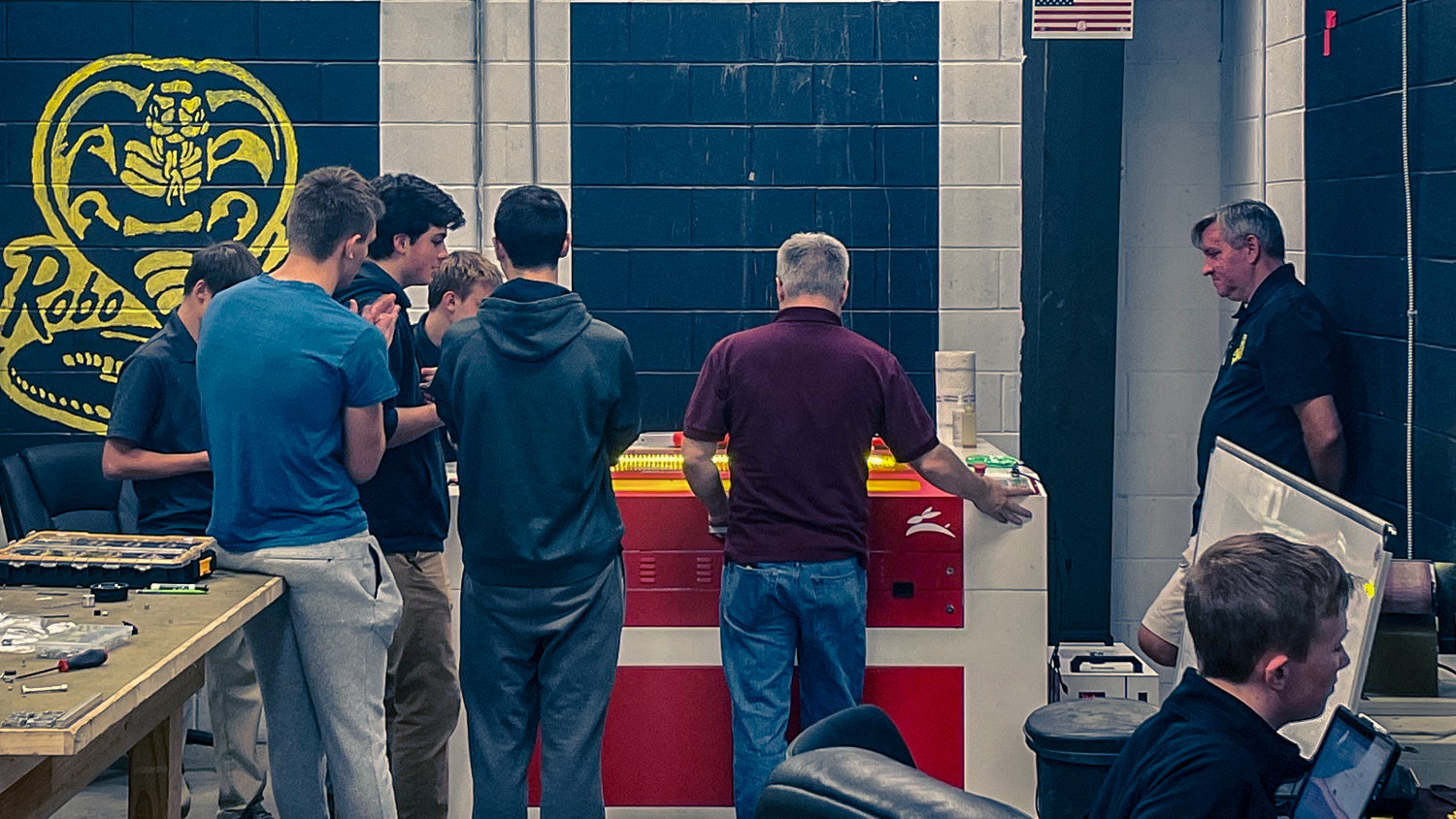
At Rabbit Laser USA, we understand that schools need more than hardware. They need a practical solution they can learn, trust, and keep using with confidence. Whether a program is focused on STEM, CTE, engineering, or maker education, having the right guidance can make adoption smoother and results better over time.
Conclusion
Laser technology can do more than add another machine to a classroom. It can create a more hands-on, engaging, and practical learning experience for students.
From engraving and cutting to prototyping and technical skill-building, laser systems help students connect ideas to outcomes. They give educators a tool that supports creativity, precision, iteration, and career-ready learning in a way that feels real.
For schools, labs, makerspaces, and training programs looking to bring more hands-on learning into the mix, laser technology can be a strong investment in both student engagement and long-term skill development.
If your program is exploring laser technology for education, contact Rabbit Laser USA to talk through the best fit for your classroom, lab, makerspace, or training program.