Maximizing Batch Production with Your Laser Cutter

Are you ready to streamline your batch production process with a laser cutter? Doing so efficiently, precisely, and cost-effectively can dramatically reduce both time and expenses. Let’s explore strategies to boost your productivity with intelligent planning and machine mastery.


Planning Your Workflow


Design Optimization:

  • Start by refining your designs. Simplifying complex patterns can significantly shorten cut times. Use laser cutting software to simulate cuts before actual production, minimizing errors and reducing waste.
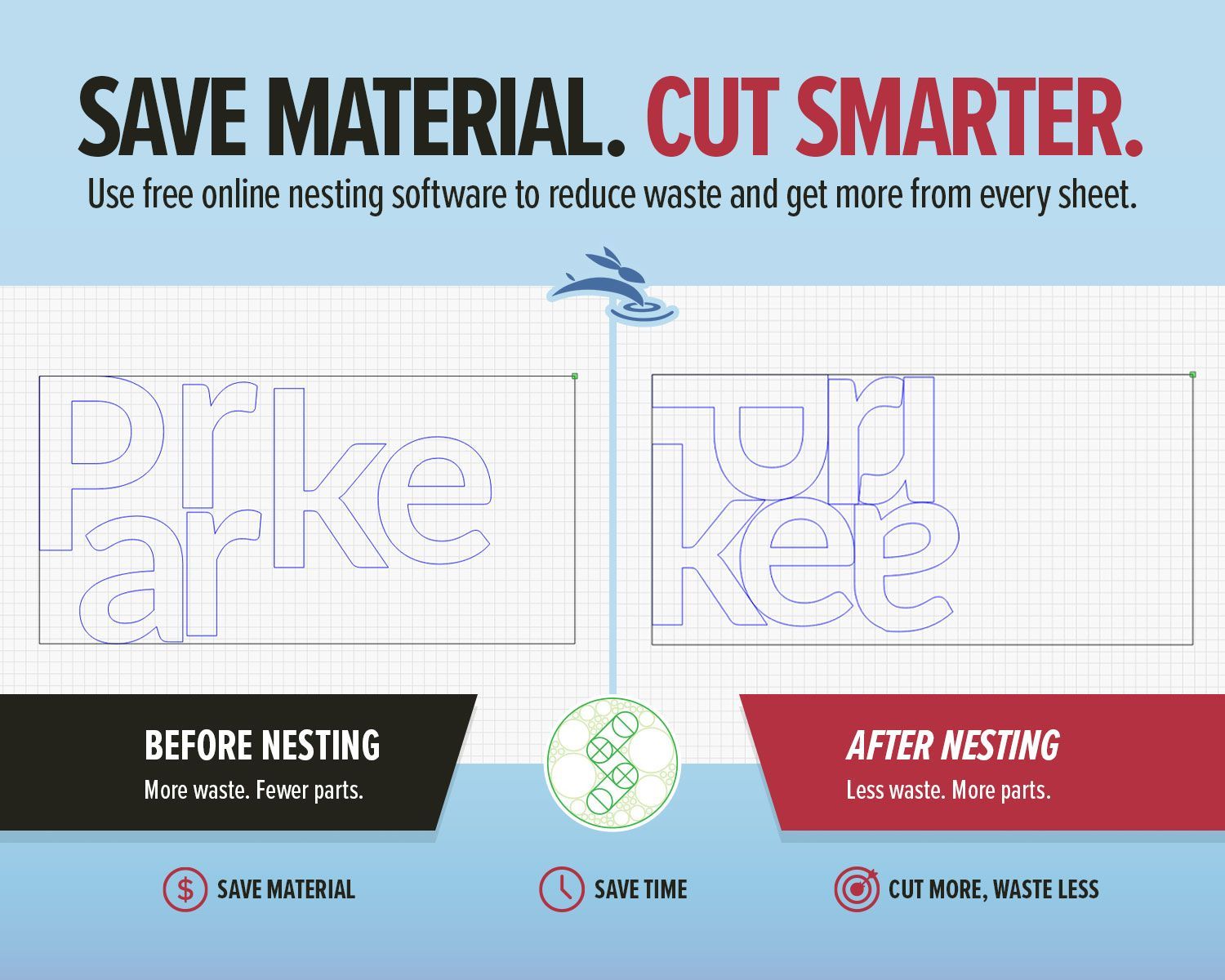
  • Pro-Tip: Use features like 'nesting' in your software to maximize material use and decrease costs.

Material Preparation:

  • Set the stage for smooth production by pre-arranging and masking materials. Choosing the right materials can also speed up the process, as some substrates cut faster and cleaner.


Mastering Your Machine Settings


Finding the Right Parameters:

  • Tailor your laser settings to the material at hand. Conduct small tests to determine optimal speed and power settings, ensuring efficiency for full-scale production.

Maintenance for Efficiency:

  • Maintain your laser cutter regularly to ensure peak performance. Consistent quality cuts depend on the condition of your machine.
  • Pro-Tip: Develop a routine maintenance schedule to avoid unexpected downtimes and maintain steady production flow.


Utilizing Jigs and Templates


Benefits of Using Jigs:

  • Drastically cut setup times and increase repeatability with jigs, especially for intricate repetitive cuts.
  • Pro-Tip: Create adjustable jigs that can be modified for different projects, saving time and resources.

Organizing Your Workspace:

  • Keep your workspace well-organized. Designate specific areas for each tool and material type to streamline workflow and reduce search time.


Batch Processing Strategies


Stacking Techniques:

  • Use stacking to cut multiple layers simultaneously, boosting productivity. Ensure your laser's power and precision can handle the material thickness.
  • Pro-Tip: Implement air assist to clear debris from the cutting path when stacking materials to prevent potential fires and ensure cleaner cuts.

Sequential vs. Simultaneous Processing:

  • Choose between sequential and simultaneous processing based on order complexity and volume.
  • Pro-Tip: Use the 'array clone' feature in your laser software for simultaneous processing. This tool replicates your design efficiently on the material sheet, maximizing output and minimizing waste.


With the right strategies, tools, and machine care, your laser cutter can become a cornerstone of your production process, enabling precise and efficient large-scale projects.


Ready to enhance your production capabilities? Check out our high-quality laser cutters at Rabbit Laser USA and take your manufacturing to the next level. Join our community on Facebook and Instagram to share your experiences and get tips from fellow makers. Together, let’s Cut, Create, and Conquer! 🐰

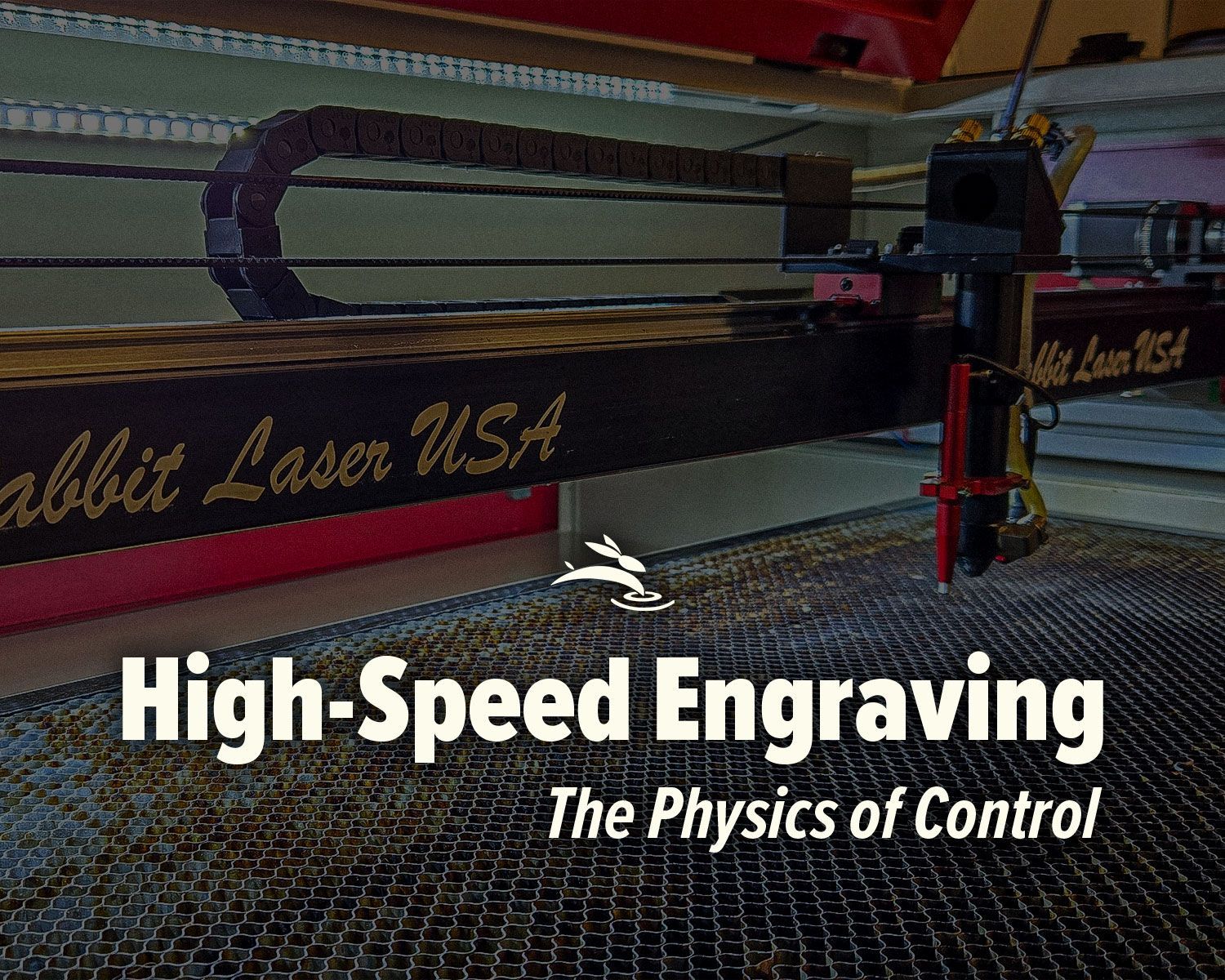
CO2 laser engraver gantry system engraving at high speed illustrating motion control and engraving p
By Rod Boehm March 4, 2026
High-speed laser engraving demands motion control. Learn how overscan, acceleration, and momentum impact precision and usable workspace.
CO2 laser air assist settings comparison showing laser head cutting acrylic and low vs high air assist results on plywood
By Rod Boehm February 17, 2026
Dial In Your Air Assist: Settings That Make a Difference Air Assist Isn’t Just an Add-On If you’ve ever smelled smoke during a job or noticed charred edges on your laser-cut pieces, chances are your air assist wasn’t doing its job—or it wasn’t set right for your application. While it might seem like a minor detail, air assist plays a critical role in the performance and lifespan of your CO2 laser machine. In this post, we’ll break down the difference between low flow and high flow air assist, when to use each, and how to get the best results from your setup.
By Rod Boehm February 6, 2026
Laser beam alignment guide for flying optics laser machines. Step-by-step maintenance tutorial to restore accuracy, cutting power, and engraving performance.
CO2 laser lens held with gloves showing correct orientation, blog cover upside down lenses
By Rod Boehm January 15, 2026
Blurry engraving or weak cuts? Learn the correct CO2 laser lens orientation and how to fix one of the most common laser setup mistakes.
Graphic with “STOP RE-TESTING” text, yellow arrow pointing to the LightBurn Material Library window,
By Rod Boehm December 30, 2025
Stop re-testing. Save proven engraving and cutting settings in LightBurn’s Material Library and apply them fast on future projects.
CO2 laser machine engraving a wooden project card on a honeycomb bed with “Beginner’s Guide to CO2 L
By Rod Boehm December 17, 2025
New to CO2 laser engraving? Learn how to choose bed size, wattage, safety features, and support so your first industrial laser is ready to make money.
Blog cover
By Rod Boehm November 25, 2025
Learn which fabrics are safe to laser cut, which should never be used, and how to get clean results without fraying or burning.
Red and beige Rabbit Laser USA SD-90-1390 with text highlighting Class 1 laser safety
By Rod Boehm November 3, 2025
Learn what Class 1 means for enclosed CO2 lasers, how interlocks keep users safe, and the safety checklist we train during install—plus lifetime support.
Finished HazardHive Analytics name tag engraved with variable text for Col. Maxwell Sporeman.
By Rod Boehm September 25, 2025
A beginner’s guide to LightBurn Variable Text—personalize projects, import CSV files, and batch produce custom tags in minutes.
Rabbit Laser USA graphic: icons for delivery, setup, calibration, training, and first cut.
By Rod Boehm August 29, 2025
Rabbit Laser USA delivers, installs, calibrates, and trains on-site—so you’re production-ready from day one. No curbside drops, ever.
Graphic titled
By Rod Boehm August 18, 2025
Discover engaging classroom laser projects that teach STEM, arts, and real-world skills. See how one tool sparks creativity, fundraising, and career readiness.
CO2 Laser Maintenance Checklist with weekly, monthly, and annual tasks. Free PDF download available.
By Rod Boehm August 8, 2025
Keep your CO₂ laser in peak condition. Follow our preventative maintenance checklist to ensure clean cuts, sharp engravings, and long machine life.
More Posts