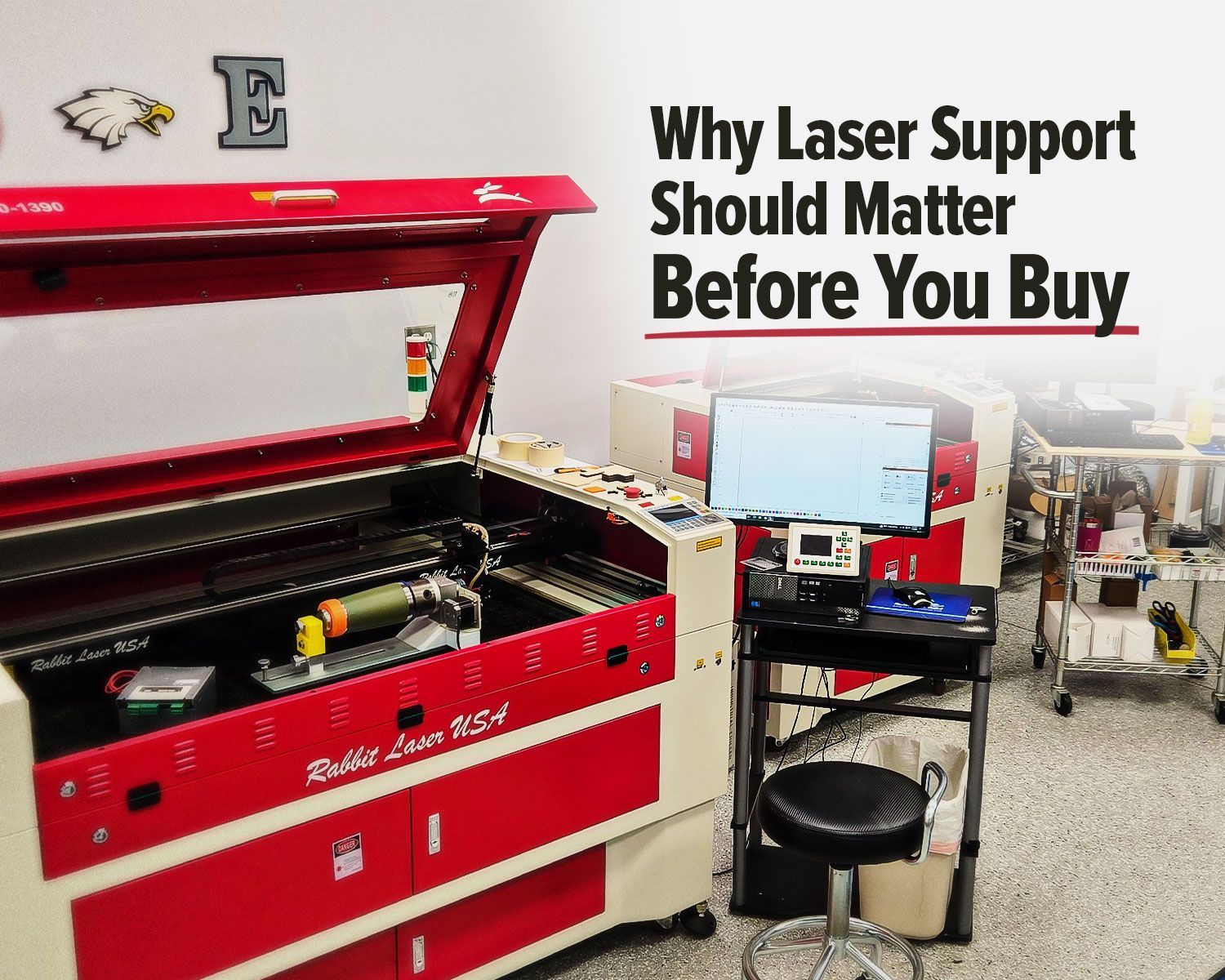
Why Laser Support Should Matter Before You Buy
Buying a laser machine is exciting.
You start thinking about the projects you can make, the products you can offer, and the work you can finally bring in-house. You compare wattage, bed size, features, accessories, and price.
That all matters.
But one part of the buying decision often gets overlooked until something goes wrong:
Who is going to help you after the machine arrives?
That question can matter just as much as the machine itself.
A laser is not just a box you plug in and forget about. It is a working piece of equipment with software, optics, electronics, cooling, exhaust, air assist, alignment, settings, and regular maintenance.
When everything is running well, it can be a powerful tool for your business, school, or shop.
But when something does not work the way it should, support becomes part of the machine.
That is where the real difference shows up.
The Lowest Price Is Not Always the Lowest Cost
A lower-priced laser can look like the smart choice at first.
The machine is listed online. The price is attractive. The product page makes setup look simple. The buyer clicks order and waits for the machine to arrive.
Then reality sets in.
- Who helps set it up?
- Who trains you?
- Who helps with alignment?
- Who explains the software?
- Who helps when the laser will not fire?
- Who diagnoses the part that may have failed?
- Who helps you get running when you have work waiting?
We hear from laser owners who bought machines elsewhere, then needed help with setup, alignment, diagnosis, or repair. In many cases, they bought the machine to save money upfront, but then needed experienced service after the fact.
That is when the “cheaper” machine can start costing more.
To be clear, not every lower-cost laser is a bad choice for every person. Some owners are comfortable setting up their own equipment, troubleshooting issues, learning software, adjusting mirrors, and figuring out parts on their own.
But many buyers are not looking for another project before they can start their actual projects.
They want the machine running. They want to understand how to use it. They want help when something goes wrong. They want to keep their business, classroom, or shop moving.
That is why support should be part of the buying decision from the beginning.
Customer Service Is Not the Same as Technical Support
Many brands say they offer customer support.
The better question is:
What kind of support are you actually getting?
There is a big difference between someone reading through a basic checklist and someone who understands how laser machines behave in the real world.
Scripted support may help with simple issues.
It may walk you through simple checks. But when the problem is more specific, it can quickly become frustrating. You may be asked to repeat the same steps, send the same photos, or wait for replies from someone who has never worked on the machine in person.
Real technical support is different.
Real support listens to what the machine is doing, asks the right questions, narrows down the issue, and helps you decide what needs to happen next.
Real support helps identify the issue:
- Sometimes the answer is simple.
- Sometimes a part is needed.
- Sometimes the issue is software, focus, alignment, water flow, a switch, chiller, power supply, or user setting.
The important part is having someone available who knows what to look for and how to help you move forward.
Most Issues Do Not Require a Service Visit
One of the biggest advantages of experienced support is that many common laser issues can be diagnosed over the phone.
That can keep a small issue from turning into unnecessary downtime.
Common issues we can often help with remotely:
Machine checks
- Chiller not turned on
- Water flow problems
- Door switch not engaged
- Laser not firing
Software and setup
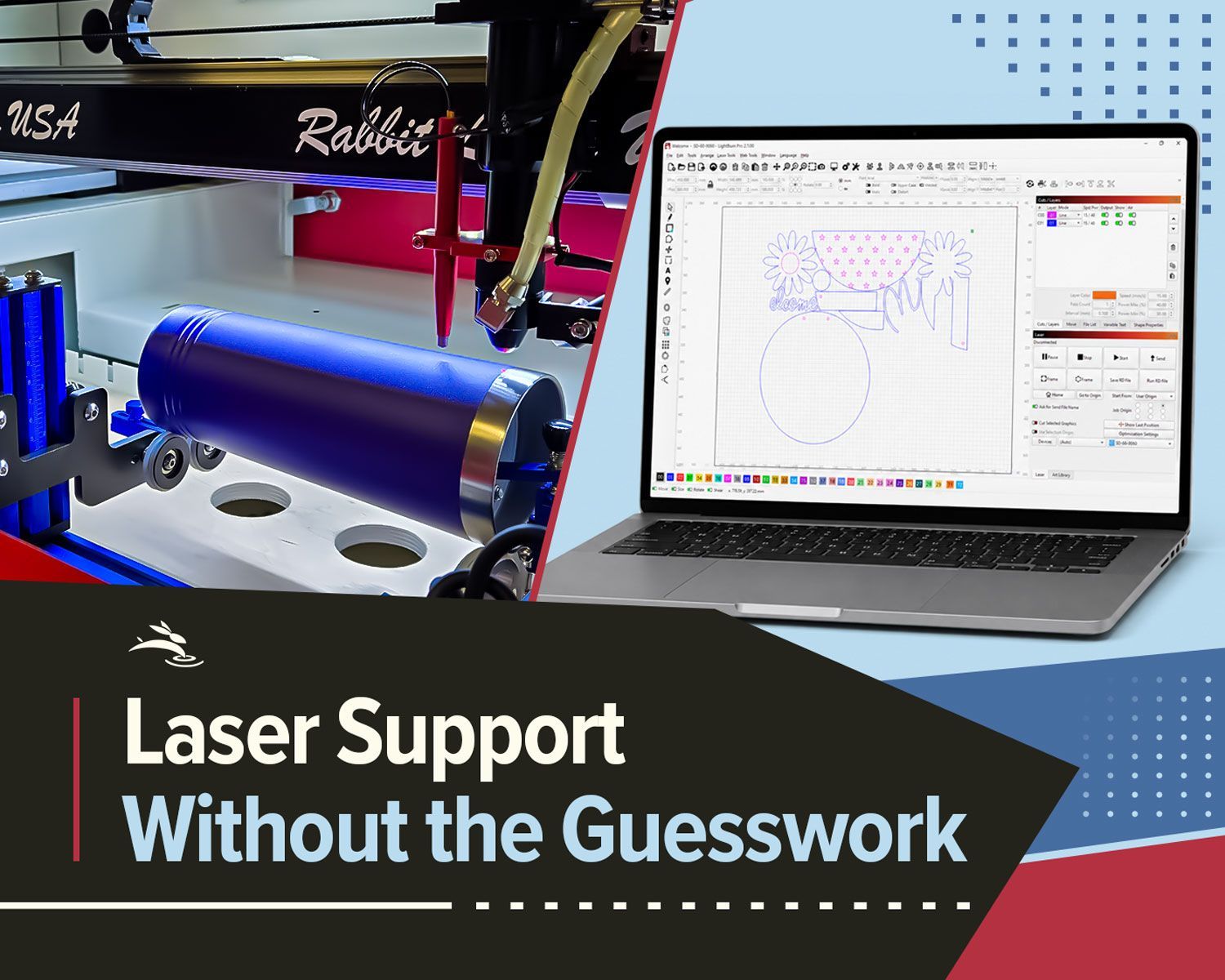
- Incorrect LightBurn settings
- Wrong power or speed settings
- File setup issues
- Controller questions
Workflow questions
- Focus problems
- Air assist questions
- Exhaust concerns
- Rotary setup
- Basic alignment checks
- Material testing questions
That saves time and money.
Sometimes the fix is simple once someone walks through it with you.
Downtime is not just inconvenient. If your machine is down, you may be losing production time, wasting material, missing customer deadlines, or delaying work that should already be finished.
A phone call that gets you running again can be worth a lot.
Parts Availability Matters When Your Machine Is Down
Support is not only about advice. Sometimes you need a part.
A lower upfront price may look good until your machine is down and you’re waiting on a lens, mirror, belt, sensor, switch, tube, power supply, or another replacement part.
Before you buy, ask:
- Is the part available?
- Is it stocked in the United States?
- Can someone help confirm that it is actually the part you need?
- Can it ship quickly?
Rabbit Laser USA keeps many parts on site. When available, parts can often ship the same day or next day.
That can be the difference between waiting and getting back to work.
For a hobby user, waiting may be annoying. For a business, school, or production shop, waiting can be expensive. Every day the machine is down is a day it is not doing what you bought it to do.
Fast parts support helps protect your investment.
Buying Support Later Can Erase the Savings
We have worked with laser owners who bought elsewhere, then came to us when they needed help after the sale.
- They needed setup.
- They needed training.
- They needed parts diagnosed.
- They needed service.
- They needed local, knowledgeable help to get running.
That says a lot about the value of real support.
The price on the product page is only one part of the purchase. If you save money upfront but later pay for setup, training, troubleshooting, parts diagnosis, or lost production time, the original savings may not be savings anymore.
Support has value.
It may not always show up clearly on a product listing, but it shows up the first time you need help.
What You Get When You Buy From Rabbit Laser USA
When you buy from Rabbit Laser USA, you are not just buying the machine.
You are buying the support behind it.
That includes:
- Help choosing the right laser
- Guidance during setup
- Technical support from people who work with the machines
- Parts availability
- Real-world troubleshooting experience
- Help understanding software, settings, and workflow questions
Many issues can be handled over the phone, which helps customers avoid the time and expense of a service visit.
When a part is needed, having parts on site and available to ship quickly can help reduce downtime.
That matters whether you are running a business, teaching students, making custom products, or adding laser work to an existing shop.
The machine matters. The support behind it matters just as much.
Before You Buy, Ask About Support
Before choosing a laser based on price alone, ask a few practical questions:
- Who will help me set it up?
- Who will train me?
- Who can help if the laser does not fire?
- Who can diagnose parts?
- Are parts available quickly?
- Can most issues be handled over the phone?
- Will I be talking to someone who actually understands laser machines?
Those questions can save you a lot of frustration later.
A laser machine is an investment. The right machine can help you create, produce, teach, and grow. The best laser for you is not always the one with the lowest price.
It is the one that fits your work and has the support behind it to keep you moving.
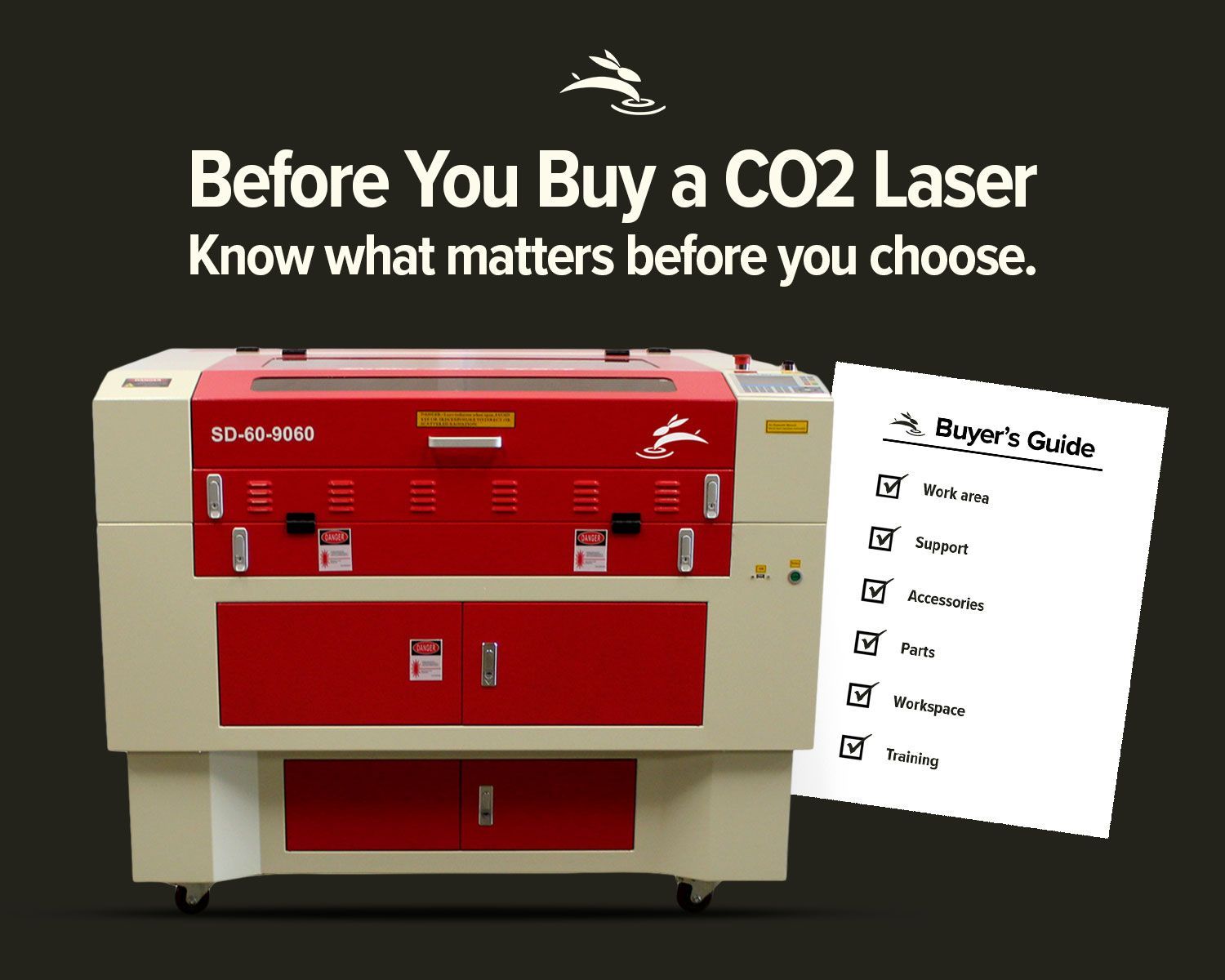
If a 36×24 work area matches the projects you want to take on, compare our 9060 CO₂ laser machines to see which configuration fits your shop.
If you are looking at laser machines and want help choosing the right one, contact Rabbit Laser USA. We can help you understand your options before you buy, so you know what machine, support, and parts access you are getting from the start.