Laser Machine Support: What Can Be Solved Remotely?
Buying a laser machine is a big decision. You are not just looking at work area, wattage, speed, or software. You are also asking a much bigger question:
What happens when I need help?
That is where support matters.
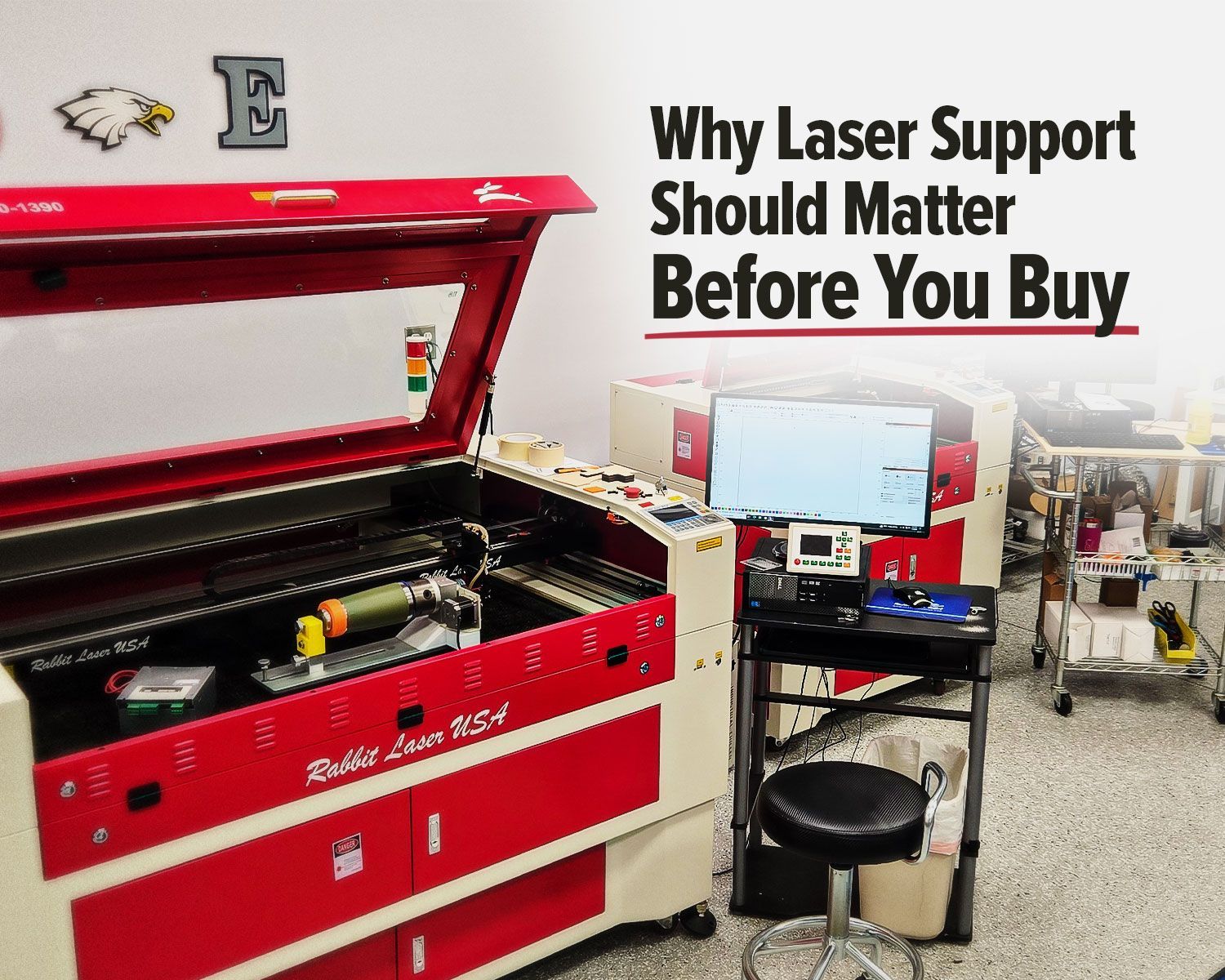
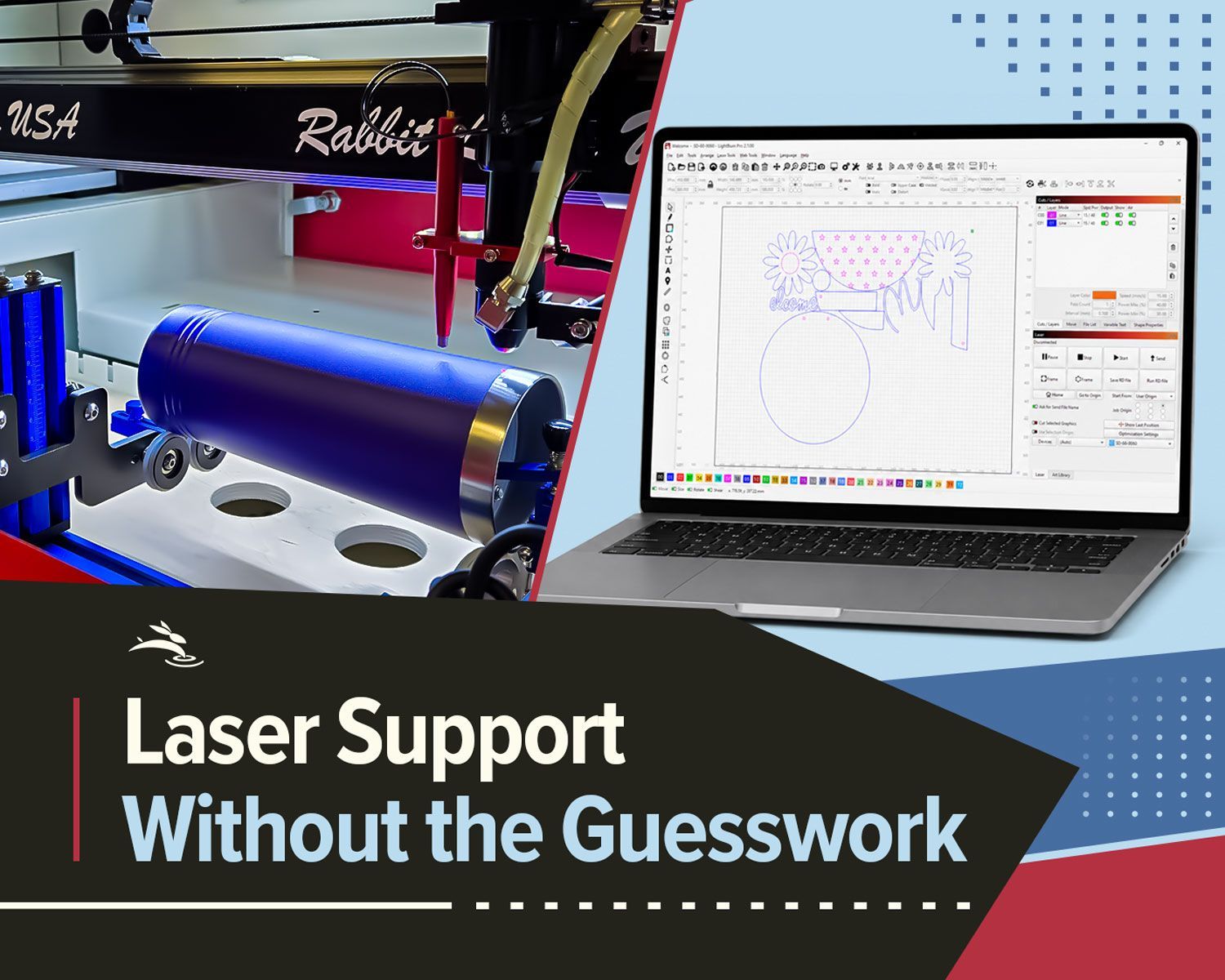
At Rabbit Laser USA, support is not treated like an afterthought. It is part of the machine experience. Many common laser questions and issues can be handled remotely through phone calls, email, photos, videos, text messages, FaceTime, TeamViewer, and software screen sharing.
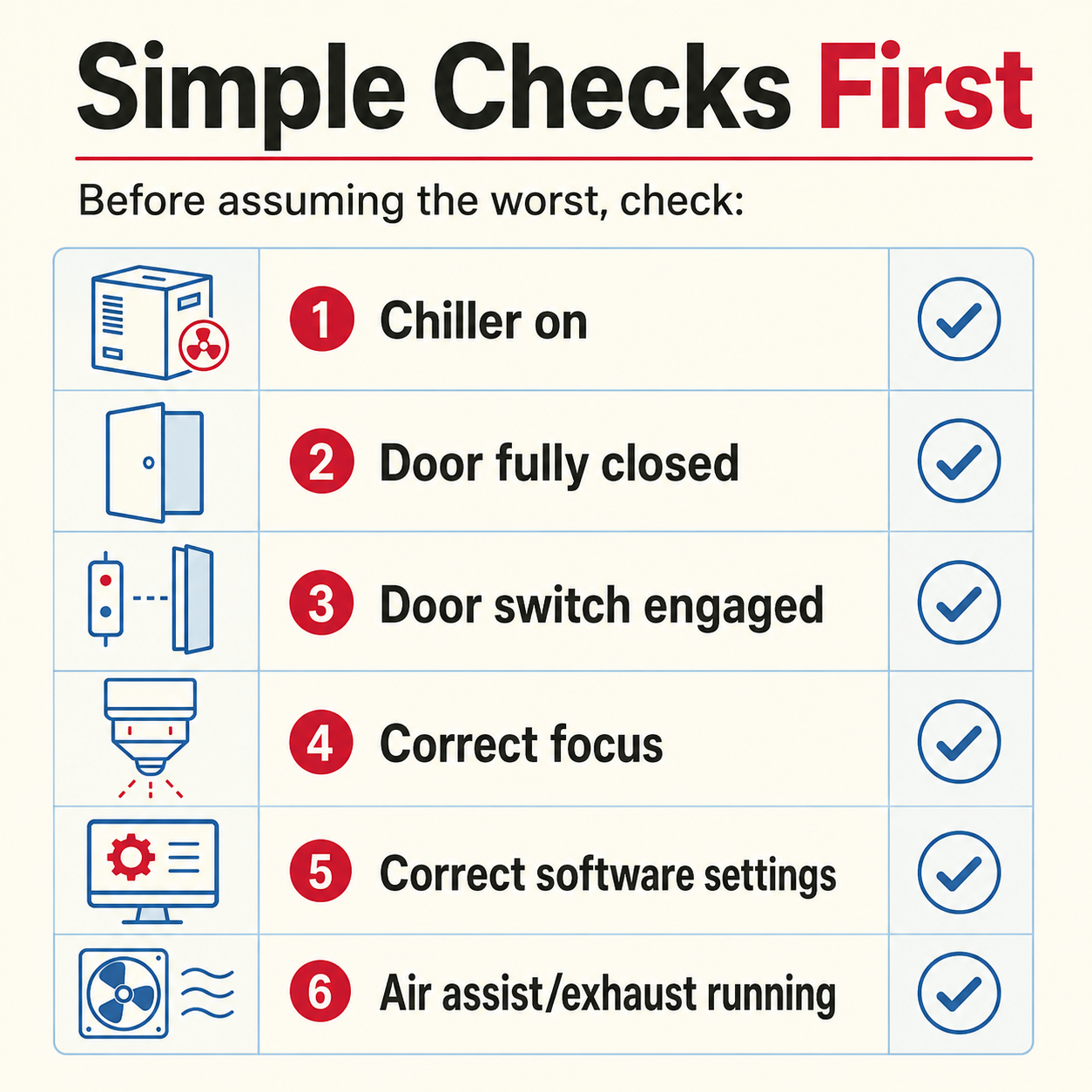
Not every issue requires a service visit. Sometimes the problem is a setting. Sometimes the machine is slightly out of focus. Sometimes the chiller is not turned on. Sometimes a door switch is not fully engaged. The goal is to help you find the issue without guessing, wasting time, or ordering parts you may not need.
Remote Support Starts With Understanding the Problem
When a laser is not cutting, engraving, marking, or moving the way it should, it can feel like something major is wrong.
In many cases, the first step is not replacing a part. The first step is asking the right questions.
Remote support helps narrow things down. We may ask for a photo, a short video, a screenshot of your software, or a quick look at the machine while it is running. Those small details can tell a much bigger story.
A sound, a light on the controller, a warning message, a water flow issue, or even where the laser head is parked can point us in the right direction.
It is a lot like hearing a weird noise in your car. You do not immediately replace the engine. You check the simple things first. Lasers are not much different, except they are slightly less likely to drip oil on your driveway.

Software Questions
A lot of “machine problems” actually start as software or setup questions.
For CO₂ laser machines, LightBurn questions are common. These may include file setup, layer settings, origin behavior, job preview, power and speed settings, rotary setup, or communication between the computer and the machine.
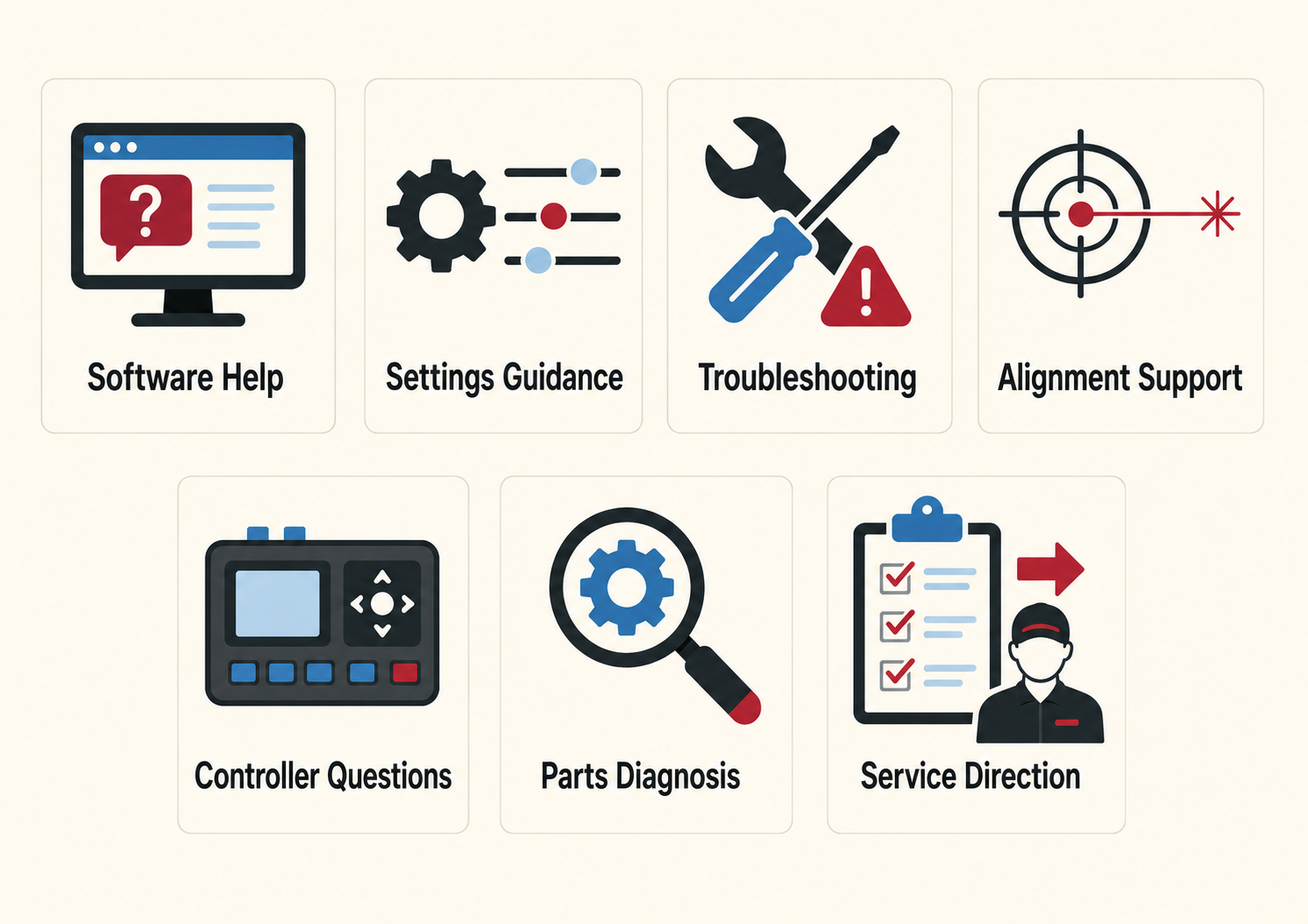
Remote support can help with things like:
- LightBurn setup
- File import questions
- Origin and positioning issues
- Layer settings
- Power and speed confusion
- Rotary setup
- Job preview questions
- Computer-to-machine communication
For fiber marking machines, software questions may involve marking settings, lens size, focus, frequency, hatch settings, fill patterns, and positioning.
Sometimes the machine is doing exactly what the software told it to do. It just may not be what the user expected. That is where support can help connect the dots.
Settings Help
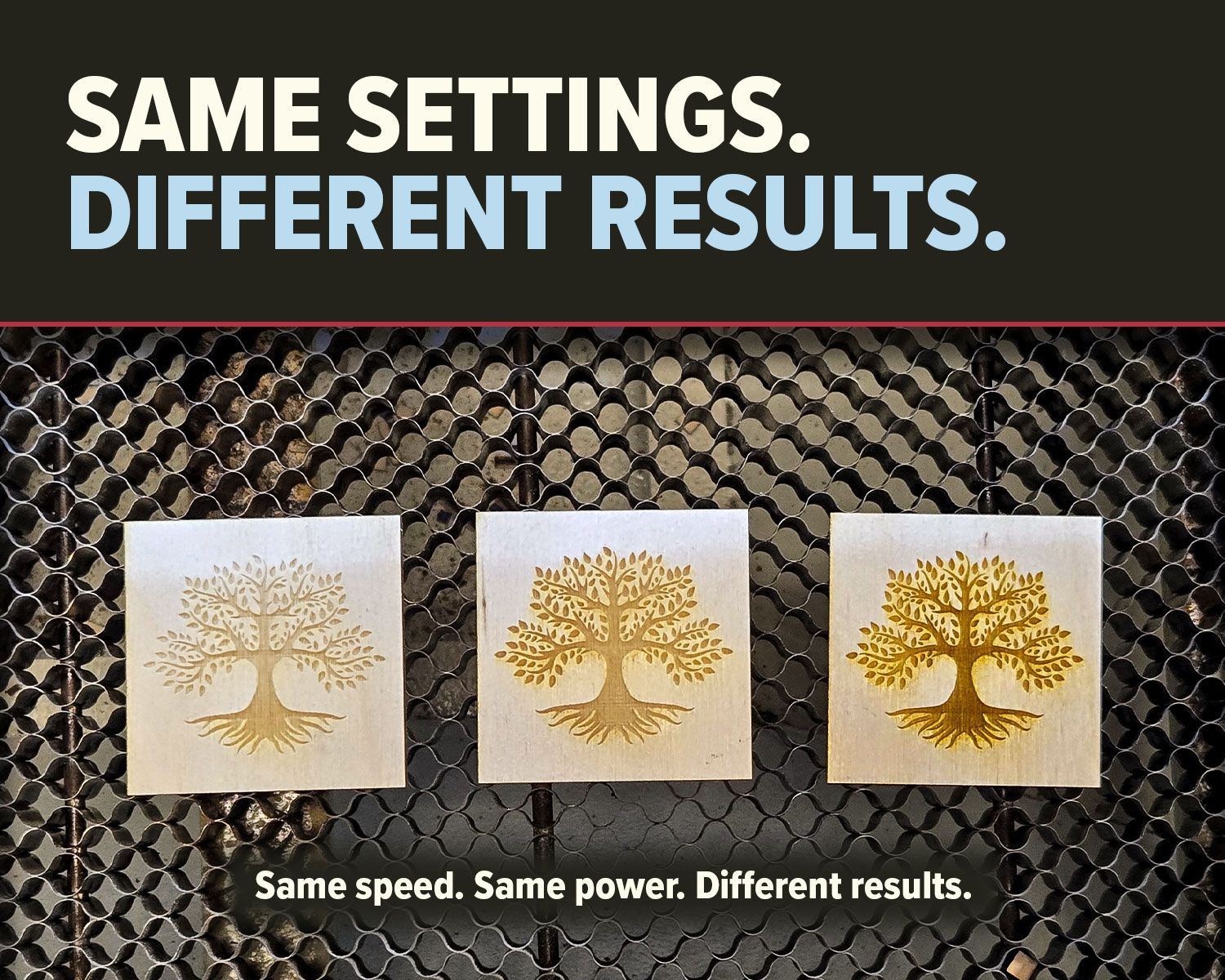
Laser settings can feel confusing at first because there is no single magic number that works for every material.
Wood, acrylic, leather, stainless steel, coated metal, anodized aluminum, glass, and plastics all react differently. Even two pieces of the same material can behave differently depending on thickness, coating, moisture, color, or surface finish.
Remote support can help guide adjustments like:
- Power
- Speed
- Frequency
- Line interval
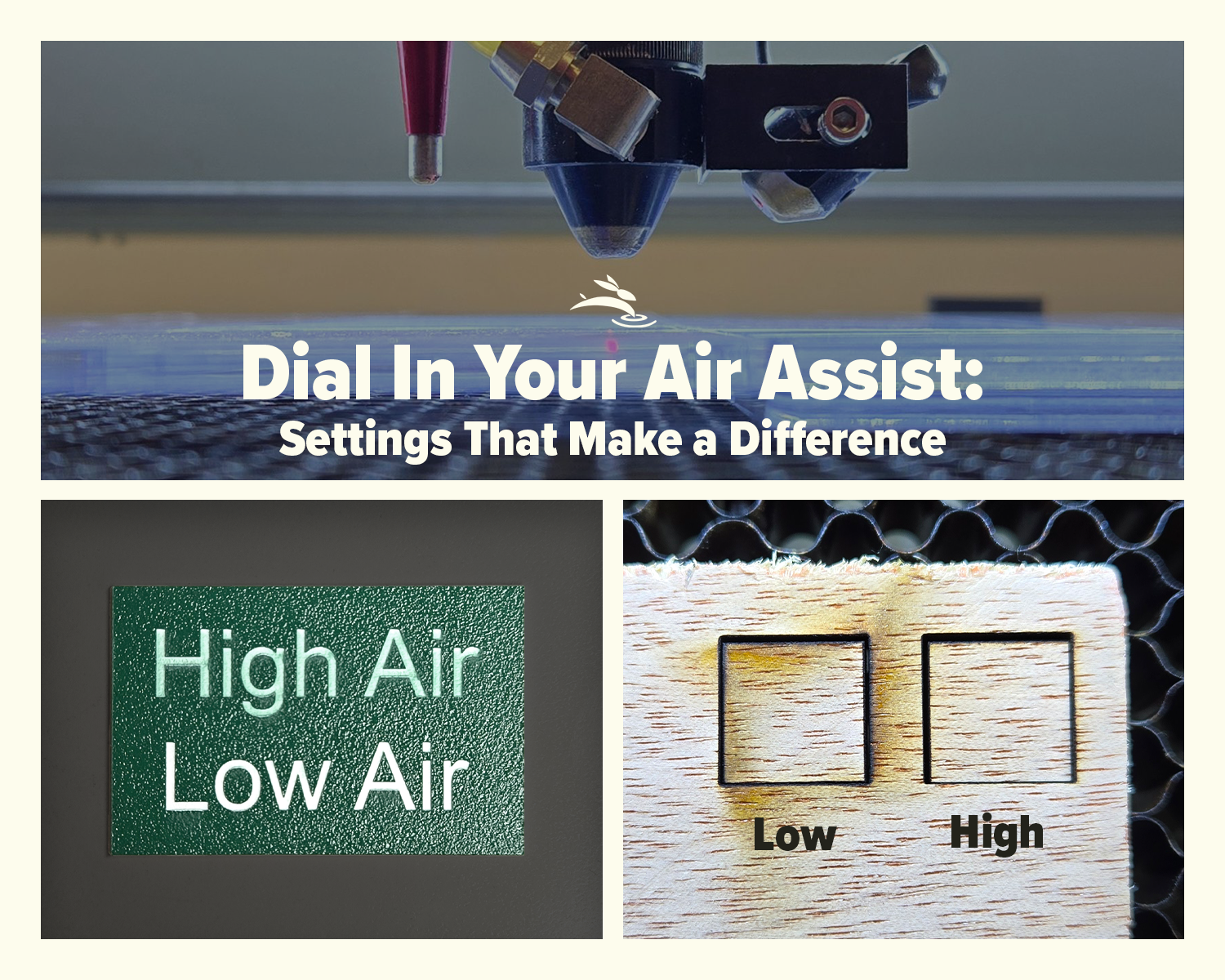
- Air assist
- Focus
- Pass count
- Engraving depth
- Cutting performance
- Marking contrast
For example, if a fiber laser is not producing the expected mark, the problem may not be the laser source. It may simply be out of focus. A small focus adjustment can make a major difference in marking quality.
That is the kind of issue remote support can often help identify quickly.
Troubleshooting Common Machine Issues
Troubleshooting is one of the biggest areas where remote support can save time.
Common CO₂ laser questions may involve:
- Laser not firing
- Weak cutting power
- Chiller not turned on
- Water flow warnings
- Door switch not engaged
- Exhaust concerns
- Air assist problems
- Inconsistent engraving
- Machine movement issues
- Rotary problems
Common fiber laser questions may involve:
- Focus issues
- Low contrast marks
- Marking area setup
- Lens selection
- Rotary setup
- Software settings
- Foot pedal questions
- Door interlock questions
- Positioning issues
Some issues are very simple once you know where to look. A CO₂ laser may not fire because the chiller is off. A machine may not run because a door switch is not fully engaged. A fiber laser may mark poorly because the part is sitting outside the correct focal range.
These are not embarrassing mistakes. They are normal parts of learning a machine. Good support helps you solve them without making you feel like you should have known already.
Alignment Guidance
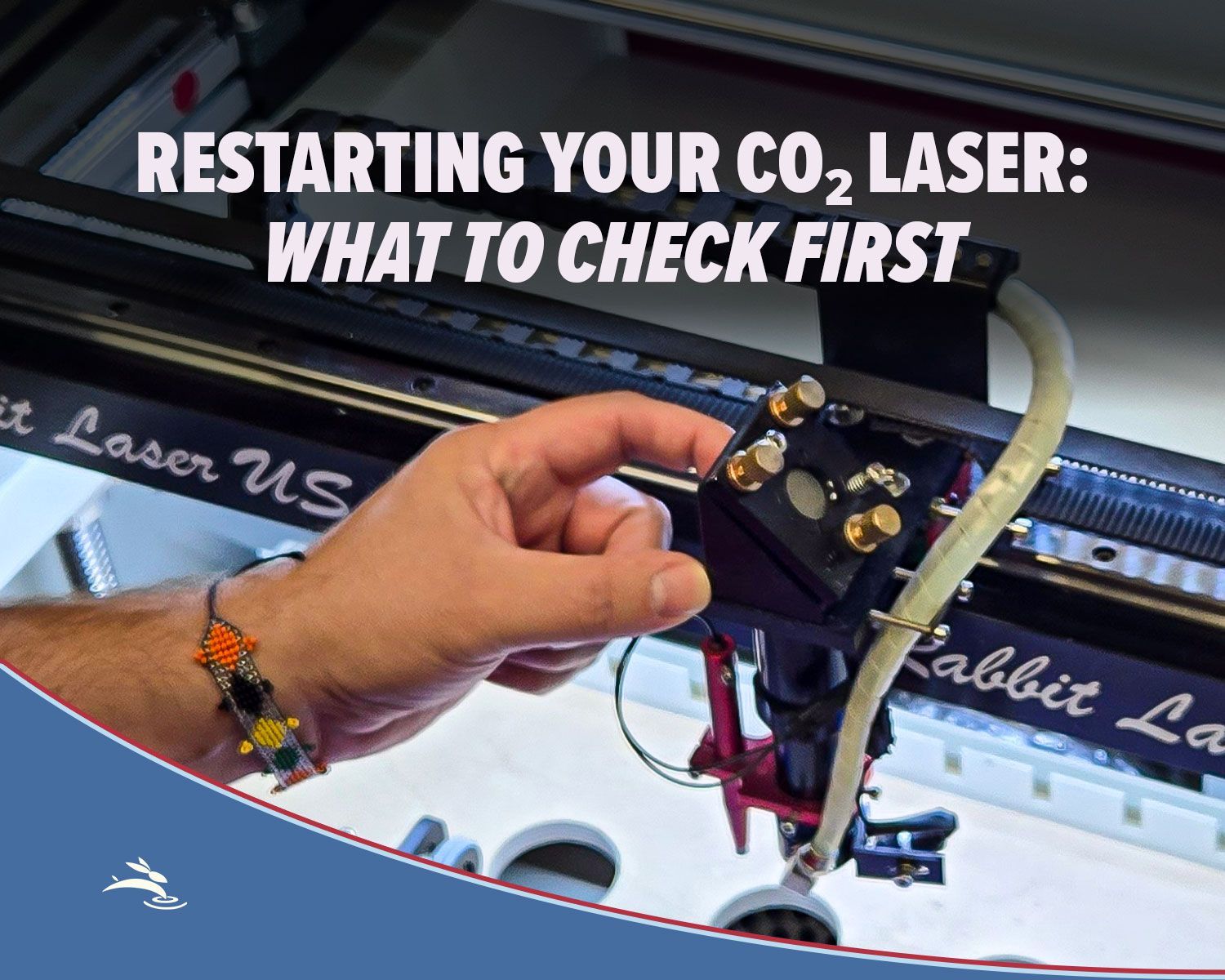
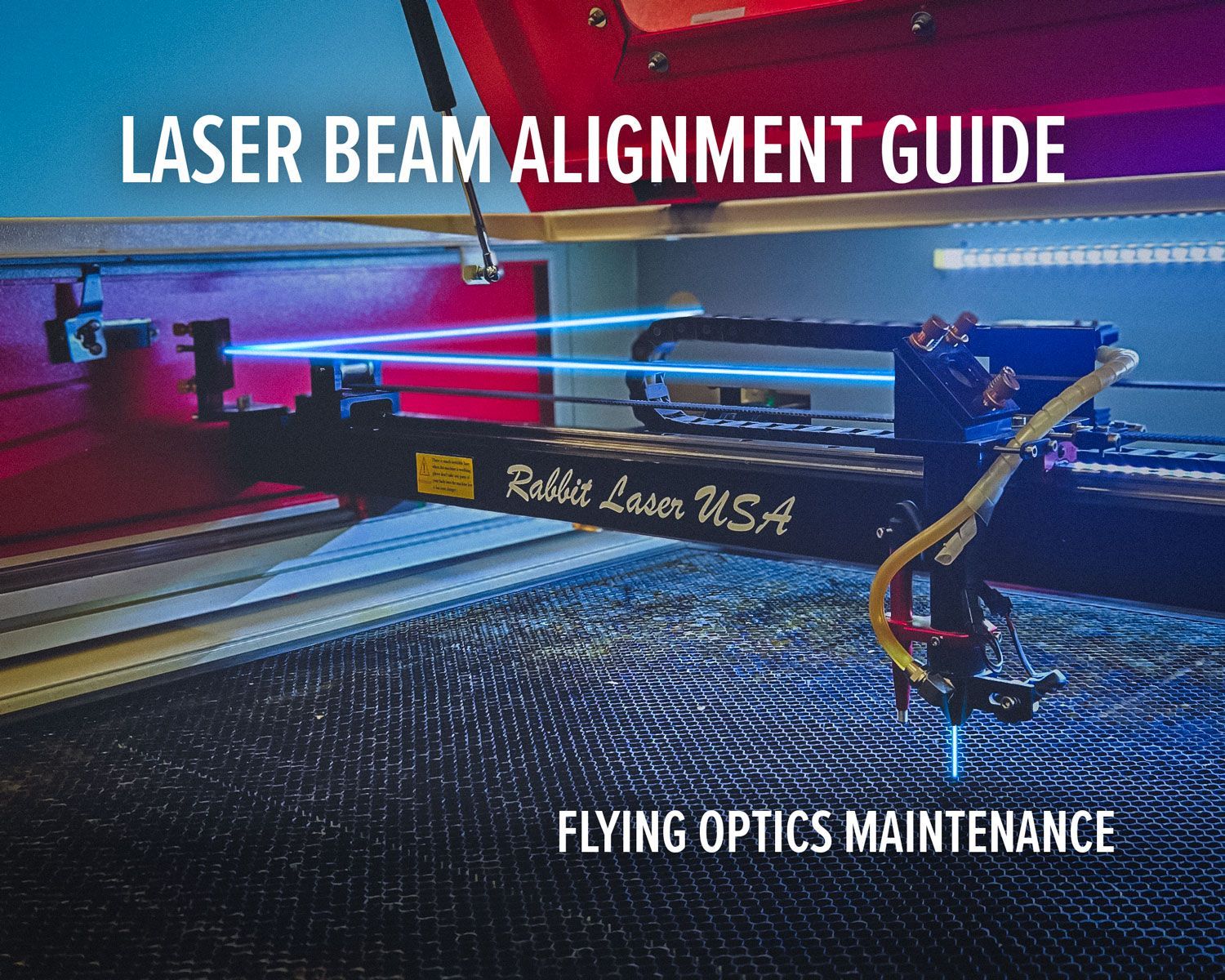
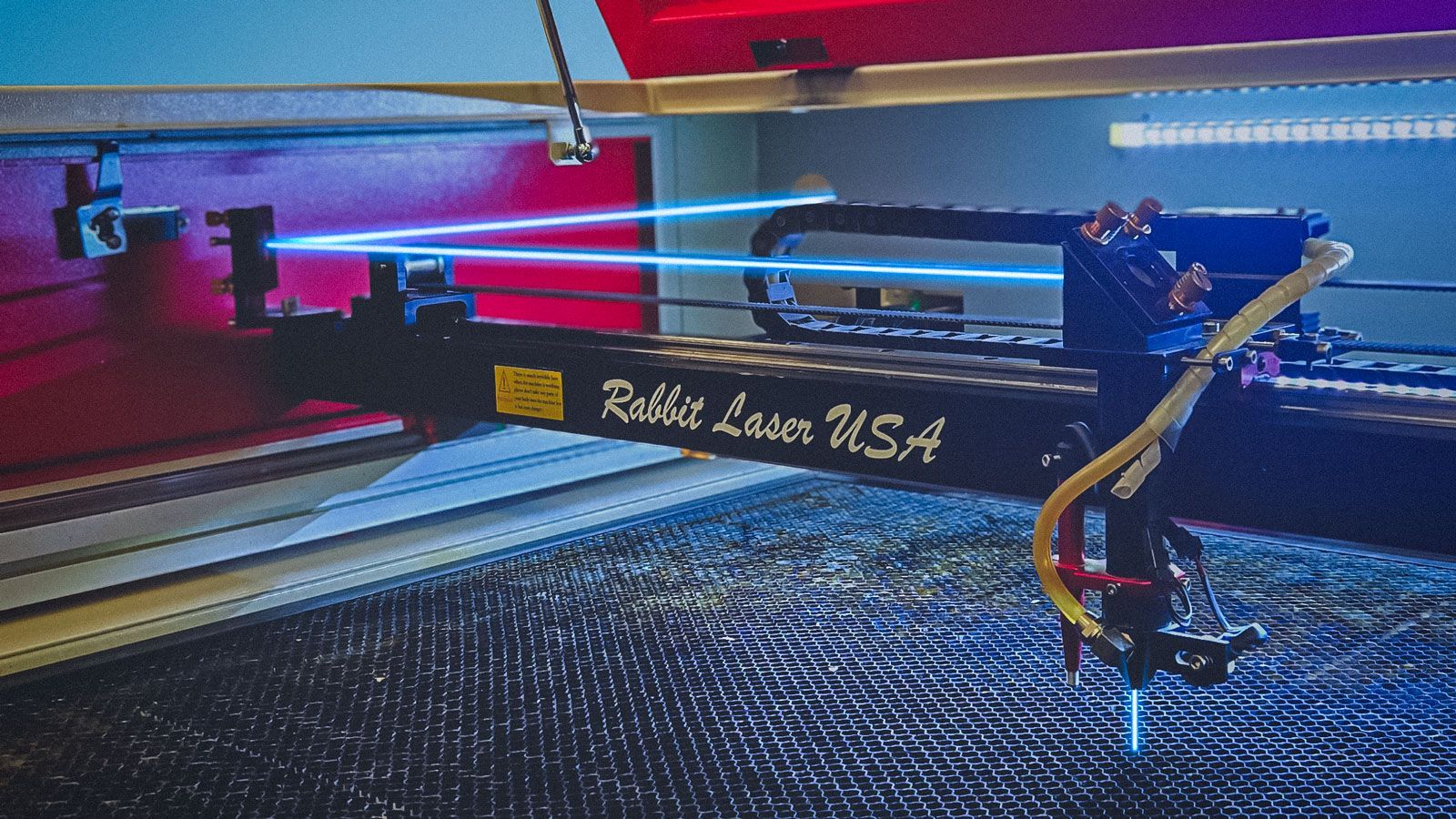
Beam alignment is one of the most important parts of owning a CO₂ laser machine.
If the beam is not aligned correctly, the machine may cut well in one area of the bed and poorly in another. You may also see weak cutting power, uneven engraving, or trouble cutting thicker material.
Remote support can help guide users through alignment checks by using photos, videos, and step-by-step direction.
This may include:
- Checking mirror alignment
- Reviewing the beam path
- Confirming lens direction
- Checking focus
- Looking at test fire results
- Comparing performance across the bed
Alignment can sound intimidating, especially for a newer owner. With clear guidance, many users can work through the process and better understand their machine.
The win is not just getting the machine cutting again. The win is helping the owner become more confident using it.
Controller Questions
The controller is the command center of the machine. When something does not behave as expected, the controller settings are often part of the conversation.
Remote support can help with questions about:
- Origin settings
- Frame function
- Job memory
- File sending
- Start position
- Machine coordinates
- Rotary mode
- Z-axis questions
- Error messages
A controller issue does not always mean something is broken. Sometimes it is a setting, a mode, or a positioning choice that needs to be corrected.
This is another reason it helps to have support from people who understand the full machine, not just one piece of it.
When Parts Are Needed
Remote support is also helpful when a part may be needed.
The goal is not to guess. The goal is to identify the most likely cause before money is spent.
Parts may be needed for things like:
- Lenses
- Mirrors
- Laser tubes
- Power supplies
- Belts
- Limit switches
- Water sensors
- Chiller parts
- Fiber lenses
- Protective windows
- Rotary parts
Good support should help you avoid buying parts you do not need. When a part is needed, support should help you identify the right part the first time.
That saves time, money, and frustration.
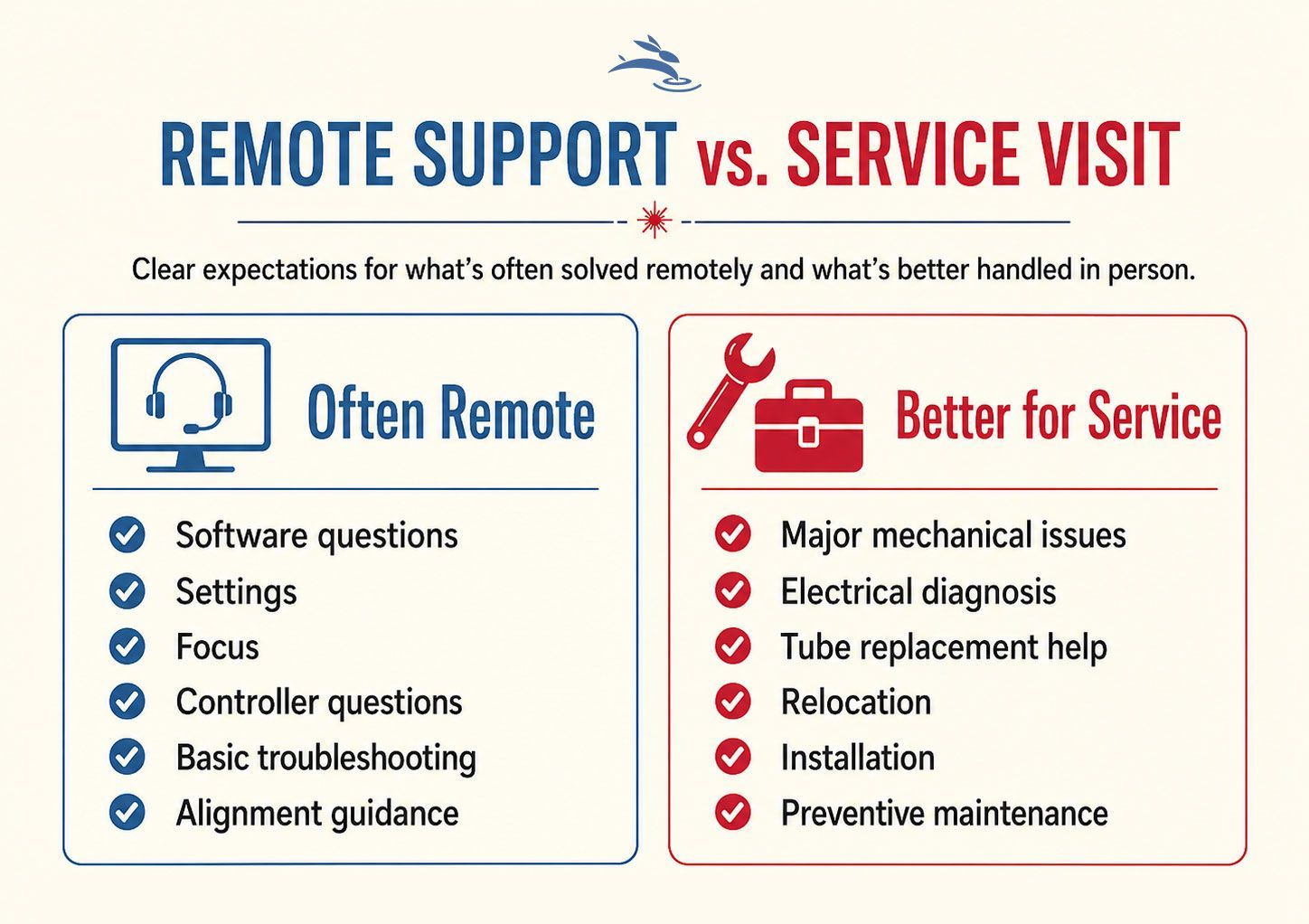
When Service Is the Better Answer
Remote support is powerful, but it is not the answer for every situation.
There are times when hands-on service is the better choice. This may include major mechanical issues, electrical diagnosis, repeated alignment problems, machine relocation, tube replacement help, installation, training, or preventive maintenance.
Knowing when service is needed is part of good support.
The point of remote support is not to avoid service at all costs. The point is to find the best next step. Sometimes that means solving the issue remotely. Sometimes that means sending a part. Sometimes that means scheduling service.
A good support process helps make that decision clearer.
Support Builds Confidence
Laser machines are tools. Like any tool, questions will come up.
The difference is whether you are left to figure everything out on your own.
At Rabbit Laser USA, lifetime support is part of the value we provide. Whether it is a software question, a settings issue, alignment guidance, controller confusion, troubleshooting, parts, or service, our goal is to help you keep moving.
Because support should be more than a promise on a sales page.
It should be something you can count on when the machine is in front of you, the job needs finished, and something is not acting right.
Need help with your Rabbit Laser USA machine? Contact us and we will help you figure out the best next step.