What to Cut or Engrave With A Laser
When you first get a laser, the big question is pretty simple:
“Okay… what can I actually put in this thing?”
The long answer depends on two main things:
This guide focuses mainly on CO2 laser engravers and cutters like Rabbit Laser USA’s SD and DL series machines—great for wood, acrylic, leather, glass, and more. We’ll also touch on when fiber lasers make more sense, especially for metal.
We’ll walk through:
- Materials your CO2 laser loves
- Materials you should never cut
- Simple project ideas by material
- When to step up to a fiber laser
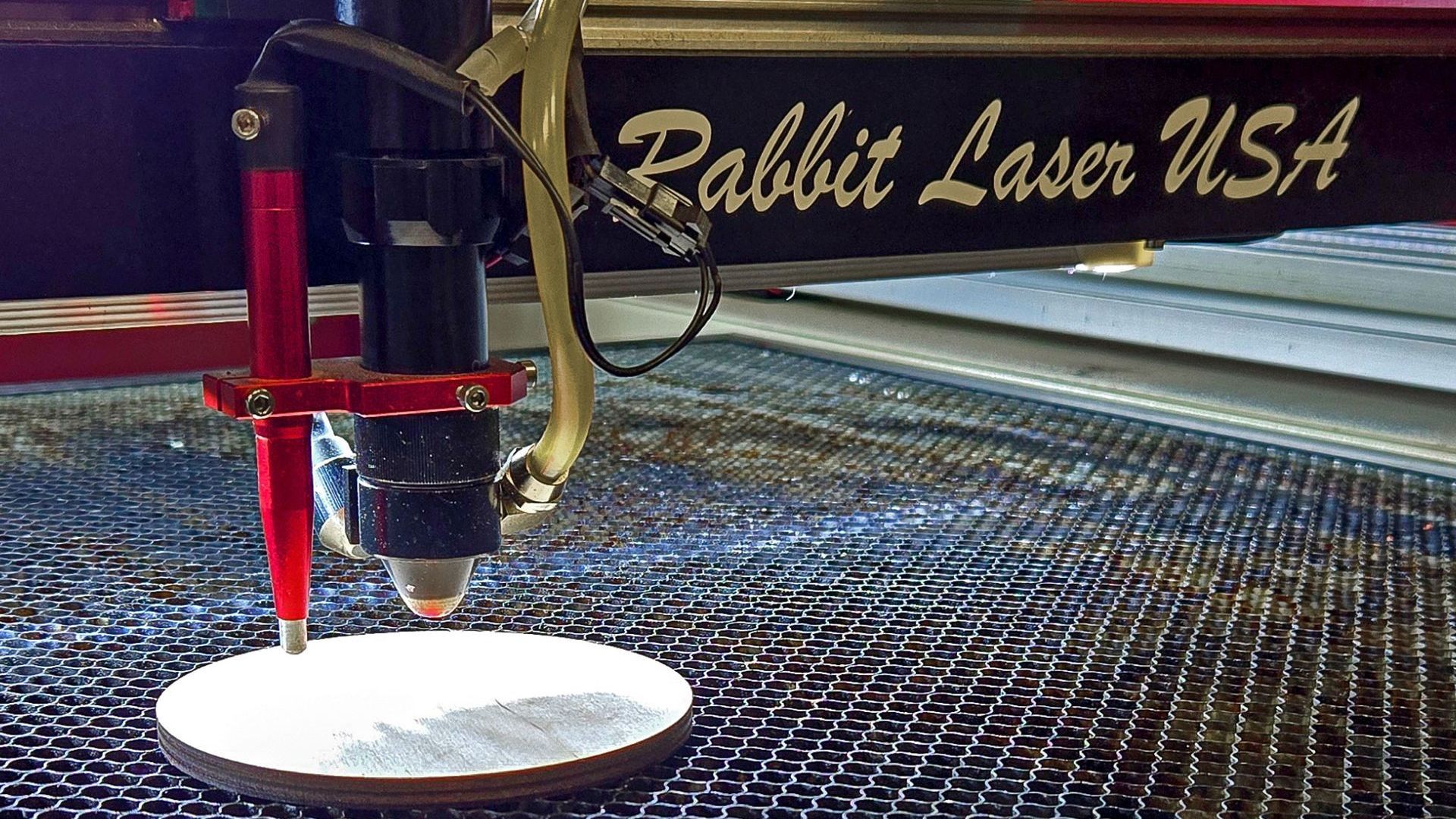
CO2 vs. Fiber: Why the Laser Type Matters
Before we talk materials, it helps to know the basic roles:
- CO2 lasers
Best for: wood, acrylic, leather, paper, glass, rubber, and coated/painted metals (marking only).
Think: signs, home décor, gifts, tumblers, models, craft products. - Fiber lasers
Best for: bare metals like stainless steel, aluminum, brass, and titanium, plus many plastics.
Think: industrial tags, tools, jewelry, serialized parts, firearm marking.
If you’re trying to cut or engrave bare metal, that’s fiber territory. A CO2 machine can mark coated metals (like powder-coated tumblers or anodized tags), but it isn’t designed to engrave raw metal directly.

Popular Materials Your CO2 Laser Loves
1. Wood & Engineered Woods
This is where most people start—and for good reason.
Great options:
- Solid woods: maple, cherry, walnut, pine
- Plywood: especially cabinet-grade or “laser-safe” birch
- MDF / HDF: for letters, stacking projects, jigs, and prototypes
Project ideas:
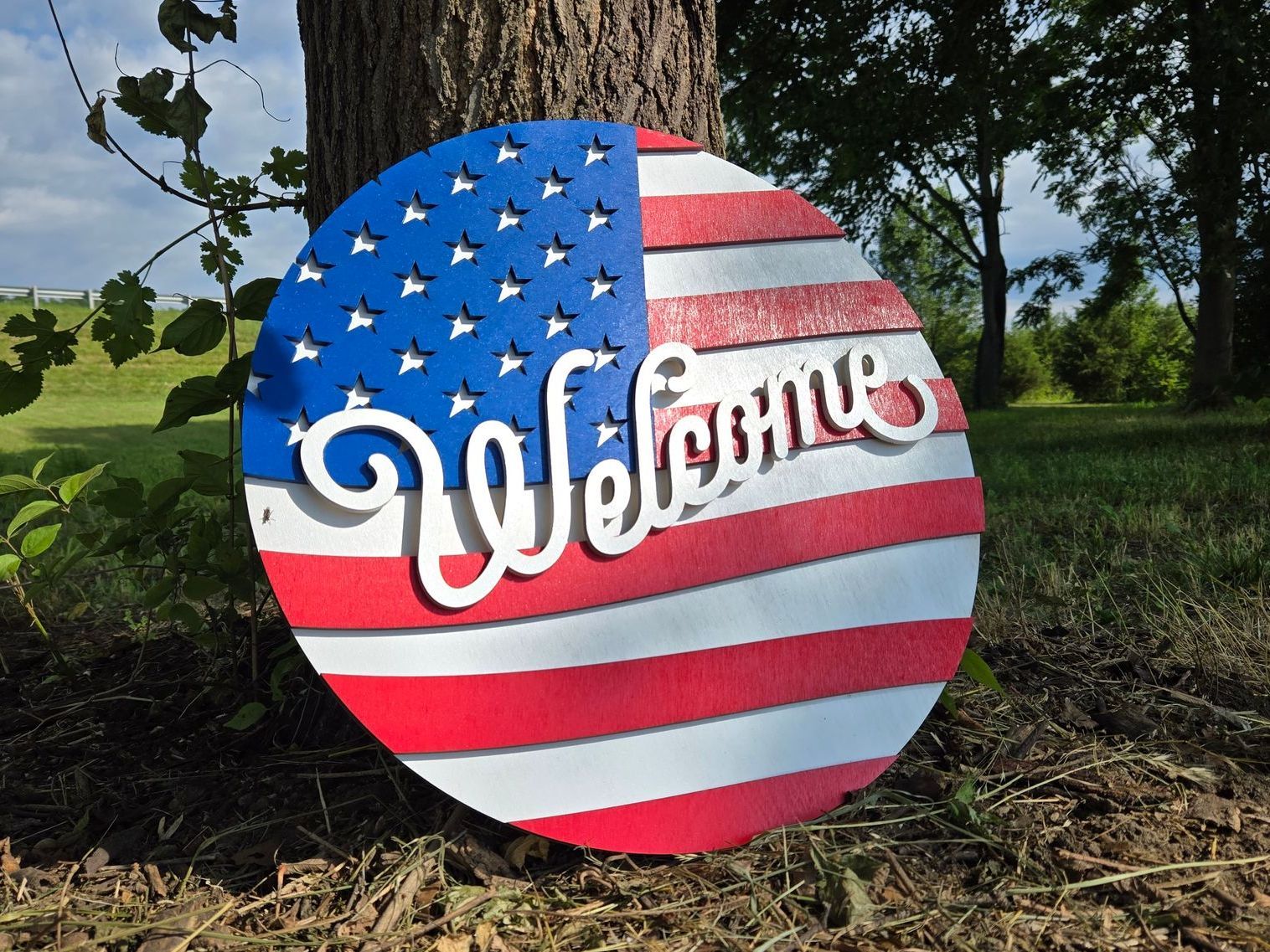
- Door hangers and welcome signs
- Ornaments and holiday décor
- Boxes, displays, and organizers
- Wall art and layered signs
If you’re working with reclaimed wood, pallet wood, or cheap composite boards, be sure to check out our blog “Laser Engraving Reclaimed & Composite Woods: Key Tips & Risks” for hidden dangers like nails, unknown finishes, and fumes.
2. Acrylic & Laser-Safe Plastics
Acrylic is one of the cleanest-cutting materials on a CO2 laser.
Good choices:
- Cast acrylic (clear or colored)
- Opaque and translucent sheets
- Mirror acrylic (engrave from the back)
- Some signage plastics and engraving laminates
Project ideas:
- LED edge-lit signs
- Keychains and bag tags
- Awards and plaques
- Display stands and risers
You’ll get polished edges and sharp engravings when settings are dialed in properly.
3. Leather, Cork & Other Organics
CO2 lasers work well with many organic materials.
Common options:
- Vegetable-tanned leather (ideal for wallets, patches, bands)
- Cork sheets and coasters
- Bone, antler, and some shells
- Unfinished wood slices and slabs
Project ideas:
- Leather patches and hat badges
- Coasters and barware sets
- Belt straps and key fobs
Stick to veg-tan leather whenever possible. Chromium-tanned leather and some “mystery” leathers can release toxic fumes when lasered.
4. Paper, Cardstock & Cardboard
Don’t underestimate paper—it lasers beautifully.
Good options:
- Cardstock and scrapbook paper
- Chipboard and thin cardboard
- Paperboard packaging prototypes
Project ideas:
- Wedding invites and lace-style cards
- Gift boxes (like curved or pillow-style boxes)
- Packaging mockups and sleeves
You can run quick jobs, low cost, with a lot of visual impact.
5. Fabrics & Textiles
Many fabrics do well in a CO2 machine when you know what you’re working with.
Generally laser-friendly fabrics:
- Cotton and cotton blends
- Felt (wool or many synthetics)
- Denim and canvas
- Some polyester blends (test first)
Project ideas:
- Appliqué pieces for embroidery
- Patches and labels
- Custom jean and jacket details
For a deeper dive, see our blog “Laser-Cutting Fabric: What Works, What Doesn’t, and Why” when you’re ready to experiment with more textiles.
6. Glass, Stone & Ceramics (Engrave Only)
CO2 lasers engrave these materials—they don’t cut through them.
Materials that engrave well:
- Glassware: mugs, pint glasses, wine glasses
- Slate coasters and tiles
- Some stones and river rocks
- Glazed ceramic tiles and mugs
Project ideas:
- Bar sets and engraved glassware
- House number or address plaques
- Memorial stones and garden markers
Use lighter settings and good masking or wet methods (like a thin layer of soapy water) to help reduce chipping and stress in glass.
7. Coated Metals & Tumblers
Your CO2 laser can’t engrave bare metal—but it can burn off coatings neatly.
Good candidates:
- Powder-coated stainless steel tumblers
- Anodized aluminum tags and plates
- Painted metal signs (for marking only)
The laser is removing or bleaching the coating, not the metal itself. If you need permanent marks directly in metal with no coating, that’s where a fiber laser like our 50W XTL-FP series comes in.

Materials You Should Not Cut With a CO2 Laser
Just because something fits in the machine doesn’t mean it’s safe to fire on.
Here are some materials you should never cut—and usually not engrave either:
1. PVC, Vinyl & “Faux Leather”
PVC and most vinyl products contain chlorine. When you laser them, they release:
- Chlorine gas
- Hydrochloric acid fumes
Those fumes are toxic to you and corrosive to your machine’s metal parts, wiring, and optics.
These can show up as:
- Plumbing pipes (marked “PVC”)
- Flexible “vinyl” sign materials
- Many faux leathers and vinyl seat materials
If you’re not sure and it smells like a pool supply aisle when heated, back away from the start button.
2. Polycarbonate / Lexan
Polycarbonate:
- Tends to melt and burn, not cut cleanly
- Produces harsh fumes that can damage the machine and are bad for your lungs
Acrylic is usually a better choice if you want a clear, rigid plastic that cuts well.
3. ABS Plastic
ABS is common in 3D printing and many molded parts—but it’s a bad match for a CO2 laser:
- It melts into goo and can easily catch fire
- It can release hydrogen cyanide when burned—another extremely toxic gas
If a project calls for ABS, look at alternate methods like CNC, saws, or mechanical cutting instead.
4. Unknown Plastics, Laminates & Coatings
If you don’t know what’s in it, treat it with caution.
Be especially suspicious of:
- Very heavy “wood” sheets that might be resin-heavy composites
- Old painted items with unknown paints or finishes
- Mystery plastics with no recycling symbol or labeling
When in doubt, grab a scrap, research the material, or skip it. Your lungs and your laser are worth more than one experiment.
Quick Checklist: “Can I Laser This?”
Run through this mental checklist before you hit Start:
- What’s the material?
Look for labels, recycling symbols, or product specs. - Is it on a “never cut” list?
If you see PVC, vinyl, polycarbonate, ABS, or chromium-tanned leather, it’s a no-go. - Is it clean and untreated?
Avoid unknown paints, pressure treatments, or mysterious coatings. - Did you set up proper exhaust?
Even safe materials create fumes and smoke—good ventilation is a must. - Did you run a small test?
Use scrap and a small test pattern to see how it reacts before committing to a full project.
If you’re ever unsure, contact our team—we’d rather talk you out of one risky material than have you damage a machine or breathe something nasty.
Who Uses Laser Cutters—and For What?
Because CO2 lasers handle so many non-metal materials, they work in a lot of settings:
- Sign shops & makers
Custom signage, logo displays, shelf talkers, POP displays, branding and craft products. - Small businesses & Etsy sellers
Ornaments, door hangers, keychains, charcuterie boards, wedding décor, and branded gifts. - Schools & makerspaces
Classroom projects, STEM/STEAM builds, fundraiser items, architecture models, theater props. - Hobbyists & tinkerers
RC plane and car parts, models, cosplay pieces, organizers, and home décor.
If you’re curious what’s possible, our blog “Profitable Beginner Laser Projects: Gifts & Decor That Sell” is a great next stop for ideas.
Safety Note: Class 1 Enclosures & Good Habits
Rabbit Laser USA’s enclosed CO2 machines are designed to meet Class 1 laser safety standards when properly installed and used with their interlocks, exhaust, and covers in place. That means:
- No stray laser beam exposure in normal use
- Shielding between you and the beam path
- Added safety for shops, schools, and shared spaces
You’ll still want to:
- Avoid unsafe materials like PVC and ABS
- Use proper ventilation and filtration
- Keep optics and work areas clean
- Never run the machine unattended
For a deeper breakdown, see our blog “Class 1 Laser Safety: What It Means for Your Shop.”
Not Sure If Your Material Is Safe?
You don’t have to guess alone.
- Call our team: 513-217-5707
- Send us a photo or description of the material
- Ask which Rabbit laser fits what you want to cut or engrave
We can help you decide:
- Whether your material is safe for a CO2 machine
- If your application really calls for a fiber laser instead
- Which wattage and bed size make sense for your shop
Cut. Create. Conquer.—with the right material on the bed and the right laser for the job.