What about FONTS for my laser software?

Ther LaserCut 5.x software uses whatever fonts are included in your computer system. If you want more fonts, then simply add more fonts to the Windows font directory. You can purchase any specialty fonts that you may want. There are MANY fonts that get installed with Corel and also with MS Office. Many people throughout the Internet have created fonts and make those fonts free and available for download.
Some of my Favorite Fonts.

  • Stencils - Fonts that could be cut out of sheet material and support the inner holes of letters.
  • Dots - Fonts that are composed of dots dashes or other particles that build each letter.
  • Dripping - Fonts with an effect of blood, paint, or some other loquid dripping off of each letter.
  • WingDings - Fonts with embedded pictures.. These pictures may or may not be laser cut as stencils. Mainly nice to just vector mark into trinkets.

YES... We will be adding more free fonts as we get time to do so.

Some of my preferred web sites for downloading free fonts.


A word about respecting fonts:
    You may not reconstruct, deconstruct, reverse engineer, decompile, or reproduce any design or component of the Fonts packages or security devices. Each font package may have its own set of "End User License Agreements". The preinstallation of such software packages does not remove the end user from obligation to uphold the terms of the agreements. Most all font packages offered here have been collected from freeware sites. If you attempt to install font or software which requests payment for usage, then you need to comply with such terms for payment or cancel installation.
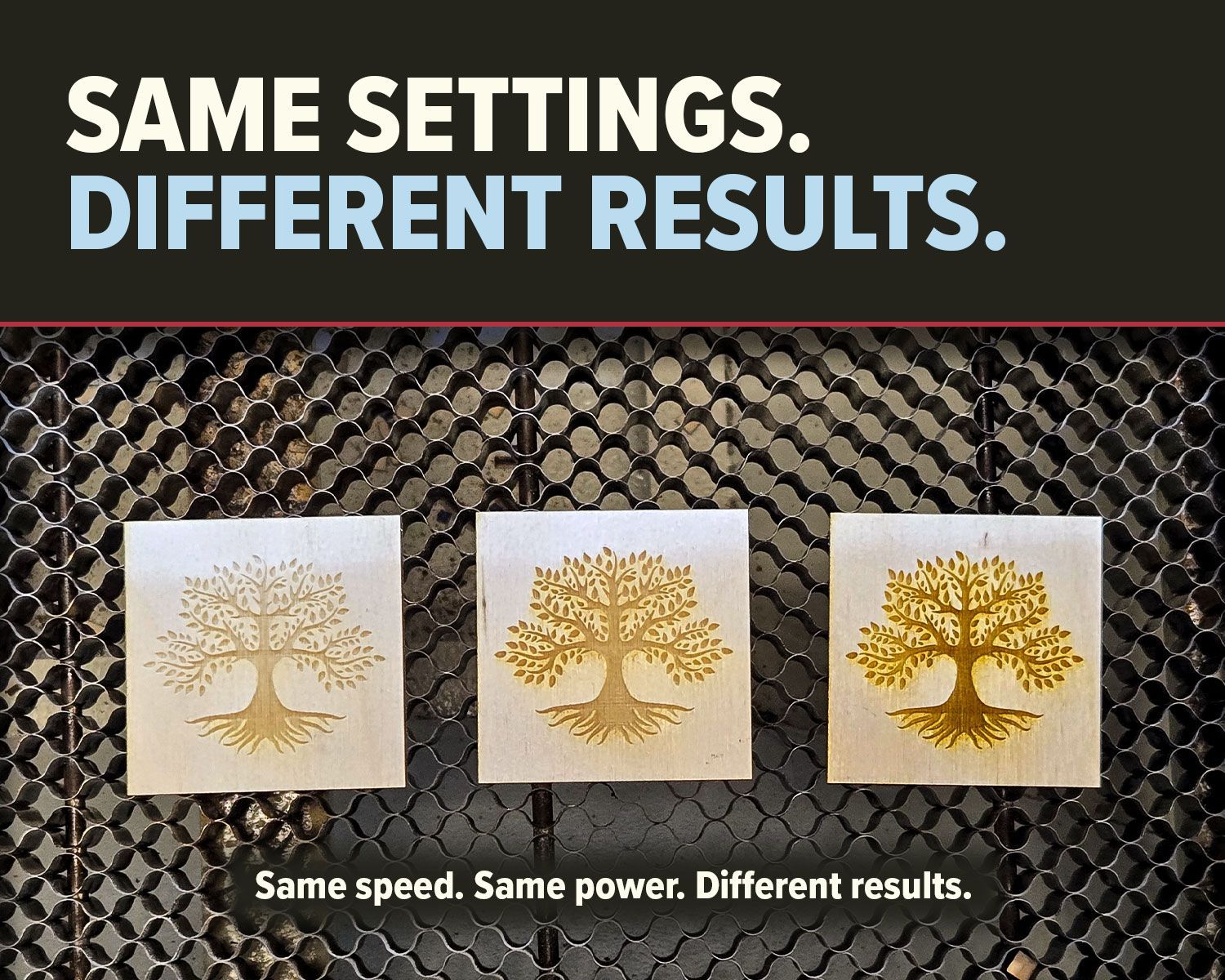
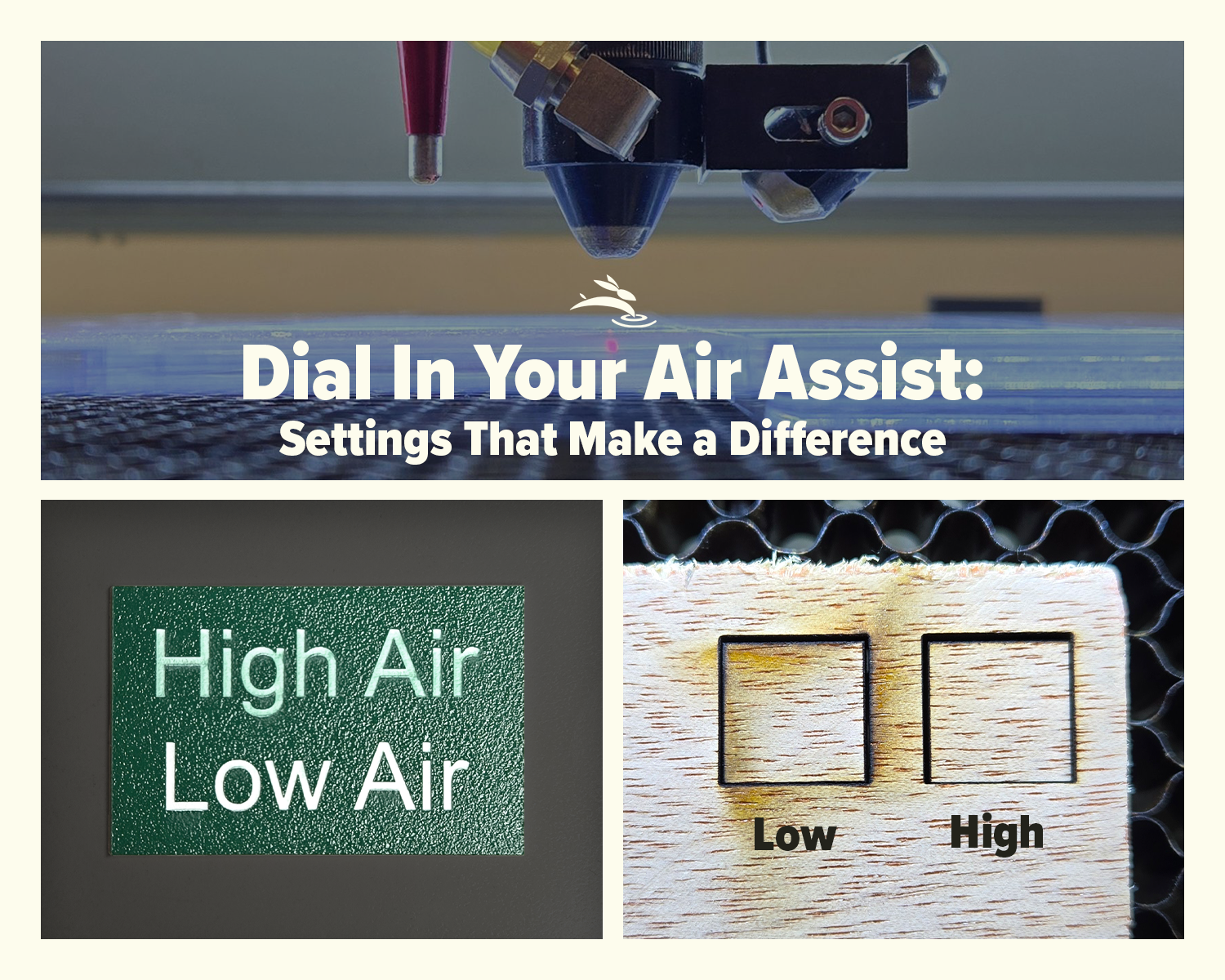
CO2 laser air assist settings comparison showing laser head cutting acrylic and low vs high air assist results on plywood
By Rod Boehm February 17, 2026
Dial In Your Air Assist: Settings That Make a Difference Air Assist Isn’t Just an Add-On If you’ve ever smelled smoke during a job or noticed charred edges on your laser-cut pieces, chances are your air assist wasn’t doing its job—or it wasn’t set right for your application. While it might seem like a minor detail, air assist plays a critical role in the performance and lifespan of your CO2 laser machine. In this post, we’ll break down the difference between low flow and high flow air assist, when to use each, and how to get the best results from your setup.
By Rod Boehm February 6, 2026
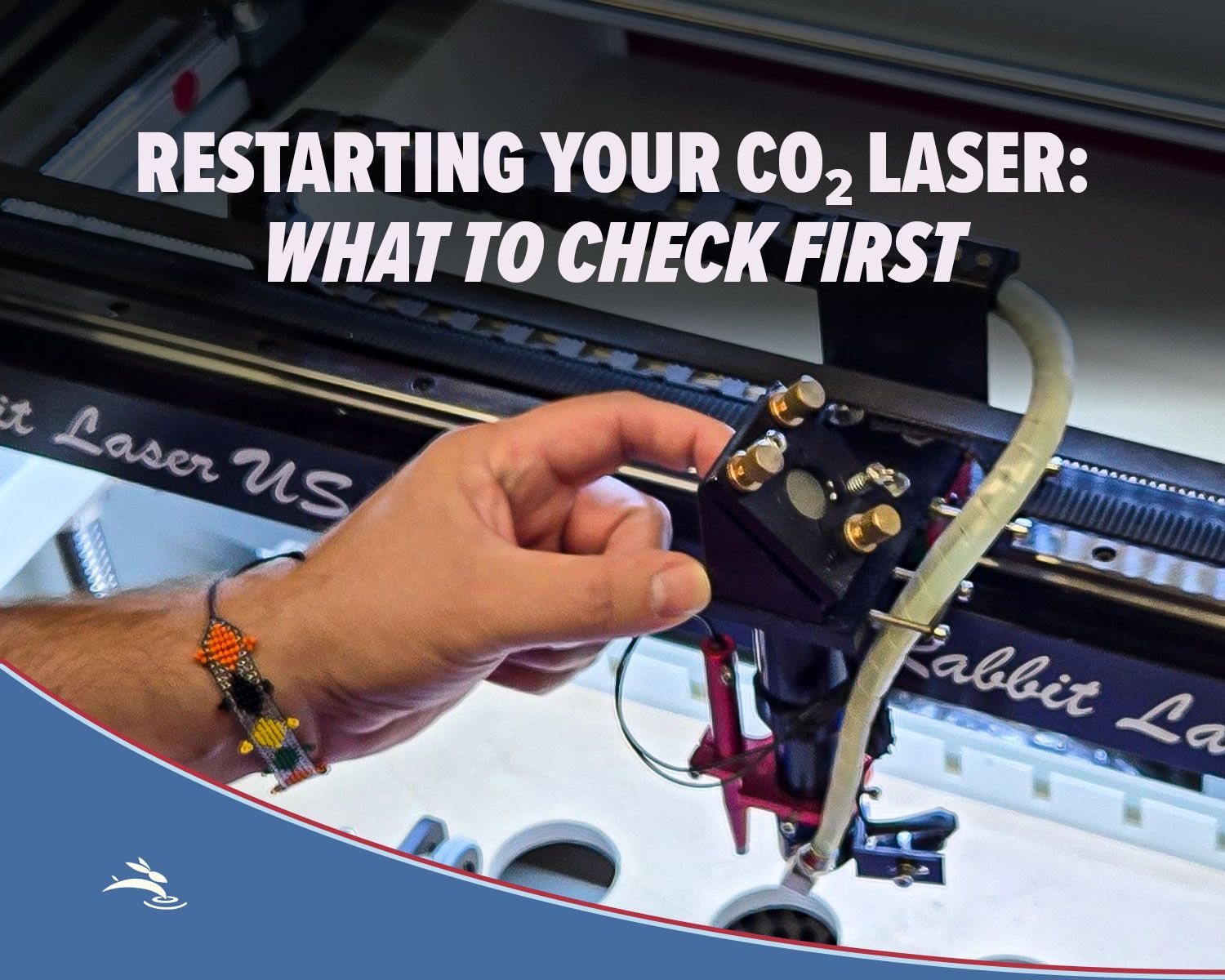
Laser beam alignment guide for flying optics laser machines. Step-by-step maintenance tutorial to restore accuracy, cutting power, and engraving performance.
CO2 laser lens held with gloves showing correct orientation, blog cover upside down lenses
By Rod Boehm January 15, 2026
Blurry engraving or weak cuts? Learn the correct CO2 laser lens orientation and how to fix one of the most common laser setup mistakes.
Graphic with “STOP RE-TESTING” text, yellow arrow pointing to the LightBurn Material Library window,
By Rod Boehm December 30, 2025
Stop re-testing. Save proven engraving and cutting settings in LightBurn’s Material Library and apply them fast on future projects.
CO2 laser machine engraving a wooden project card on a honeycomb bed with “Beginner’s Guide to CO2 L
By Rod Boehm December 17, 2025
New to CO2 laser engraving? Learn how to choose bed size, wattage, safety features, and support so your first industrial laser is ready to make money.
Blog cover
By Rod Boehm November 25, 2025
Learn which fabrics are safe to laser cut, which should never be used, and how to get clean results without fraying or burning.
Red and beige Rabbit Laser USA SD-90-1390 with text highlighting Class 1 laser safety
By Rod Boehm November 3, 2025
Learn what Class 1 means for enclosed CO2 lasers, how interlocks keep users safe, and the safety checklist we train during install—plus lifetime support.
Finished HazardHive Analytics name tag engraved with variable text for Col. Maxwell Sporeman.
By Rod Boehm September 25, 2025
A beginner’s guide to LightBurn Variable Text—personalize projects, import CSV files, and batch produce custom tags in minutes.
Rabbit Laser USA graphic: icons for delivery, setup, calibration, training, and first cut.
By Rod Boehm August 29, 2025
Rabbit Laser USA delivers, installs, calibrates, and trains on-site—so you’re production-ready from day one. No curbside drops, ever.
Graphic titled
By Rod Boehm August 18, 2025
Discover engaging classroom laser projects that teach STEM, arts, and real-world skills. See how one tool sparks creativity, fundraising, and career readiness.
CO2 Laser Maintenance Checklist with weekly, monthly, and annual tasks. Free PDF download available.
By Rod Boehm August 8, 2025
Keep your CO₂ laser in peak condition. Follow our preventative maintenance checklist to ensure clean cuts, sharp engravings, and long machine life.
Warning graphic showing reclaimed vs composite wood with caution for hidden nails and question of la
By Rod Boehm July 28, 2025
Learn the risks and rewards of laser cutting reclaimed and composite woods. Know what to check before you burn for cleaner, safer laser results.
More Posts