Maximize Profits: Pricing Your Laser-Cut Engraved Goods

Hey there! Today, we're diving into the world of laser-cut engraved products and uncovering the secrets to maximizing profits through strategic pricing. So, grab a cup of coffee, and let's get started!


Getting to Know the Market


First things first, let's understand the lay of the land. Take some time to research your competitors, know your target audience inside out, and keep your finger on the pulse of current trends. This intel will be invaluable as we craft your pricing strategy.


Crunching the Numbers:
Cost Analysis and Profit Margins


Now, let's talk numbers. It's essential to know exactly what goes into making your products. Consider everything from materials and labor to overheads. By understanding your costs inside and out, you'll be better equipped to set prices that ensure healthy profit margins.


Adding Value:
Why Your Products Are Worth It


Your products aren't just pieces of wood or metal—they're works of art. Highlight what makes your laser-cut engraved products special. Whether it's the attention to detail, customizable options, or durability, make sure your customers know why they're worth every penny.


Staying Ahead of the Game:
Dynamic Pricing and Competitive Edge


In today's fast-paced world, flexibility is key. Keep an eye on market trends and adjust your prices accordingly. Use data and automation tools to stay one step ahead of the competition and ensure your pricing remains competitive.


Building Trust:
Transparent Pricing and Customer Relationships


Transparency breeds trust. Be upfront about your pricing structures and any additional fees. By being honest and open, you'll build strong relationships with your customers, fostering loyalty and repeat business.


Wrapping It Up


So, there you have it—the ultimate guide to pricing your laser-cut engraved products. By understanding your market, crunching the numbers, adding value, staying flexible, and building trust, you'll unlock the profit potential of your business and carve out a place for yourself in the market. Cheers to your success! 🐰
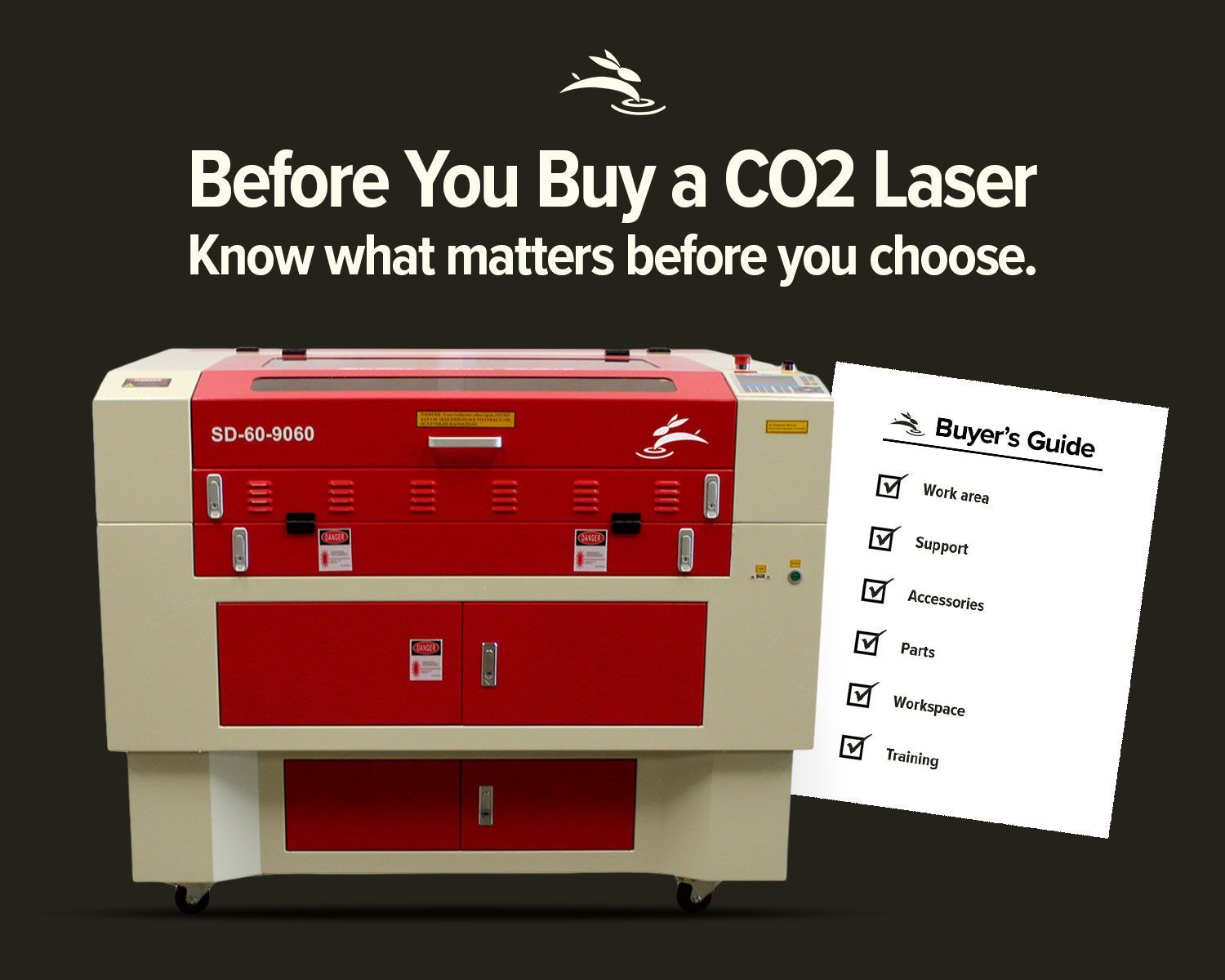
Rabbit Laser CO2 machine with buyer’s guide graphic for choosing work area, support, parts, and trai
By Rod Boehm May 19, 2026
Avoid common CO2 laser buying regrets. Learn what to know about size, support, parts, accessories, setup, and long-term value before you buy.
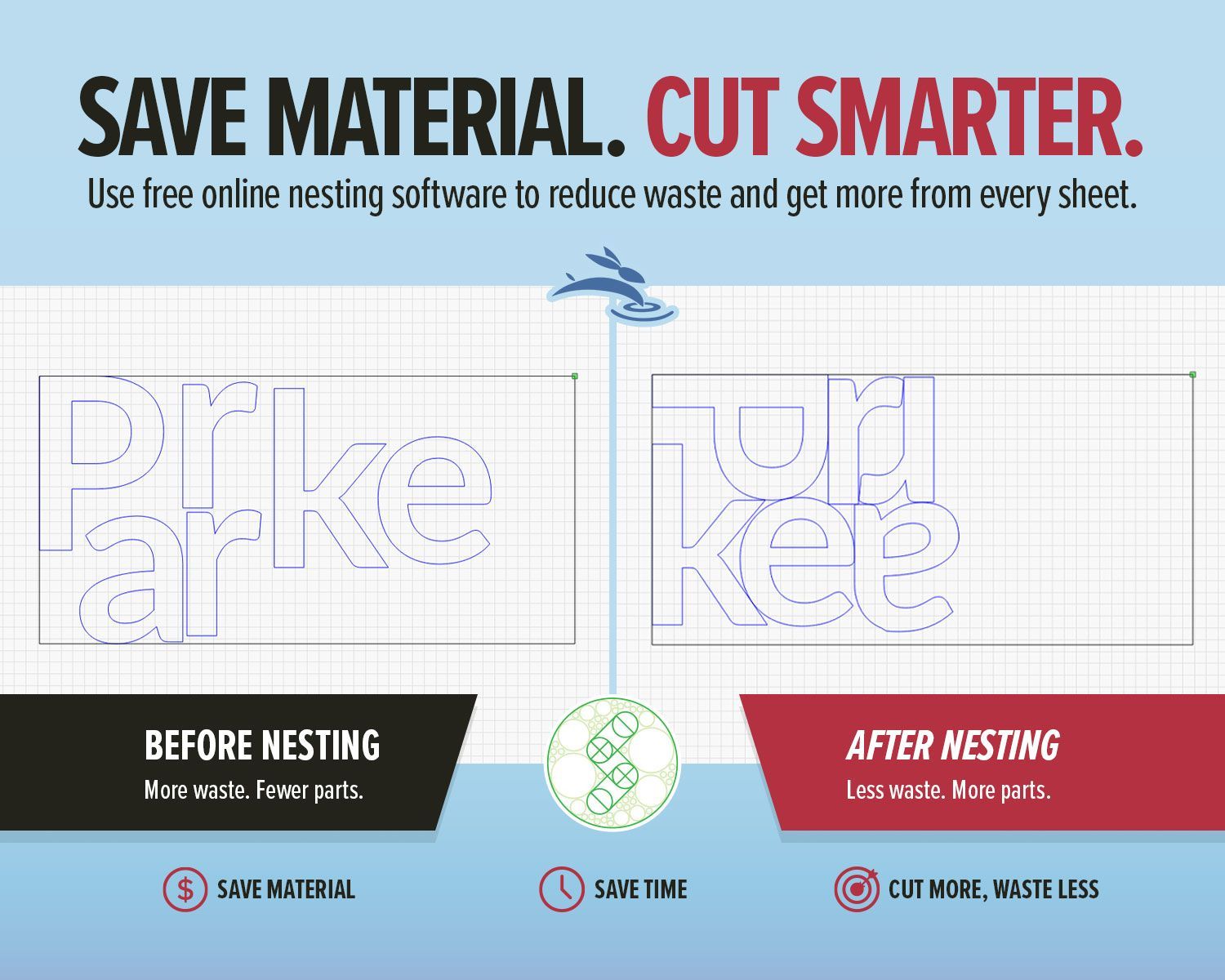
SVGnest blog graphic showing before and after laser nesting layouts to save material and cut smarter
By Rod Boehm May 12, 2026
Use free online nesting software like SVGnest to arrange laser cutting files, reduce material waste, and improve your LightBurn workflow.
Light blue title graphic with Rabbit Laser USA watermark background.
By Rod Boehm April 13, 2026
New to laser engraving or cutting? Avoid common mistakes that cause poor results, wasted material, and frustration. Learn what to fix fast.
CO2 laser engraver gantry system engraving at high speed illustrating motion control and engraving p
By Rod Boehm March 4, 2026
High-speed laser engraving demands motion control. Learn how overscan, acceleration, and momentum impact precision and usable workspace.
CO2 laser air assist settings comparison showing laser head cutting acrylic and low vs high air assist results on plywood
By Rod Boehm February 17, 2026
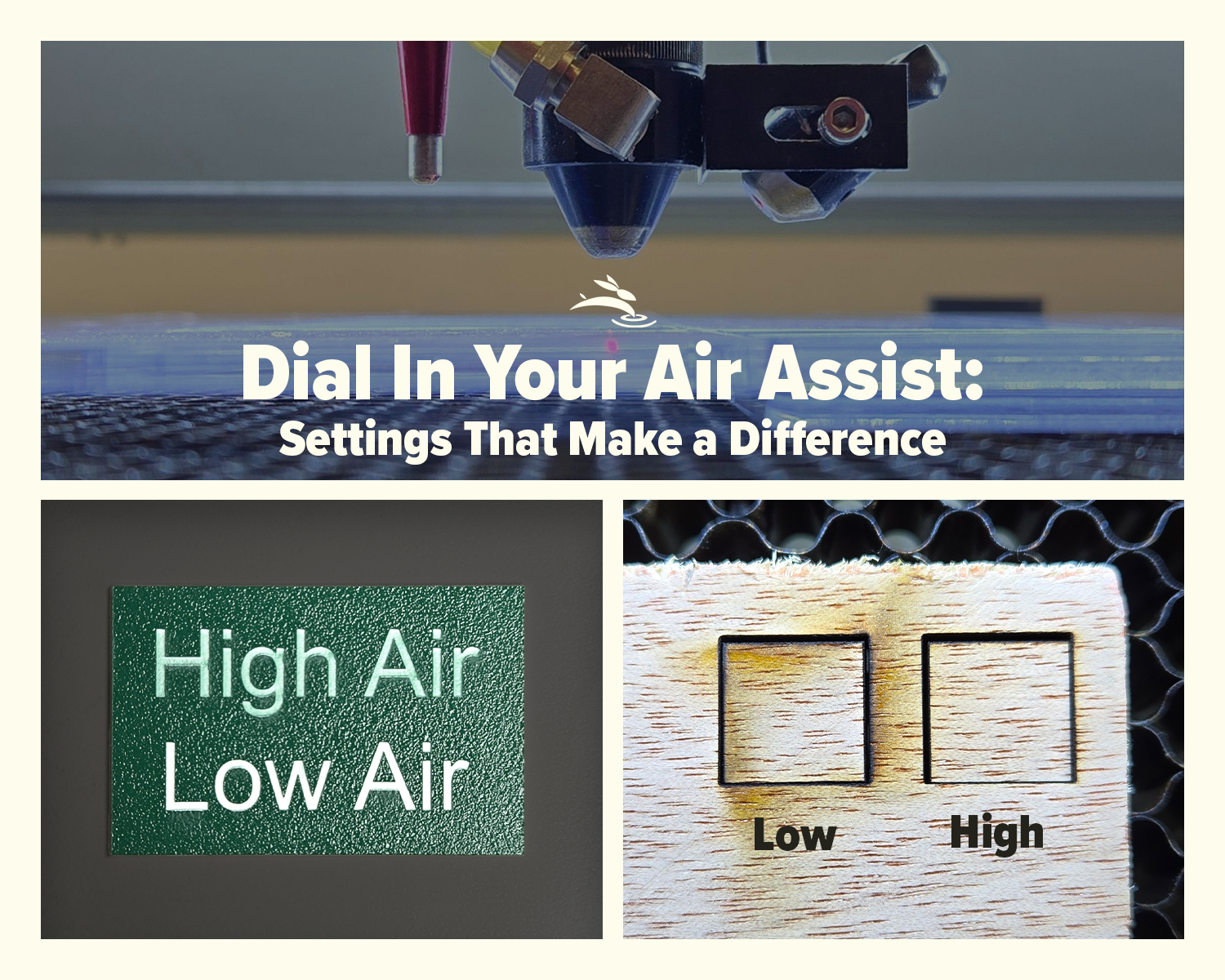
Dial In Your Air Assist: Settings That Make a Difference Air Assist Isn’t Just an Add-On If you’ve ever smelled smoke during a job or noticed charred edges on your laser-cut pieces, chances are your air assist wasn’t doing its job—or it wasn’t set right for your application. While it might seem like a minor detail, air assist plays a critical role in the performance and lifespan of your CO2 laser machine. In this post, we’ll break down the difference between low flow and high flow air assist, when to use each, and how to get the best results from your setup.
By Rod Boehm February 6, 2026
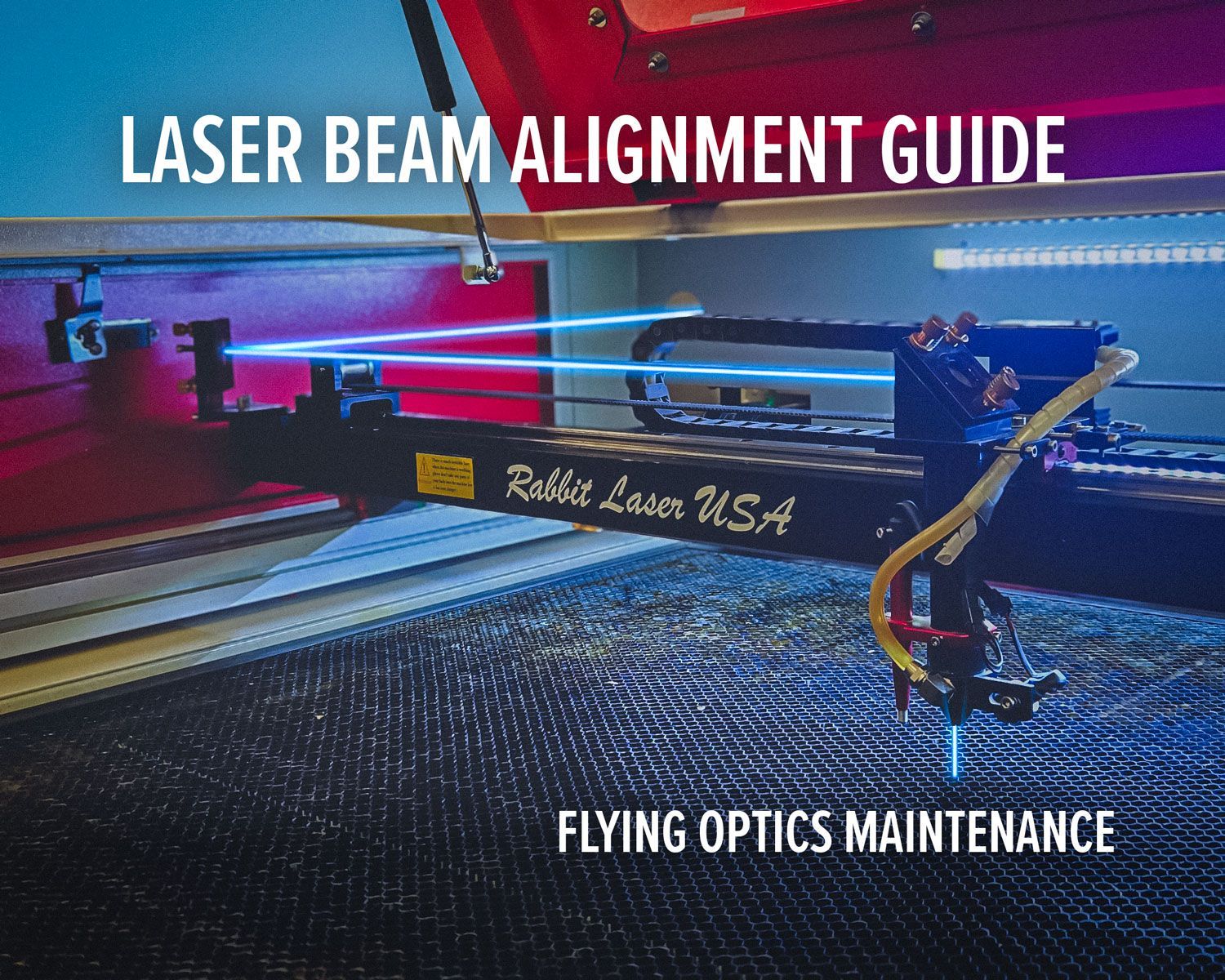
Laser beam alignment guide for flying optics laser machines. Step-by-step maintenance tutorial to restore accuracy, cutting power, and engraving performance.
CO2 laser lens held with gloves showing correct orientation, blog cover upside down lenses
By Rod Boehm January 15, 2026
Blurry engraving or weak cuts? Learn the correct CO2 laser lens orientation and how to fix one of the most common laser setup mistakes.
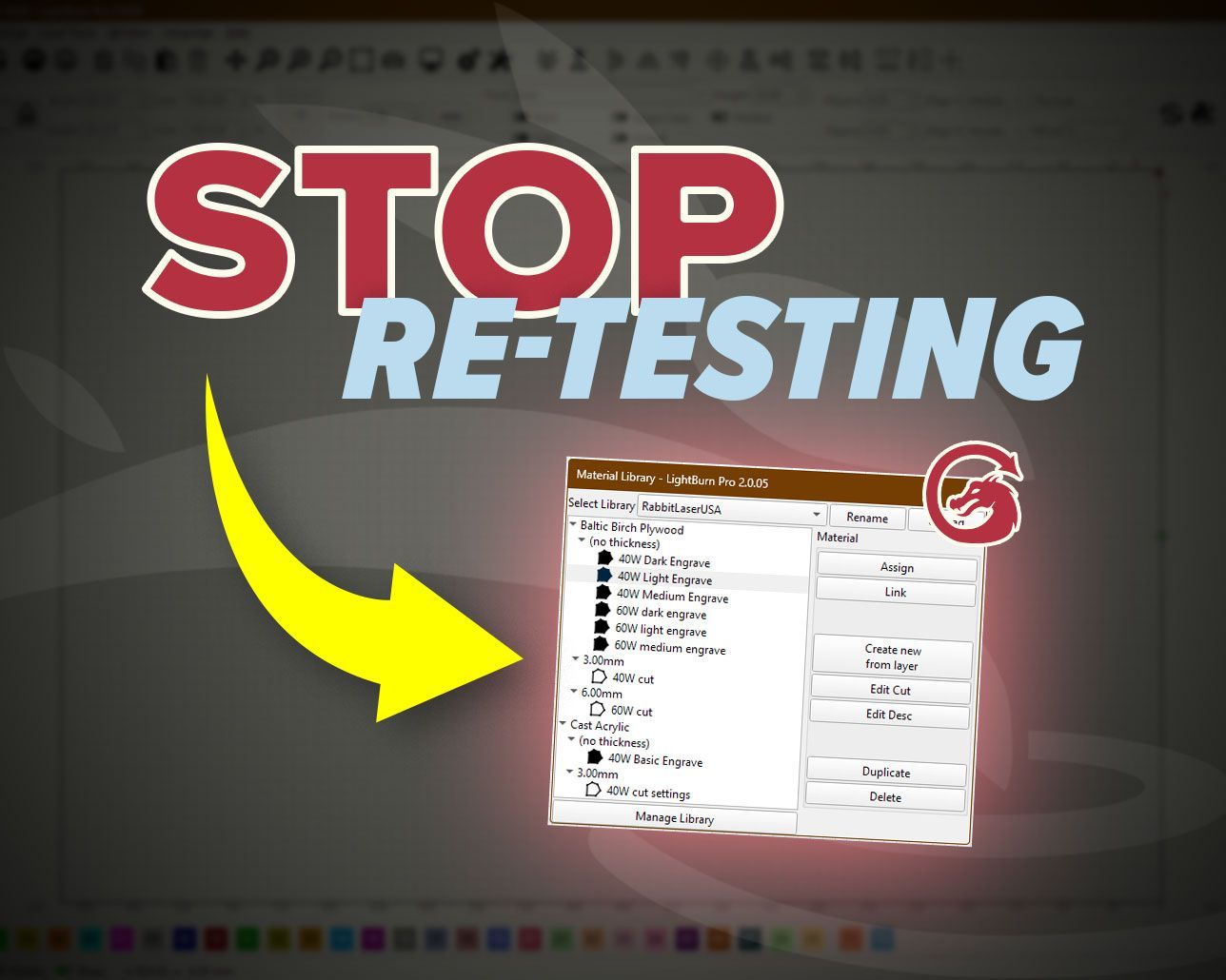
Graphic with “STOP RE-TESTING” text, yellow arrow pointing to the LightBurn Material Library window,
By Rod Boehm December 30, 2025
Stop re-testing. Save proven engraving and cutting settings in LightBurn’s Material Library and apply them fast on future projects.
CO2 laser machine engraving a wooden project card on a honeycomb bed with “Beginner’s Guide to CO2 L
By Rod Boehm December 17, 2025
New to CO2 laser engraving? Learn how to choose bed size, wattage, safety features, and support so your first industrial laser is ready to make money.
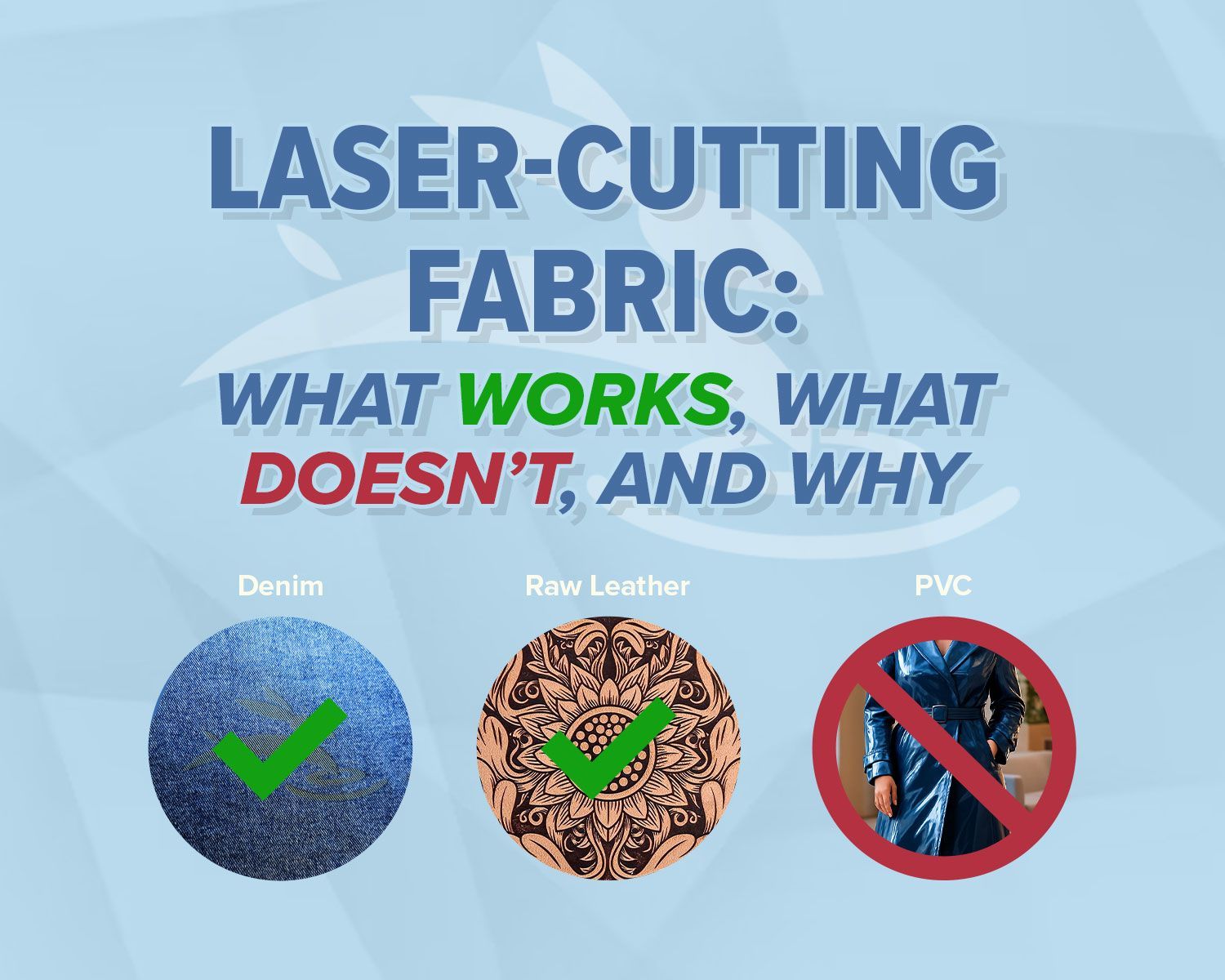
Blog cover
By Rod Boehm November 25, 2025
Learn which fabrics are safe to laser cut, which should never be used, and how to get clean results without fraying or burning.
Red and beige Rabbit Laser USA SD-90-1390 with text highlighting Class 1 laser safety
By Rod Boehm November 3, 2025
Learn what Class 1 means for enclosed CO2 lasers, how interlocks keep users safe, and the safety checklist we train during install—plus lifetime support.
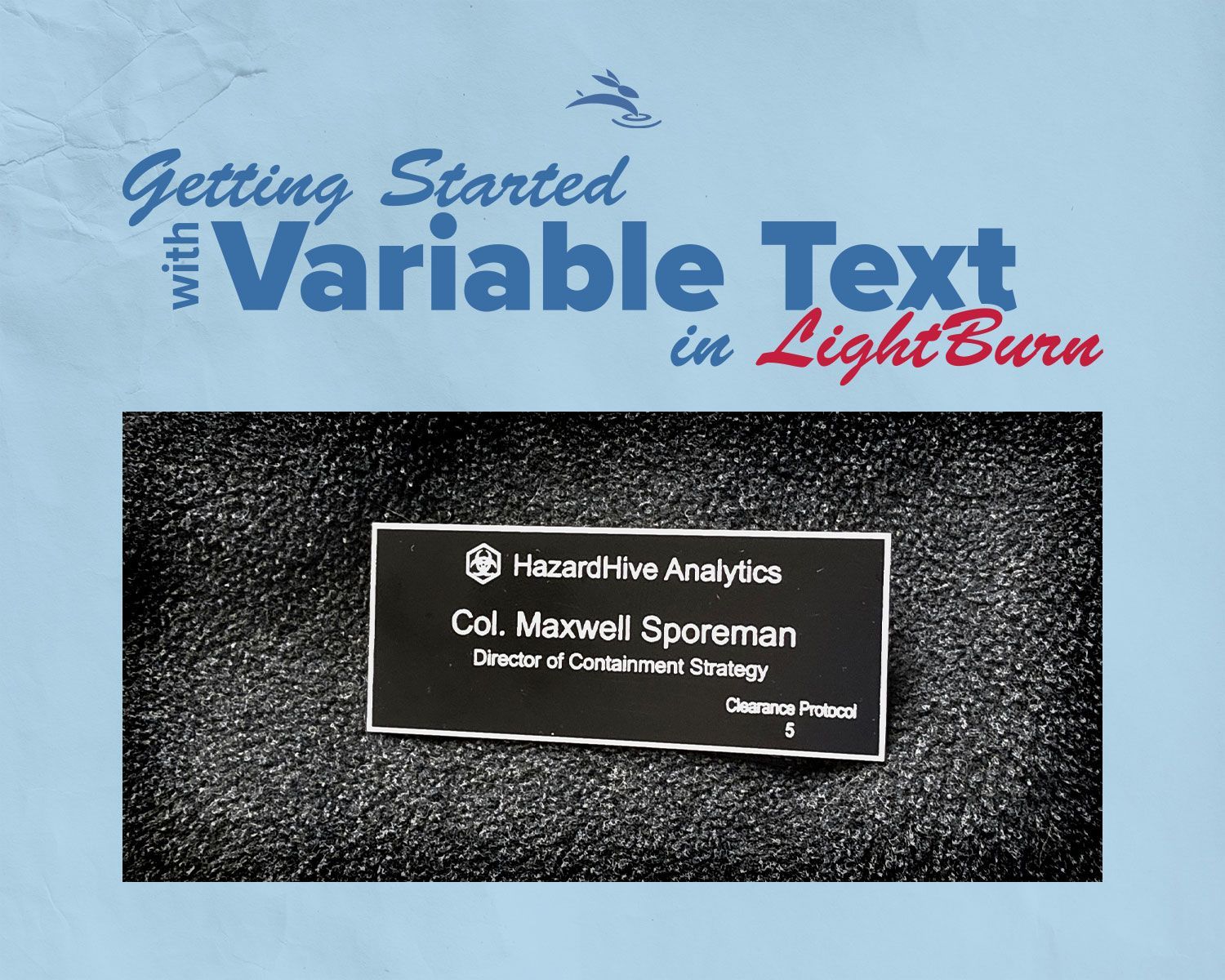
Finished HazardHive Analytics name tag engraved with variable text for Col. Maxwell Sporeman.
By Rod Boehm September 25, 2025
A beginner’s guide to LightBurn Variable Text—personalize projects, import CSV files, and batch produce custom tags in minutes.
More Posts