Empower Classrooms with Rabbit Laser USA
Imagine a classroom where students go from concept to creation in one afternoon. With Rabbit Laser USA, that’s not just possible—it’s happening in schools across the country. From STEM programs to art labs, our laser machines are transforming how students learn, design, and innovate.
Why Schools Are Turning to Laser Technology
Modern classrooms need more than textbooks—they need tools that engage students and prepare them for real-world careers. Laser cutting and engraving do just that.
Benefits of laser machines in education:
- Spark creativity through hands-on design and fabrication
- Teach practical skills in CAD, engineering, and entrepreneurship
- Bridge STEM, art, and vocational training programs
- Build confidence through real, finished projects
- Get students career-ready with industry-relevant technology
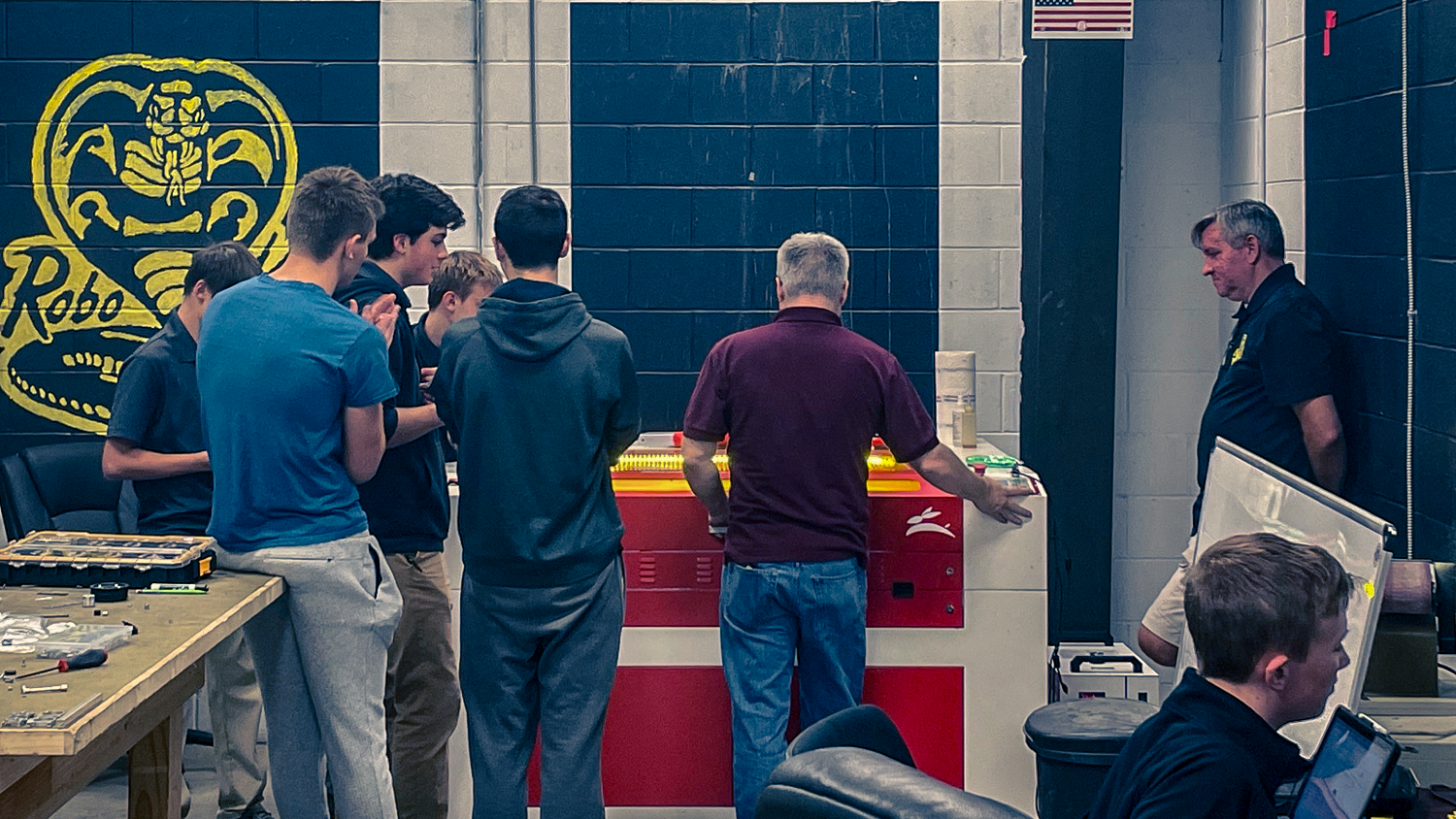
What Sets Rabbit Laser USA Apart
We know schools need more than just hardware. That’s why we support you every step of the way:
- Lifetime Support
We don’t disappear after delivery. Our tech team is just a call away—for the life of your machine. - In-Person Setup & Training
We deliver, install, and walk you through everything, ensuring your staff is confident and your machine is fully calibrated from day one. - Educational Discounts
We offer special pricing for schools, colleges, and trade programs—no hidden fees, no surprise add-ons. Your package comes with everything needed to get started. - Local References
Want to hear from real educators using our machines? We’ll connect you with nearby schools so you can learn firsthand how Rabbit Laser supports education.


Real Results from Real Classrooms
“I own two Rabbit lasers—one at school and one in my home shop. They have both been good, solid products. I bought from Rabbit Laser USA for one very important reason: customer service. Carole answers the phone when I call and doesn’t give me a runaround.”
— Greg Blewett, Educator & Google Reviewer
Take the Next Step
Ready to bring powerful, hands-on learning into your classroom?
👉
Contact us today to speak with an education specialist or request a free quote.
Let’s build the next generation of makers—together. 🐰
FAQs for Educators
Do you offer educational discounts on laser machines?
Yes! We offer exclusive pricing for schools, colleges, universities, and trade programs. Discounts apply to both CO₂ and fiber laser systems and include essential accessories to get your program up and running.
What’s included with an educational purchase?
Every machine comes with delivery, full installation, calibration, and hands-on training for your staff. We also include a chiller, air assist, exhaust system with tubing, and a 1-year LightBurn license.
How long does installation and training take?
Typically 4–6 hours. We set up the machine, connect all peripherals, test alignment, and provide in-depth training on both machine operation and LightBurn software.
Can students use these machines safely?
Yes. Our CO₂ laser machines are Class 1 compliant, meaning they’re fully enclosed for safe use in educational environments. We also include interlocks, keyed switches, and water flow sensors to protect the laser tube.
What class or program is this best suited for?
Rabbit Laser machines are used in STEM labs, CTE programs, engineering, architecture, industrial arts, design, and visual arts. They’re ideal for prototyping, signage, fabrication, and hands-on learning.
Do you offer support after the sale?
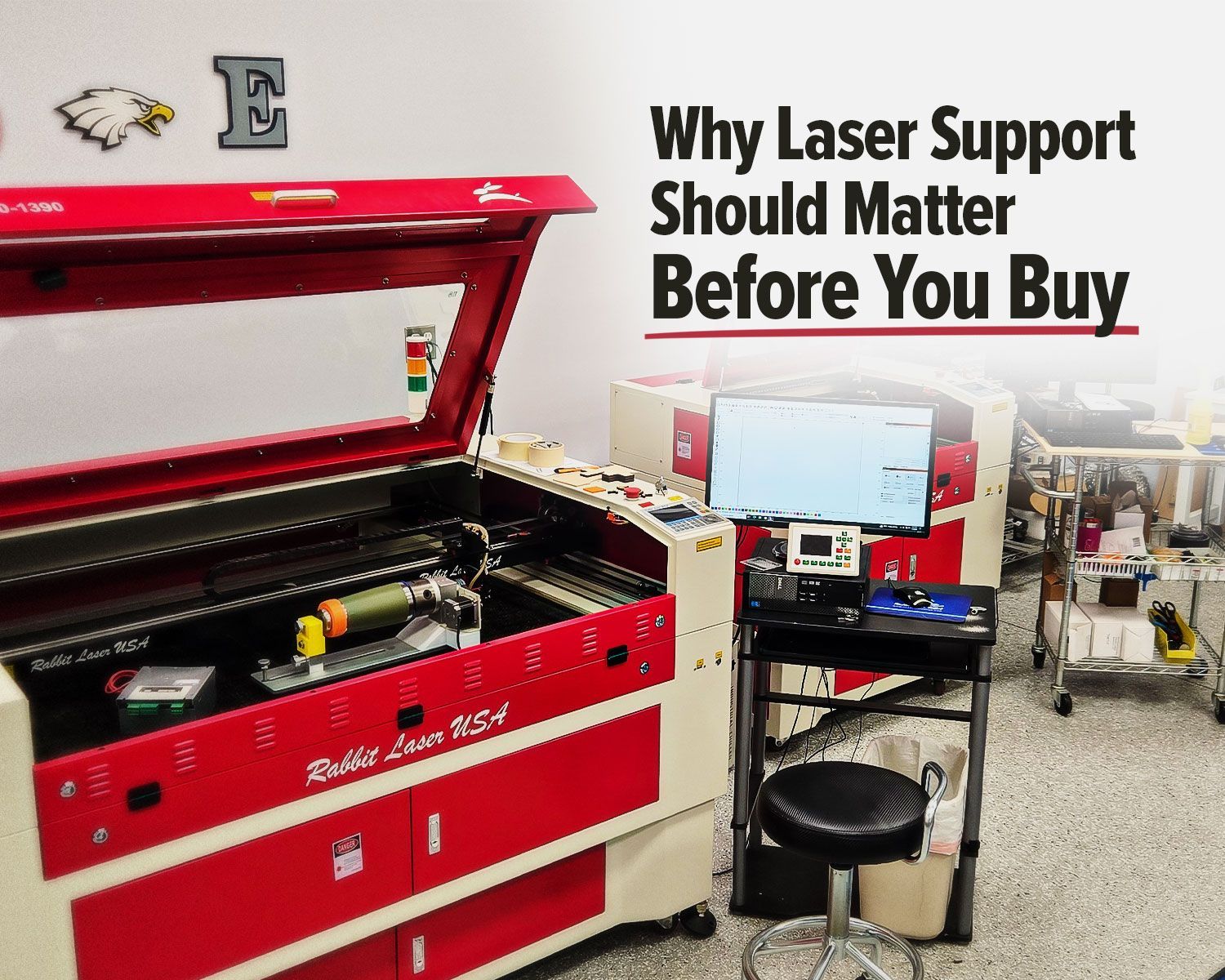
Absolutely. We provide lifetime phone and email support. When you call, you’ll speak to someone in Ohio—not a call center. Many educators work with Carole directly for fast, no-nonsense troubleshooting.
Can I talk to another school using your machines?
Yes. We’re happy to connect you with local educators who can share their experience using Rabbit Laser in the classroom.
What size laser should I get for a school program?
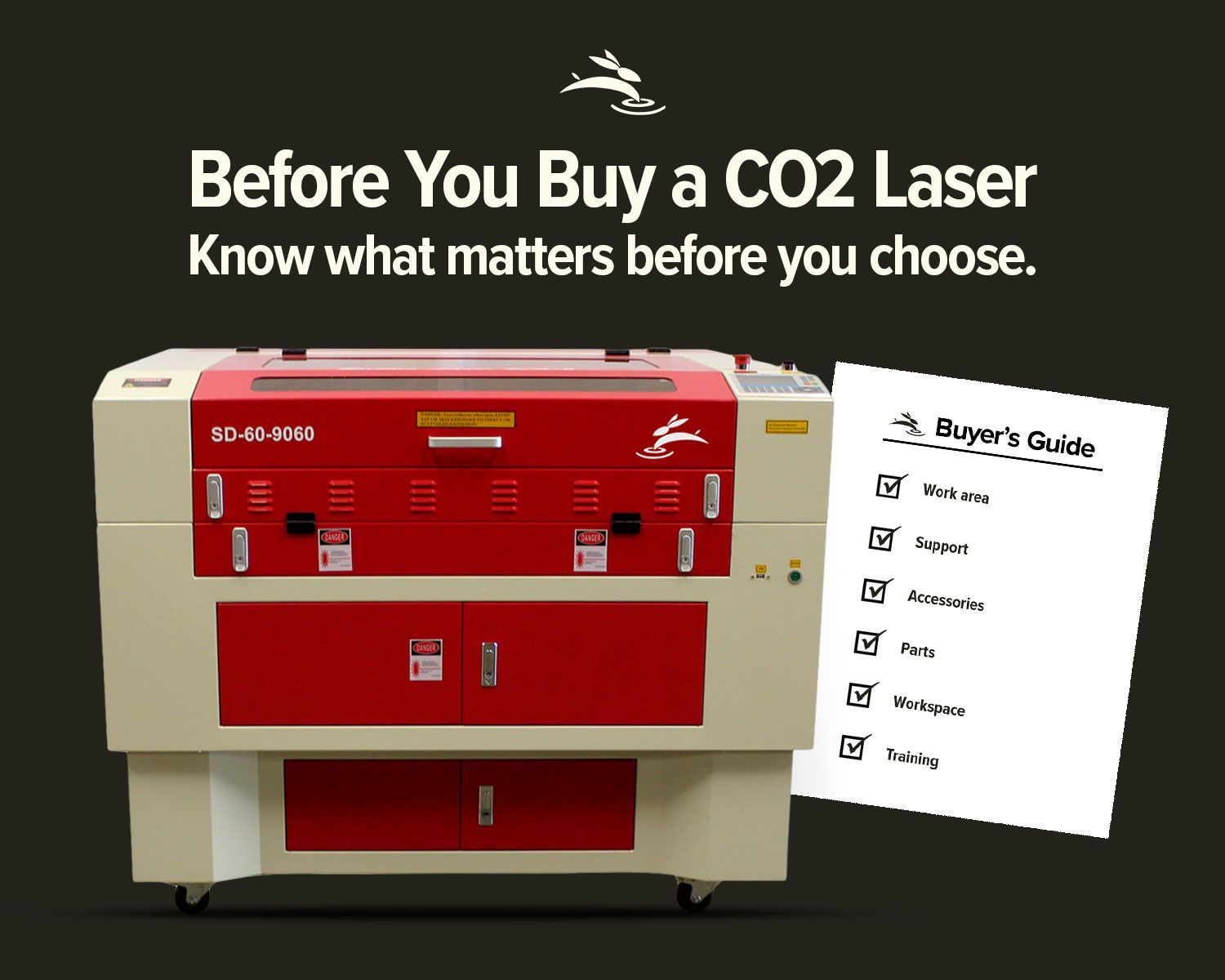
Our most popular model for schools is the 60W with a 900mm x 600mm (36" x 24") work area. It’s large enough for class projects, but compact enough to fit through standard doorways.
Do I need ventilation or special wiring?
The machine runs on standard 110V or 220V power depending on the model. We provide exhaust tubing and can help determine the best venting solution for your space during planning.