Blog thumbnail choosing the right lens
This Facebook widget is no longer supported.

Choosing the Right Lens Focal Length for Your CO2 Laser Machine

When diving into the world of laser engraving and cutting, having the right tools can make all the difference in your project's success. One such critical tool is the lens in your CO2 laser machine. Rabbit Laser USA offers a variety of lenses, each suited for different materials and project types. Let’s explore how choosing the correct focal length can enhance your laser machine's capabilities.


What is Focal Length?


The focal length of a lens in a CO2 laser machine is a crucial factor that dictates how the laser’s beam is focused at the work surface. Measured in millimeters, the focal length determines the distance from the lens to the point where the laser beam converges to its smallest size, known as the "focal point." This point of convergence is where the laser's power is most concentrated, making it the ideal spot for cutting or engraving.


Rabbit Laser USA’s Lens Options
and Their Purpose

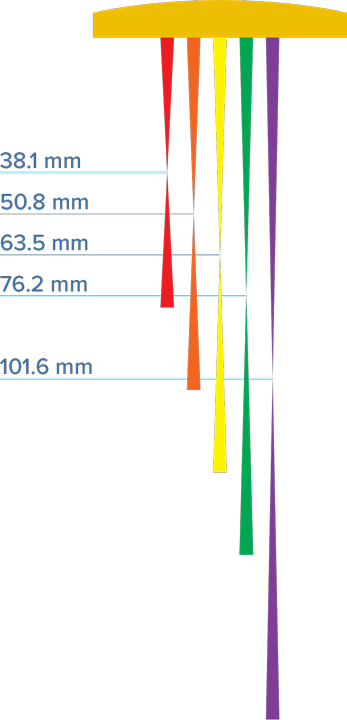
Focal length chart diagram

We stock several lens options at Rabbit Laser USA, each designed to cater to specific needs and purposes within laser cutting and engraving projects::

  • 38.1mm (1.5 inches): This lens is best used for high-precision engraving. Its shorter focal length allows for a tighter focus, making it ideal for intricate details in fine artwork or precise text. It's perfect for projects that demand sharp, fine lines and intricate patterns.
  • 50.8mm (2 inches) - Default Lens: As the standard lens equipped on all our machines, it offers versatility for both cutting and engraving. This lens strikes a balance between detail and efficiency, making it suitable for a broad range of applications, from moderate engraving to general cutting tasks.
  • 63.5mm (2.5 inches): Excelling in projects with slight curves or uneven surfaces, this lens is particularly useful for engraving tumblers and other cylindrical objects. The increased focal length provides a greater depth of focus, which compensates for surface irregularities and ensures consistent engraving quality.
  • 76.2mm (3 inches) and 101.6mm (4 inches): These lenses are geared towards cutting through thicker materials. Their longer focal lengths allow the laser to penetrate deeper, making them suitable for tasks requiring substantial material removal or thicker cuts. They are ideal for large-scale or thick material projects where depth and cutting power are necessary.

By understanding the specific purposes of each lens, you can better match your lens choice to your project's needs, enhancing both the efficiency and quality of your work. This targeted approach helps ensure that your machine operates at its best, delivering optimal results tailored to each unique task.
Maintaining Your Lenses


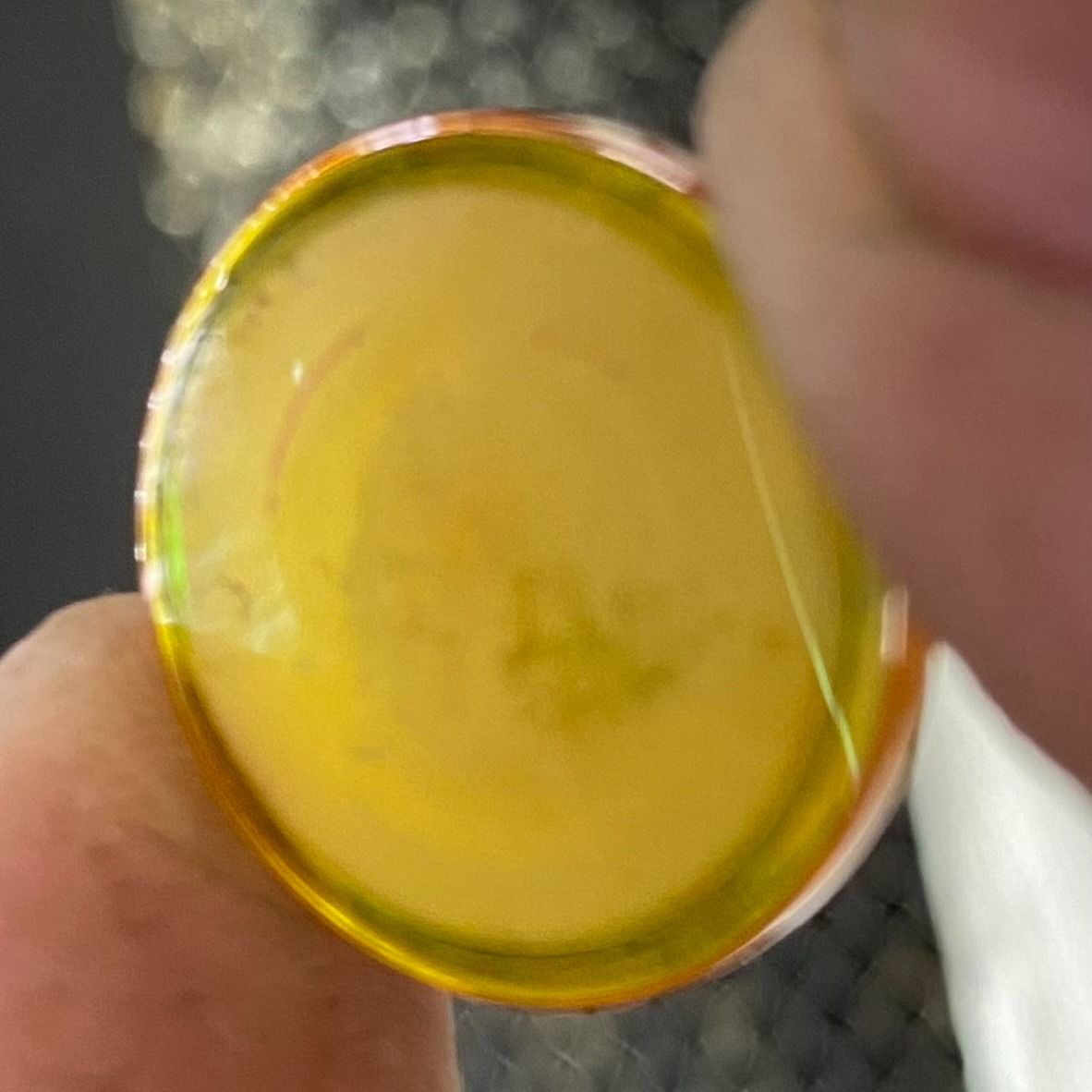
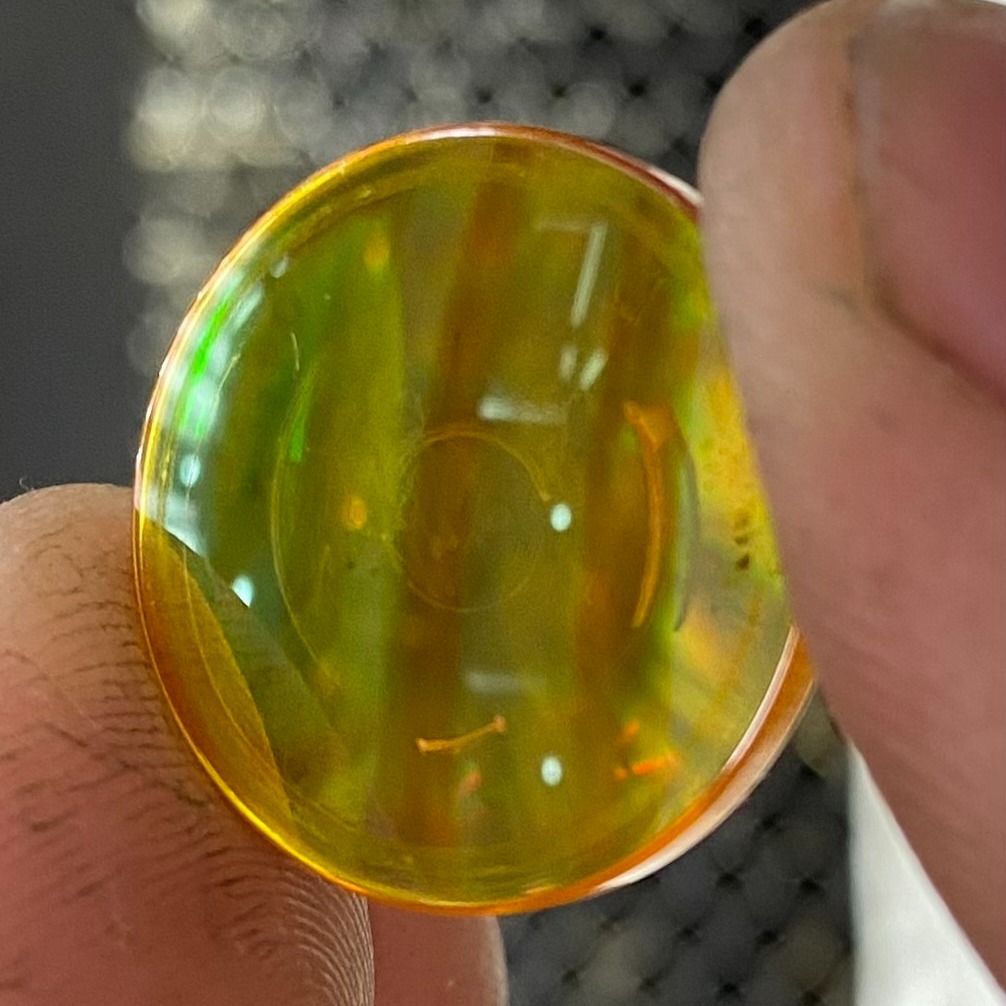
To keep your laser machine performing at its best, maintaining your lenses is crucial. Depending on usage, lenses should be cleaned after each significant project, or at least weekly. If usage is less frequent, a monthly cleaning is advisable.


It's important to note that neglecting lens cleaning can lead to the build-up of debris, which not only interferes with the laser's path but also poses serious risks. This accumulation can cause overheating, potentially leading to a fire, or even cracking the lens due to the intense heat generated by the debris. Regular maintenance is essential to prevent these hazardous conditions and to ensure that your equipment continues to operate safely and efficiently.

Conclusion


Each lens offers unique benefits and choosing the right one can significantly impact the quality and efficiency of your laser projects. By understanding the capabilities of different focal lengths and their appropriate resolution settings, you can ensure your Rabbit Laser machine continues to produce excellent results. Whether you're creating custom gifts, signage, or prototypes, the right lens is key to unlocking your machine’s potential. 🐰

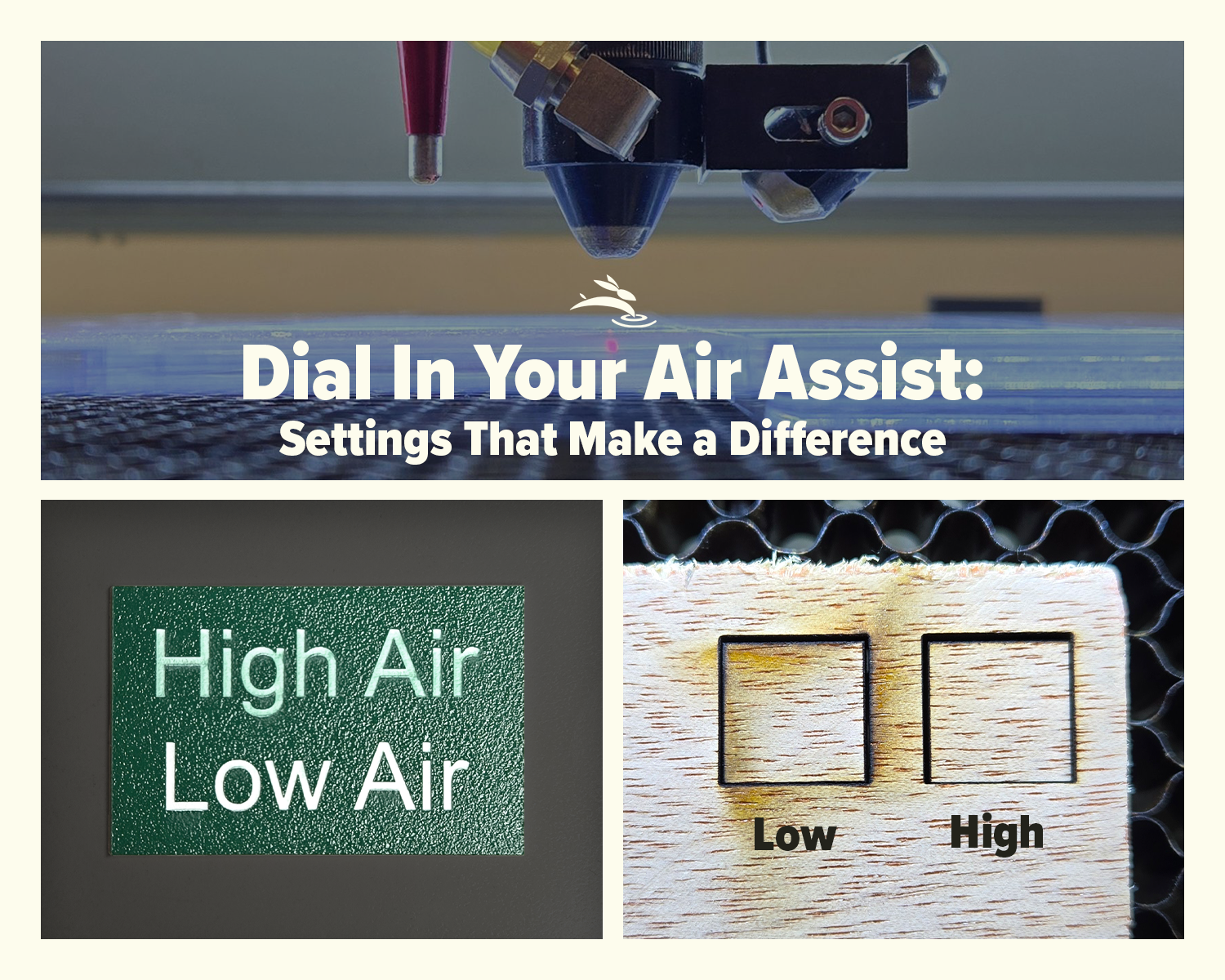
CO2 laser air assist settings comparison showing laser head cutting acrylic and low vs high air assist results on plywood
By Rod Boehm February 17, 2026
Dial In Your Air Assist: Settings That Make a Difference Air Assist Isn’t Just an Add-On If you’ve ever smelled smoke during a job or noticed charred edges on your laser-cut pieces, chances are your air assist wasn’t doing its job—or it wasn’t set right for your application. While it might seem like a minor detail, air assist plays a critical role in the performance and lifespan of your CO2 laser machine. In this post, we’ll break down the difference between low flow and high flow air assist, when to use each, and how to get the best results from your setup.
By Rod Boehm February 6, 2026
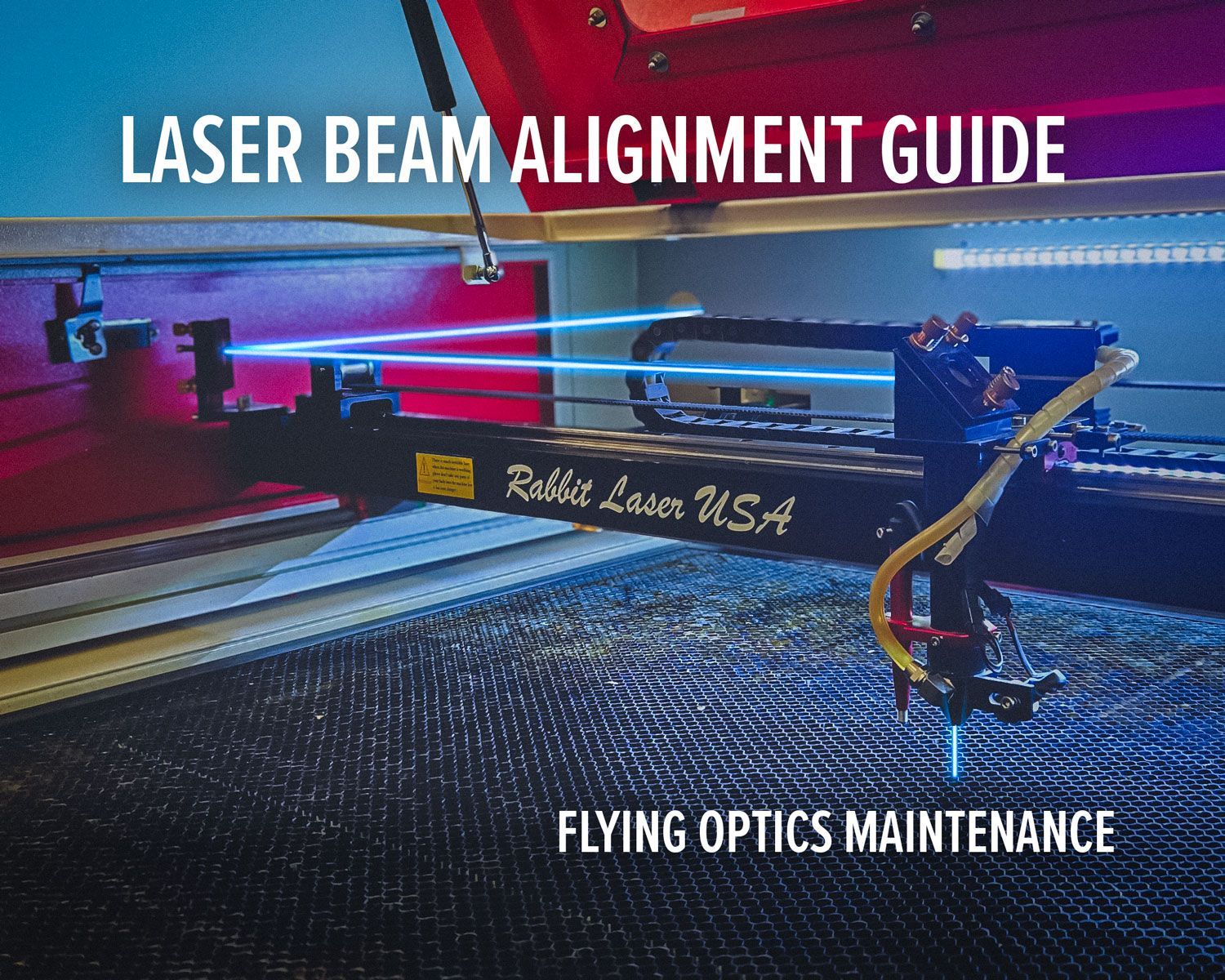
Laser beam alignment guide for flying optics laser machines. Step-by-step maintenance tutorial to restore accuracy, cutting power, and engraving performance.
CO2 laser lens held with gloves showing correct orientation, blog cover upside down lenses
By Rod Boehm January 15, 2026
Blurry engraving or weak cuts? Learn the correct CO2 laser lens orientation and how to fix one of the most common laser setup mistakes.
Graphic with “STOP RE-TESTING” text, yellow arrow pointing to the LightBurn Material Library window,
By Rod Boehm December 30, 2025
Stop re-testing. Save proven engraving and cutting settings in LightBurn’s Material Library and apply them fast on future projects.
CO2 laser machine engraving a wooden project card on a honeycomb bed with “Beginner’s Guide to CO2 L
By Rod Boehm December 17, 2025
New to CO2 laser engraving? Learn how to choose bed size, wattage, safety features, and support so your first industrial laser is ready to make money.
Blog cover
By Rod Boehm November 25, 2025
Learn which fabrics are safe to laser cut, which should never be used, and how to get clean results without fraying or burning.
Red and beige Rabbit Laser USA SD-90-1390 with text highlighting Class 1 laser safety
By Rod Boehm November 3, 2025
Learn what Class 1 means for enclosed CO2 lasers, how interlocks keep users safe, and the safety checklist we train during install—plus lifetime support.
Finished HazardHive Analytics name tag engraved with variable text for Col. Maxwell Sporeman.
By Rod Boehm September 25, 2025
A beginner’s guide to LightBurn Variable Text—personalize projects, import CSV files, and batch produce custom tags in minutes.
Rabbit Laser USA graphic: icons for delivery, setup, calibration, training, and first cut.
By Rod Boehm August 29, 2025
Rabbit Laser USA delivers, installs, calibrates, and trains on-site—so you’re production-ready from day one. No curbside drops, ever.
Graphic titled
By Rod Boehm August 18, 2025
Discover engaging classroom laser projects that teach STEM, arts, and real-world skills. See how one tool sparks creativity, fundraising, and career readiness.
CO2 Laser Maintenance Checklist with weekly, monthly, and annual tasks. Free PDF download available.
By Rod Boehm August 8, 2025
Keep your CO₂ laser in peak condition. Follow our preventative maintenance checklist to ensure clean cuts, sharp engravings, and long machine life.
Warning graphic showing reclaimed vs composite wood with caution for hidden nails and question of la
By Rod Boehm July 28, 2025
Learn the risks and rewards of laser cutting reclaimed and composite woods. Know what to check before you burn for cleaner, safer laser results.
More Posts