Overcoming the Fear of Using Your Laser for the First Time
by Rabbit Laser USA

Laser engraving and cutting are powerful tools for creativity and personalization, but for many beginners, the prospect of using a laser for the first time can be intimidating. The fear of damaging the machine, creating subpar results, or compromising safety can be daunting. However, with the right knowledge and mindset, you can overcome these fears and embark on your laser journey confidently.
Embrace the Learning Curve
It's essential to recognize that every journey begins with a learning curve. You are not expected to be an expert from the start. Laser engraving and cutting are skills that improve with practice and experience. Instead of fearing the unknown, embrace the process of learning and growing as a laser enthusiast.
Start with Proper Training
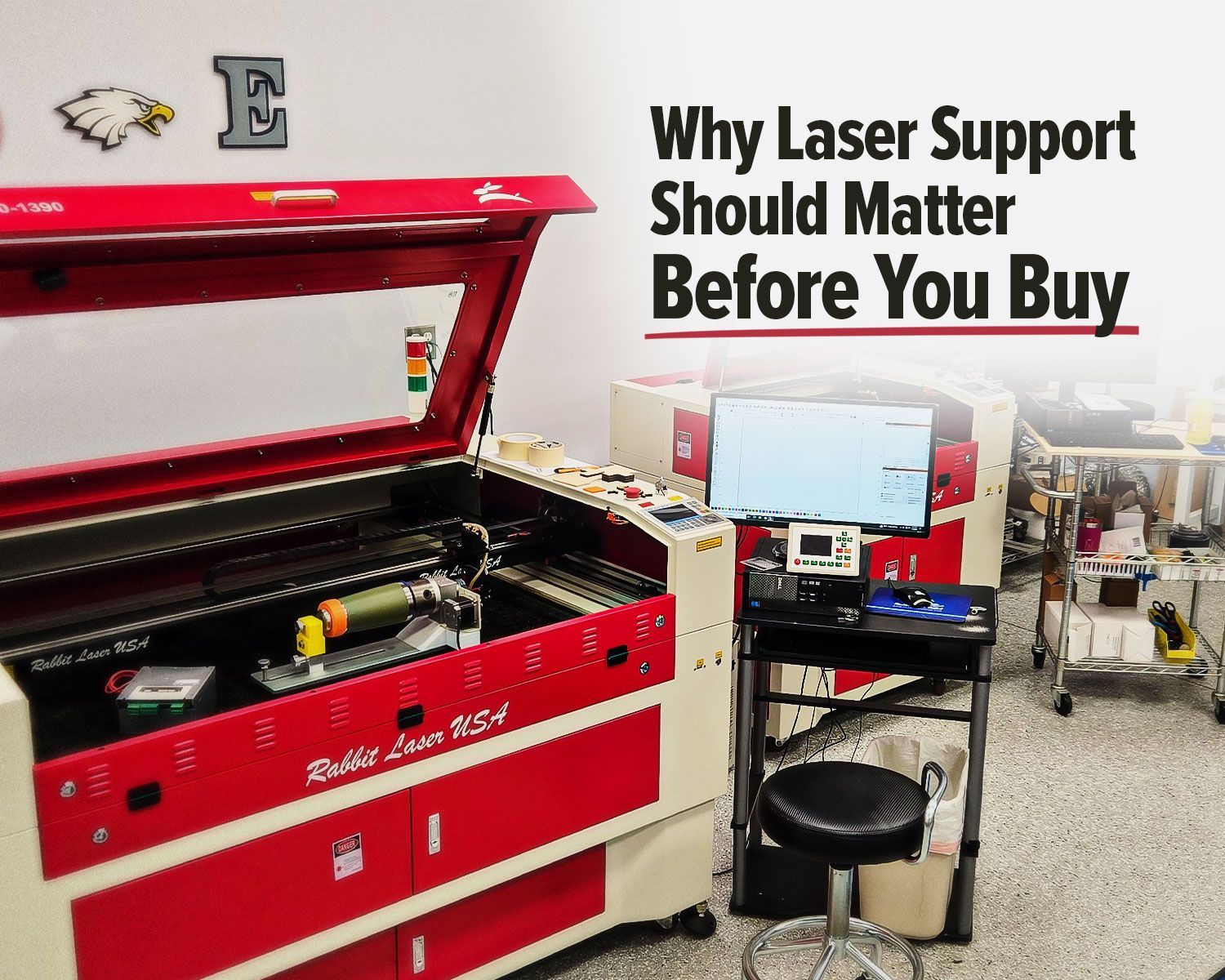
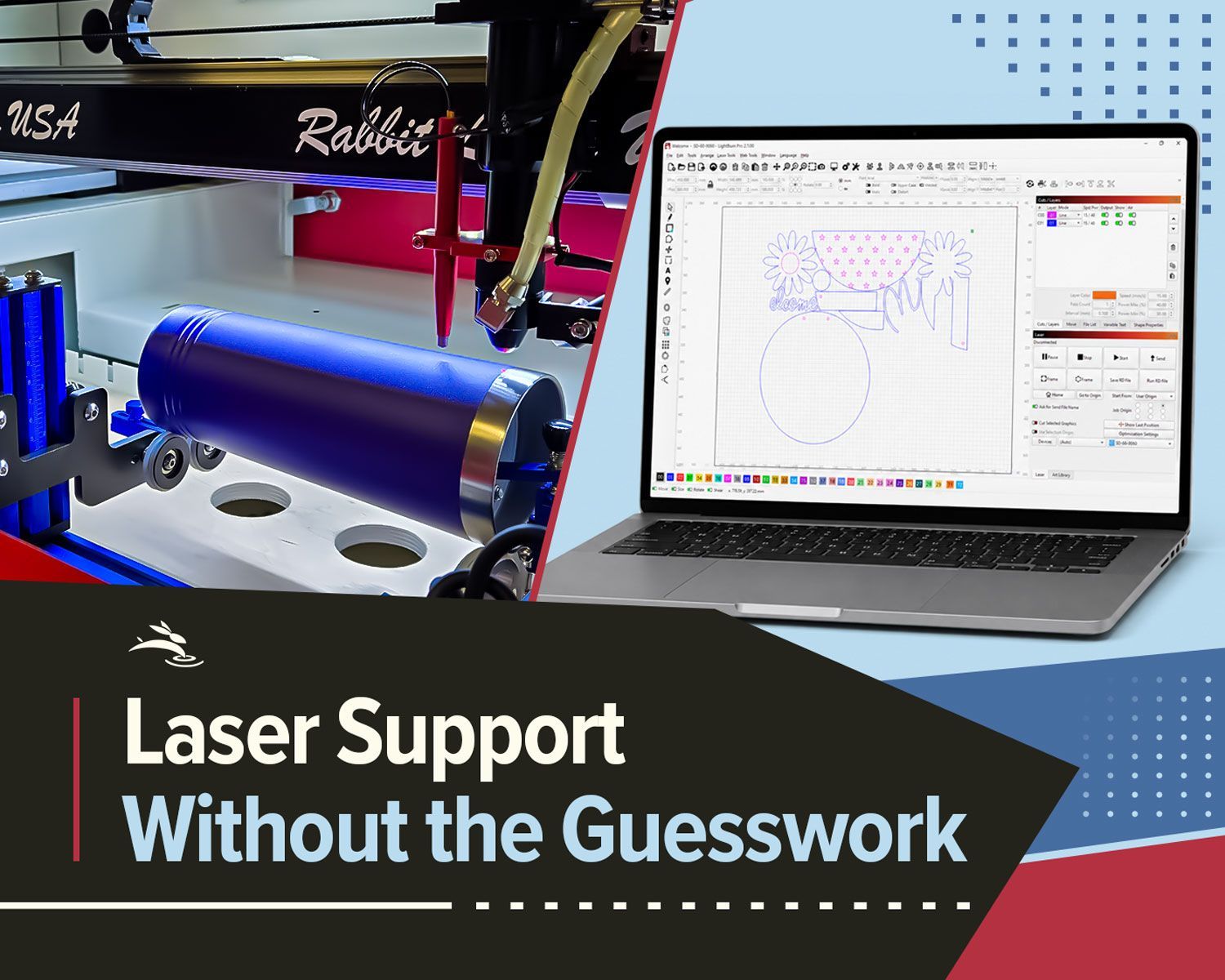
One of the most effective ways to alleviate fear is to seek proper training. If you're using a Rabbit Laser machine, take advantage of the comprehensive training services offered. Understanding the machine's functions, safety precautions, and design software can significantly boost your confidence.
Safety First
Fear often stems from safety concerns. To overcome this, prioritize safety measures. Ensure your workspace is well-ventilated to disperse fumes. Follow the machine's safety guidelines diligently. By taking these precautions, you can work with peace of mind.
Begin with Simple Projects
Starting with simple projects is a great way to ease into laser engraving and cutting. Choose uncomplicated designs and materials that are forgiving of mistakes. This will help you build your confidence gradually without the pressure of perfection.
Seek Guidance
Don't hesitate to seek guidance and support from experienced users or online communities. Joining forums or groups dedicated to laser engraving can provide you with a wealth of knowledge and tips. Sharing your fears and questions with others who have been in your shoes can be incredibly reassuring.
Practice on Scrap Materials
One common fear is making a costly mistake on precious materials. To avoid this, practice on scrap or inexpensive materials first. This not only hones your skills but also reduces the financial risk associated with early projects.
Learn from Your Mistakes
Mistakes are a natural part of the learning process. Rather than fearing them, view them as opportunities for improvement. Analyze what went wrong, adjust your settings, and try again. Over time, your fear will give way to a sense of resilience and determination.
Visualize Your Creations
Imagine the unique items you can create with your laser. Visualize the personalized gifts, intricate artwork, or custom products that you can produce. This positive vision can motivate you to push past your fears and make your laser projects a reality.
Celebrate Small Wins
As you begin your laser journey, don't forget to celebrate small victories. Completing a project successfully, no matter how simple, is an achievement to be proud of. These small wins will boost your confidence and diminish your fear.
Remember, It's a Journey
Laser engraving and cutting are not about instant perfection; they are about the journey. Each project you undertake brings you one step closer to mastering this incredible tool. As you progress, your fear will naturally diminish, and your confidence will grow.
Conclusion
Using your laser for the first time can be a daunting experience, but it's essential to remember that fear is a common part of the learning process. Embrace the learning curve, prioritize safety, and seek guidance and training to build your confidence. As you start with simple projects and learn from your mistakes, your fear will gradually transform into excitement and creativity. Your laser journey is a path of growth and accomplishment, and the first step begins with overcoming your initial fears. 🐇