Must-Have Accessories for Your Laser Cutter Setup

You’ve got your laser machine set up and ready to go—now it’s time to level up. The right accessories won’t just make things easier—they’ll help you work faster, cleaner, and with better results.


This isn’t about essentials like chillers or exhaust systems (those are already included with your Rabbit Laser). We’re talking about the simple, affordable tools that save time, reduce waste, and make every project smoother.


In this post, we’ll cover three categories of tools: those that simplify setup, help you work cleaner and smarter, and keep your workspace ready for action. Whether you're a hobbyist, a teacher, or running a full-time shop, these are the must-haves laser users reach for again and again.


Simplify Your Setup


Setting up your material properly is half the battle. The right tools help you square things up, prep the surface, and keep your machine clean—so you’re not troubleshooting later. These accessories make your setup faster, more consistent, and frustration-free.

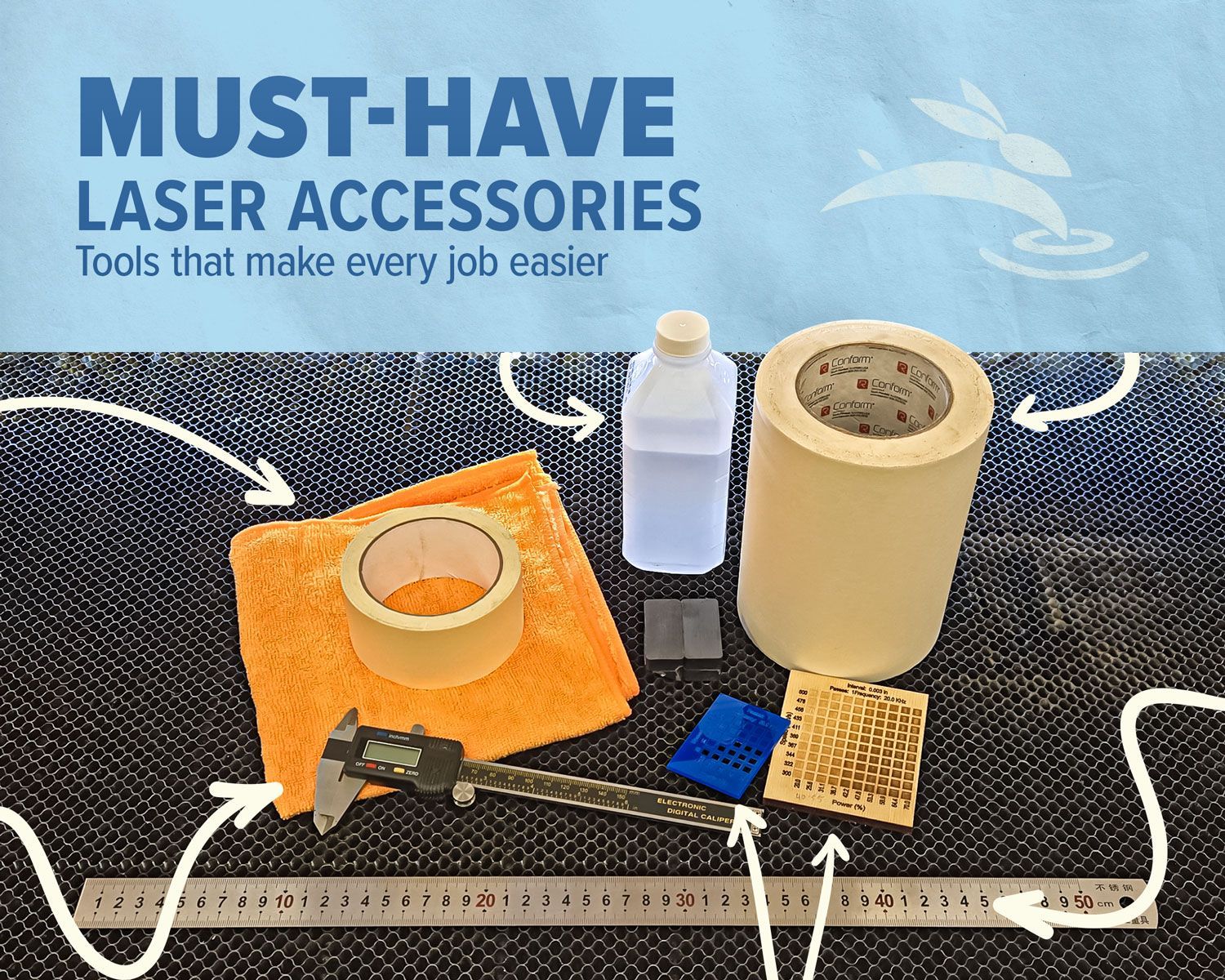
Masking Film, Iopropyl Alcohol, and magnets

Magnet Hold-Downs & Edge Guides

  • Use magnets to flatten materials and simple edge guides to keep pieces square to the gantry—key for straight, clean cuts.

Masking Film or Transfer Tape

  • Apply masking film before engraving or cutting to protect wood, painted surfaces, and other sensitive materials from smoke stains and scorching.

Isopropyl Alcohol (90%+)

  • Great for cleaning lenses and removing residue from wood. Avoid using it on cast acrylic, as it can cause surface cracking (known as crazing).

Work Cleaner and Smarter


Better results come from accurate measurements and repeatable processes. These tools help you dial in settings, calibrate your layout, and maintain consistency—especially when you’re working with a variety of materials or doing repeat jobs.

calipers, material test card, and metal metric ruler

Digital Calipers

  • Measure material thickness, verify actual cut dimensions, and fine-tune settings. Essential for puzzle fits, inlays, and accurate test cuts.

Metal Ruler with Metric Markings

  • Ideal for layout accuracy, calibration, and verifying project dimensions.

Material Sample Cards or Swatch Sets

  • Perfect for quoting jobs, keeping settings consistent, and training new users. A visual reference you’ll reach for often.

Stay Organized and Ready to Work


A clean, well-organized laser workspace is safer, more productive, and just easier to work in. These accessories help you manage debris, protect surfaces, and speed up cleanup between jobs

blue painters tape and orang microfiber cloth

Painter’s Tape or Masking Tape

  • Mask engravings, secure small pieces, or label parts in progress. There’s always a use for it.

Shop Towels or Microfiber Cloths

  • Wipe down smoke stains, prep surfaces before engraving, or apply finishes without leaving lint.

Cordless Handheld Vacuum or Small Shop Vac

  • Clears scraps in seconds—no more picking bits out by hand.

Quick List: Accessories That Make Laser Life Easier


  • Magnet Hold-Downs & Edge Guides
  • Masking Film or Transfer Tape
  • Isopropyl Alcohol (90%+)
  • Digital Calipers
  • Metal Metric Ruler
  • Material Swatch Cards
  • Painter’s Tape
  • Microfiber Cloths
  • Cordless Handheld Vacuum

At Rabbit Laser USA, we’ve seen thousands of shops dial in their setup—these are the tools they reach for most. They’re not flashy, but they get the job done. And when your workflow runs smoother, your results speak for themselves.


Got your own go-to accessory that’s saved the day? Let us know—we’re always curious how our customers Cut, Create, and Conquer. 🐰

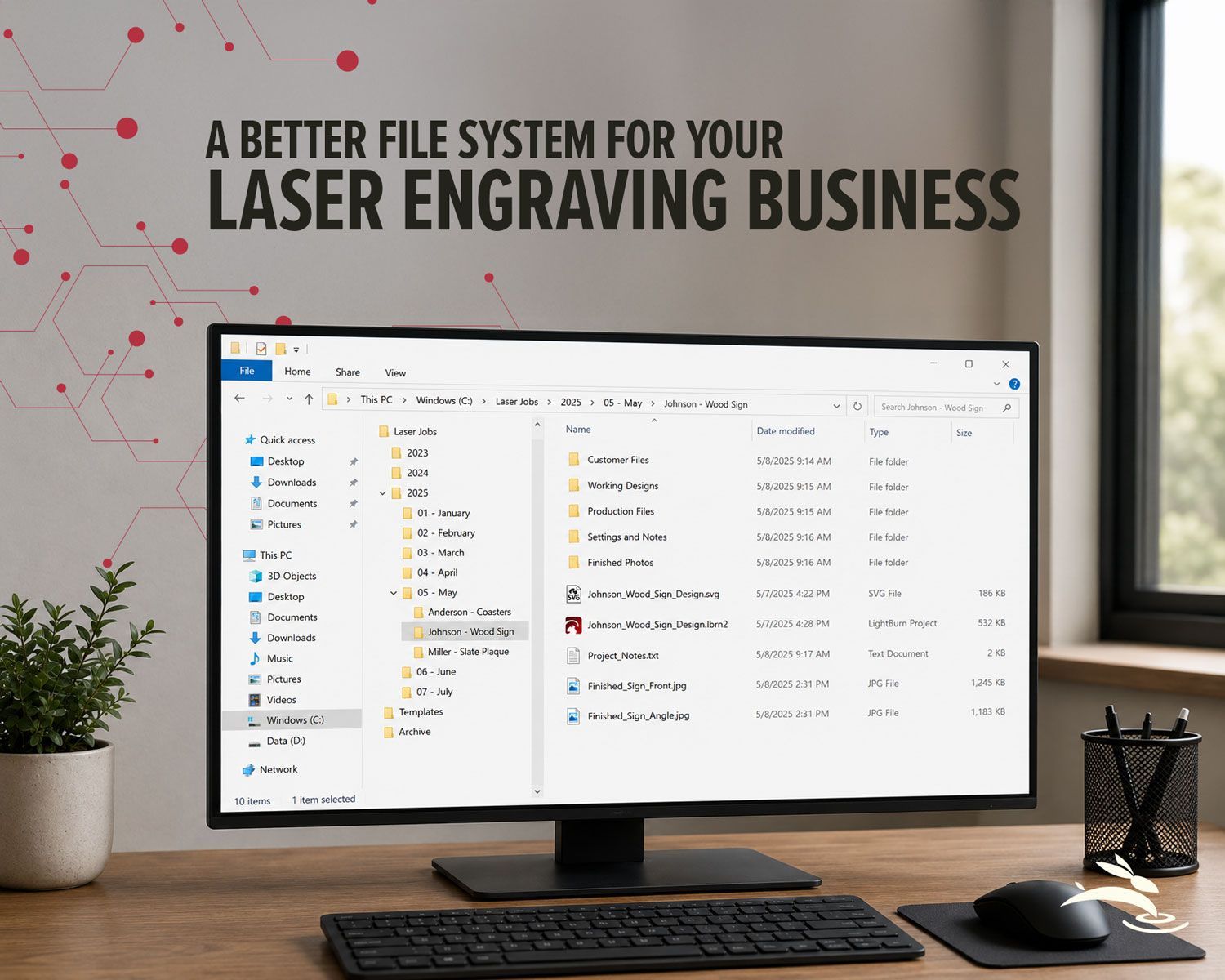
Desktop workspace showing an organized file system for managing laser engraving business projects.
By Rod Boehm July 28, 2026
Organize your laser engraving files with a simple folder system that makes repeat orders faster, reduces mistakes, and protects customer artwork.
Rabbit Laser USA CO2 laser machine with support workstation for laser setup and troubleshooting.
By Rod Boehm July 9, 2026
Rabbit Laser USA CO2 laser with support workstation for troubleshooting.
Split-screen of Rabbit Laser engraving a tumbler beside LightBurn software for remote support.
By Rod Boehm June 26, 2026
Remote laser support can help with software, settings, troubleshooting, alignment, parts questions, and service needs.
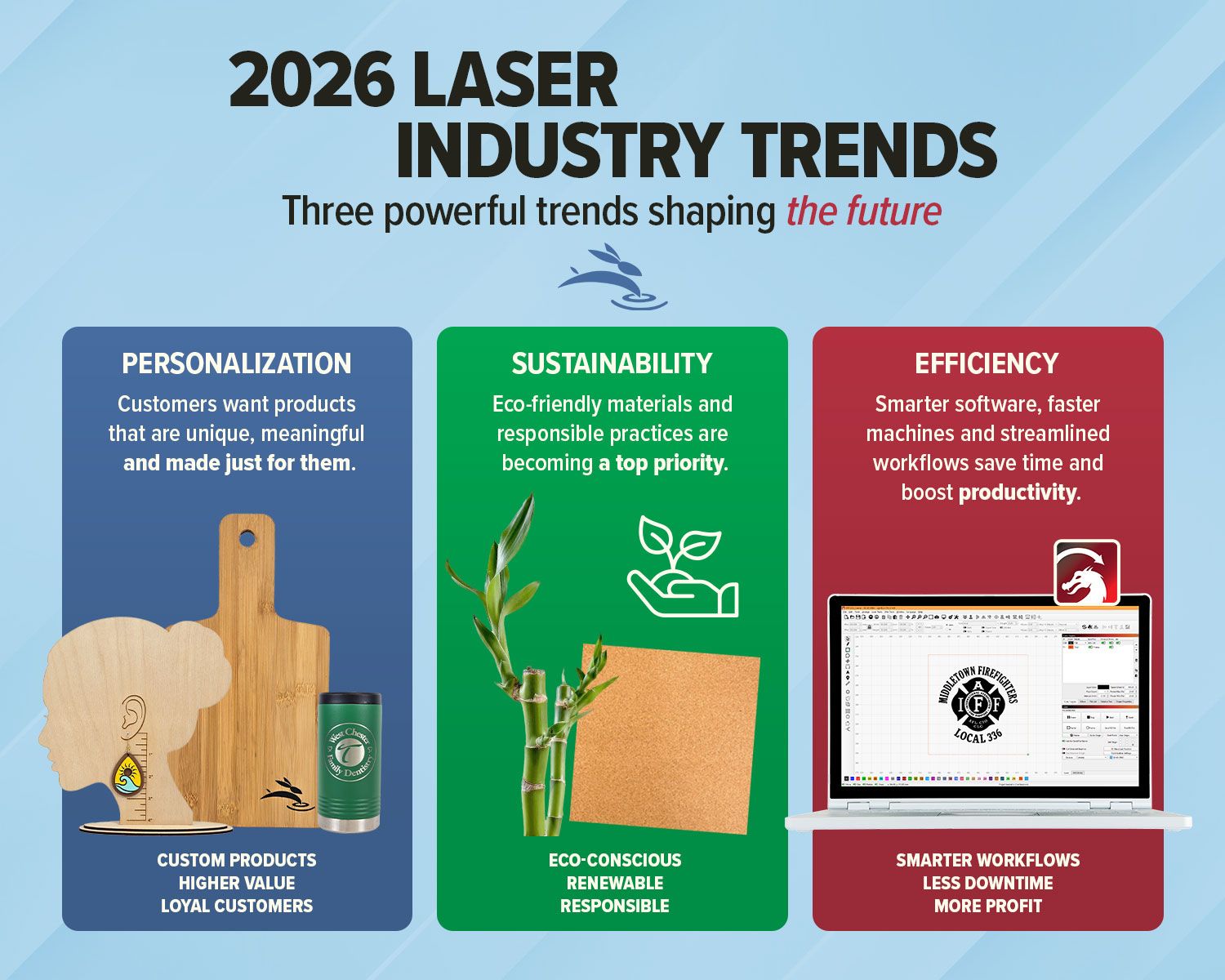
Infographic highlighting personalization, sustainability, and efficiency trends in laser industry
By Rod Boehm June 4, 2026
Explore 2026 laser engraving trends, including custom products, eco-friendly materials, efficient workflows, and business growth ideas.
Rabbit Laser CO2 machine with buyer’s guide graphic for choosing work area, support, parts, and trai
By Rod Boehm May 19, 2026
Avoid common CO2 laser buying regrets. Learn what to know about size, support, parts, accessories, setup, and long-term value before you buy.
SVGnest blog graphic showing before and after laser nesting layouts to save material and cut smarter
By Rod Boehm May 12, 2026
Use free online nesting software like SVGnest to arrange laser cutting files, reduce material waste, and improve your LightBurn workflow.
Light blue title graphic with Rabbit Laser USA watermark background.
By Rod Boehm April 13, 2026
New to laser engraving or cutting? Avoid common mistakes that cause poor results, wasted material, and frustration. Learn what to fix fast.
CO2 laser engraver gantry system engraving at high speed illustrating motion control and engraving p
By Rod Boehm March 4, 2026
High-speed laser engraving demands motion control. Learn how overscan, acceleration, and momentum impact precision and usable workspace.
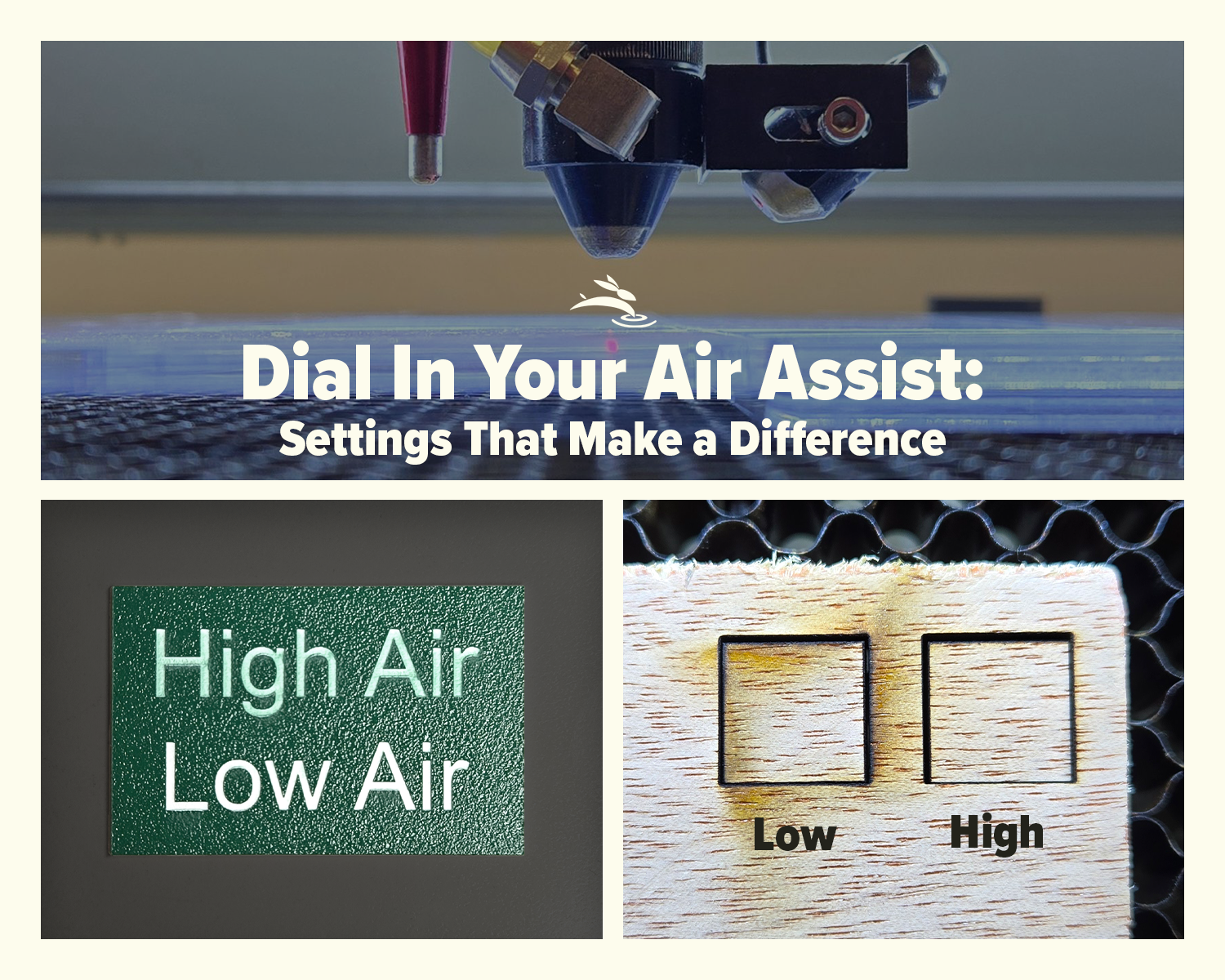
CO2 laser air assist settings comparison showing laser head cutting acrylic and low vs high air assist results on plywood
By Rod Boehm February 17, 2026
Learn how air assist settings affect laser cutting and engraving, including cleaner cuts, less smoke, better edge quality, and improved project results.
By Rod Boehm February 6, 2026
Laser beam alignment guide for flying optics laser machines. Step-by-step maintenance tutorial to restore accuracy, cutting power, and engraving performance.
CO2 laser lens held with gloves showing correct orientation, blog cover upside down lenses
By Rod Boehm January 15, 2026
Blurry engraving or weak cuts? Learn the correct CO2 laser lens orientation and how to fix one of the most common laser setup mistakes.
Graphic with “STOP RE-TESTING” text, yellow arrow pointing to the LightBurn Material Library window,
By Rod Boehm December 30, 2025
Stop re-testing. Save proven engraving and cutting settings in LightBurn’s Material Library and apply them fast on future projects.
More Posts