laser head illustration

CO₂ Laser Not Firing? 5 Troubleshooting Checks to Try First

If your CO₂ laser powers on but will not fire, the cause is often a safety interlock, water-flow issue, controller setting, power-supply problem, or laser tube issue. Start with these five checks before assuming the tube has failed.

Quick No-Fire Checklist (Check These First)


  1. Power Supply – Is the laser power supply receiving power and enabled?
  2. Door Interlocks – Are all doors fully closed and safety switches aligned?
  3. Water Protection – Is the chiller running with proper flow and no alarms?
  4. Controller Signal – Is the controller sending a fire signal to the laser?
  5. Laser Tube – Is there any glow, arc, or visible sign of activity?


These five checks account for the vast majority of “no fire” issues we see in the field. Start here before assuming a failed tube or major repair.

Before calling for support or tearing your machine apart, here are five quick areas to check. These cover 90% of “no fire” issues we help customers resolve at Rabbit Laser USA.


🔌 1. Is Your Chiller On and Flowing?

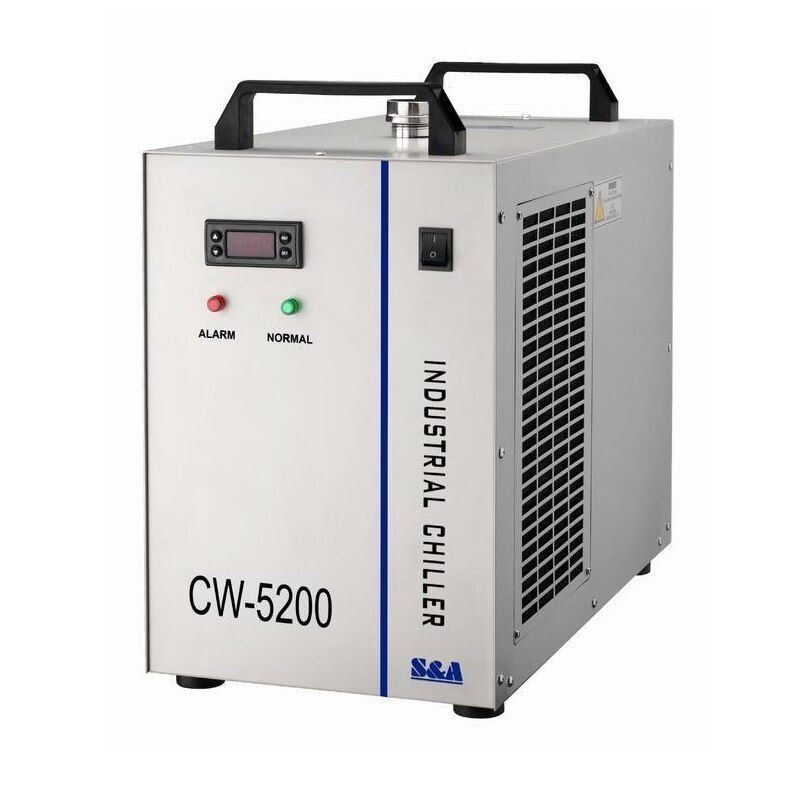
cw-5200 chiller

A CO₂ laser will not fire if the cooling system is not running properly. Most machines use a water-flow protection circuit that prevents the laser tube from firing when water flow stops or the chiller reports an alarm.


What to check:

  • Is the chiller powered on?
  • Can you see water flowing?
  • Are there any alarms?
  • Is the water-protection indicator showing normal operation?

If in doubt, turn off the chiller and laser, then power them back on. After checking for alarms and proper water flow, power the chiller and laser off and restart them.


Regular maintenance can help prevent cooling and airflow problems before they stop production. See our CO₂ Laser Maintenance Checklist for routine checks that keep your machine running reliably.
🚪 2. Door Interlocks and Safety Switches

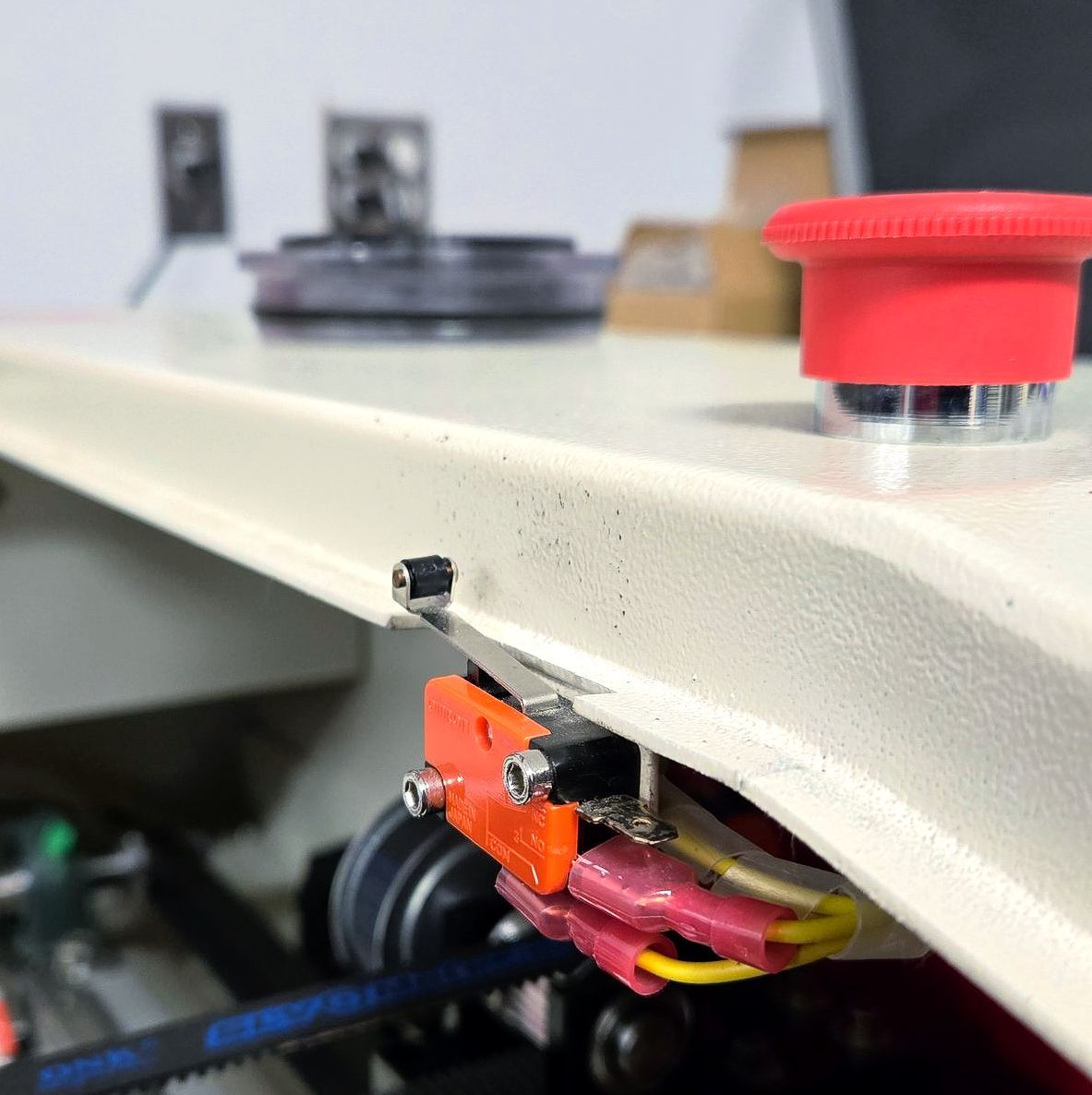
close-up of door safety switch

Most CO₂ lasers come with built-in safety interlocks. If the lid isn’t closed or the sensor isn’t aligned properly, tthe laser may be prevented from firing.


What to check:

  • Is the lid completely closed?
  • Can you press and hear a “click” from the door switch?
  • Is the magnet or trigger aligned correctly?

If the machine moves but doesn’t fire, this is often the issue.

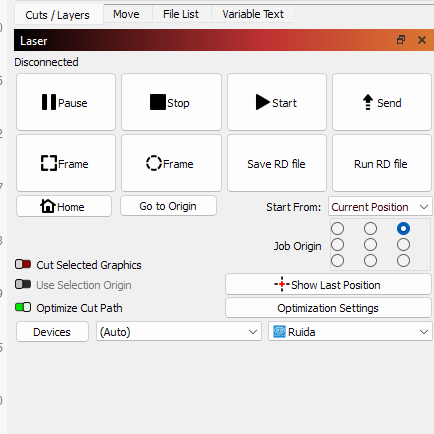
💻 3. Check LightBurn and the Ruida Controller

screenshot of LightBurn laser control window

Sometimes it’s not the hardware—it’s the software. Look at the controller screen or LightBurn to make sure everything is communicating properly.


Quick checks:

  • Can you jog the laser head in LightBurn?
  • Are you set to the correct layer (Line, Fill, or Line+Fill)?
  • Is your power or speed accidentally set to zero?

If the machine moves normally but does not fire, that usually means the motion system is communicating even though the laser-enable signal may still be interrupted.


Also, double-check that the job is being sent to the correct device profile.

⚡ 4. Inspect the Power Supply and Connections

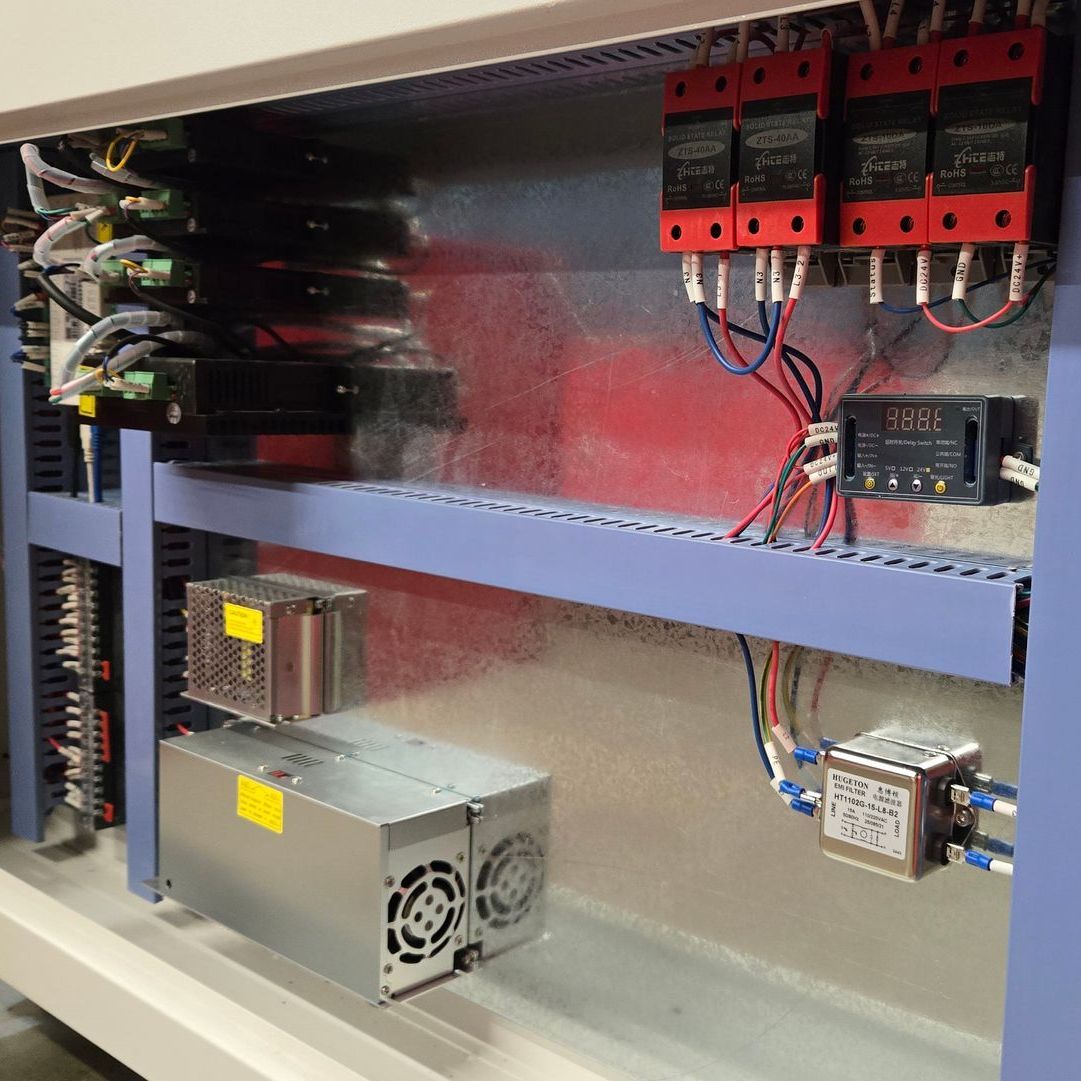
inside door panel of a rabbit laser cutter showing power supplies and wires

No fan noise? No red light on the laser power supply? You might have a power issue.


Steps to take:

  • With the machine powered off and unplugged, visually inspect accessible areas for obvious signs of damage such as burn marks, disconnected low-voltage connectors, or unusual odors. Do not touch high-voltage wiring or terminals
  • Check for burn marks, disconnected wires, or odd smells
  • If the fan in the power supply isn’t spinning, it could be dead

If the laser power supply shows no normal signs of operation, contact a qualified technician before going further.


Always power off and unplug the machine before working inside.

🧪 5. Double-Check Your Optics and Tube

close-up look of an extremely dirty and unsafe laser focal lens

In rare cases, the issue could be physical damage to your optics or tube. Look for:

  • Cracked or burnt mirrors
  • No visible tube activity during a normal low-power test
  • Visible damage around high-voltage wiring or connections — do not touch these components.

High-voltage components can remain dangerous even when the machine is turned off. If you suspect a power-supply or high-voltage wiring problem, stop troubleshooting and contact a qualified technician.


If your mirrors are dirty or misaligned, your beam may be firing—but never reaching the material.

↔️ 6. Laser Head Moves, But the Laser Does Not Fire

If the machine completes the job movement normally but no beam is produced, start with the door interlocks, water-protection system, and laser-enable signal. If those checks are normal, the issue may be with the laser power supply, controller signal, or tube.

🧰 Still Stuck? We Can Help.


Still not firing after these checks? Rabbit Laser USA can help troubleshoot the issue by phone, FaceTime, or remote computer support. Many problems can be narrowed down without an on-site service visit.


👉 Contact us for support
👉
Join our Facebook Community to post a photo and get help
👉
Need replacement parts?  We stock what you need—fast shipping, no delays

💬 Final Tip


If the machine powers up and moves normally but will not fire, start with the simple safety and cooling checks before assuming a major component has failed. If the problem points toward the laser power supply, tube, or high-voltage wiring, stop and contact a qualified technician.

Three wood samples on a laser bed show light, medium, and dark engraving results from the same speed and power settings.
By Rod Boehm • September 23, 2026
Why do identical CO2 laser settings produce different results? Learn how speed, power, material, focus, optics, and air assist affect cutting and engraving.
By Rod Boehm • August 21, 2026
Has your CO₂ laser been sitting unused? Check cooling, optics, exhaust, air assist, movement, and more before running your first job.
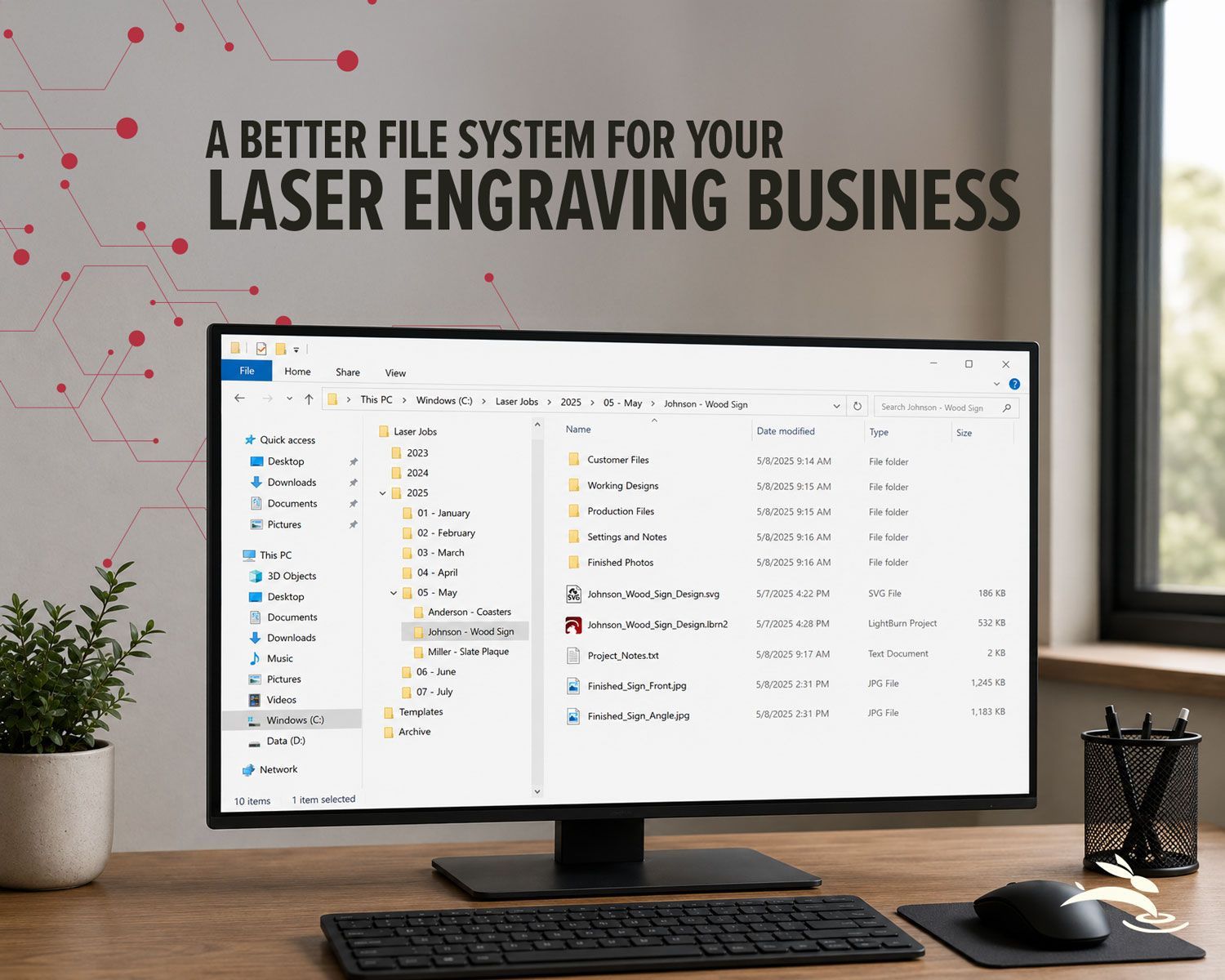
Desktop workspace showing an organized file system for managing laser engraving business projects.
By Rod Boehm • July 28, 2026
Organize your laser engraving files with a simple folder system that makes repeat orders faster, reduces mistakes, and protects customer artwork.
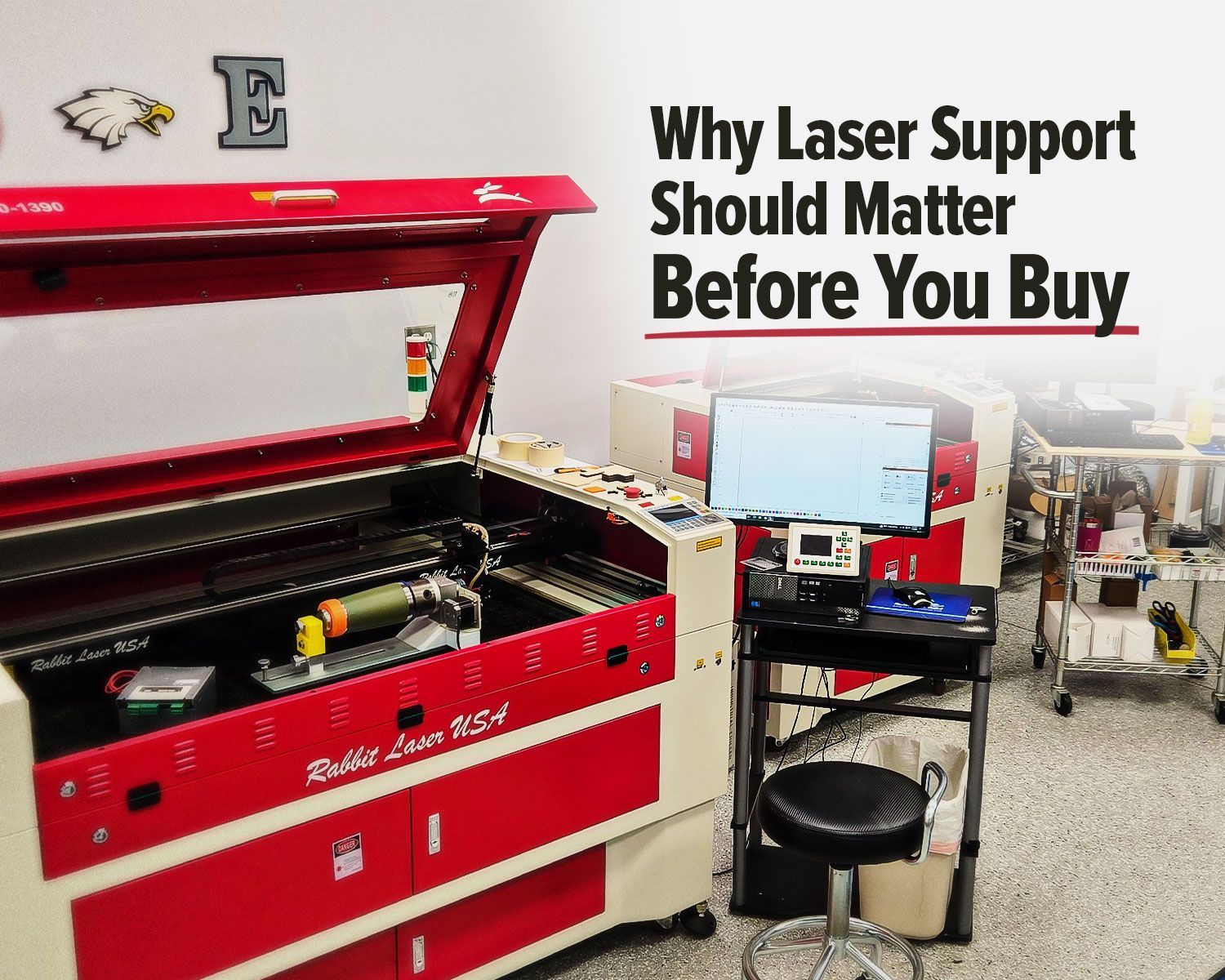
Rabbit Laser USA CO2 laser machine with support workstation for laser setup and troubleshooting.
By Rod Boehm • July 9, 2026
Rabbit Laser USA CO2 laser with support workstation for troubleshooting.
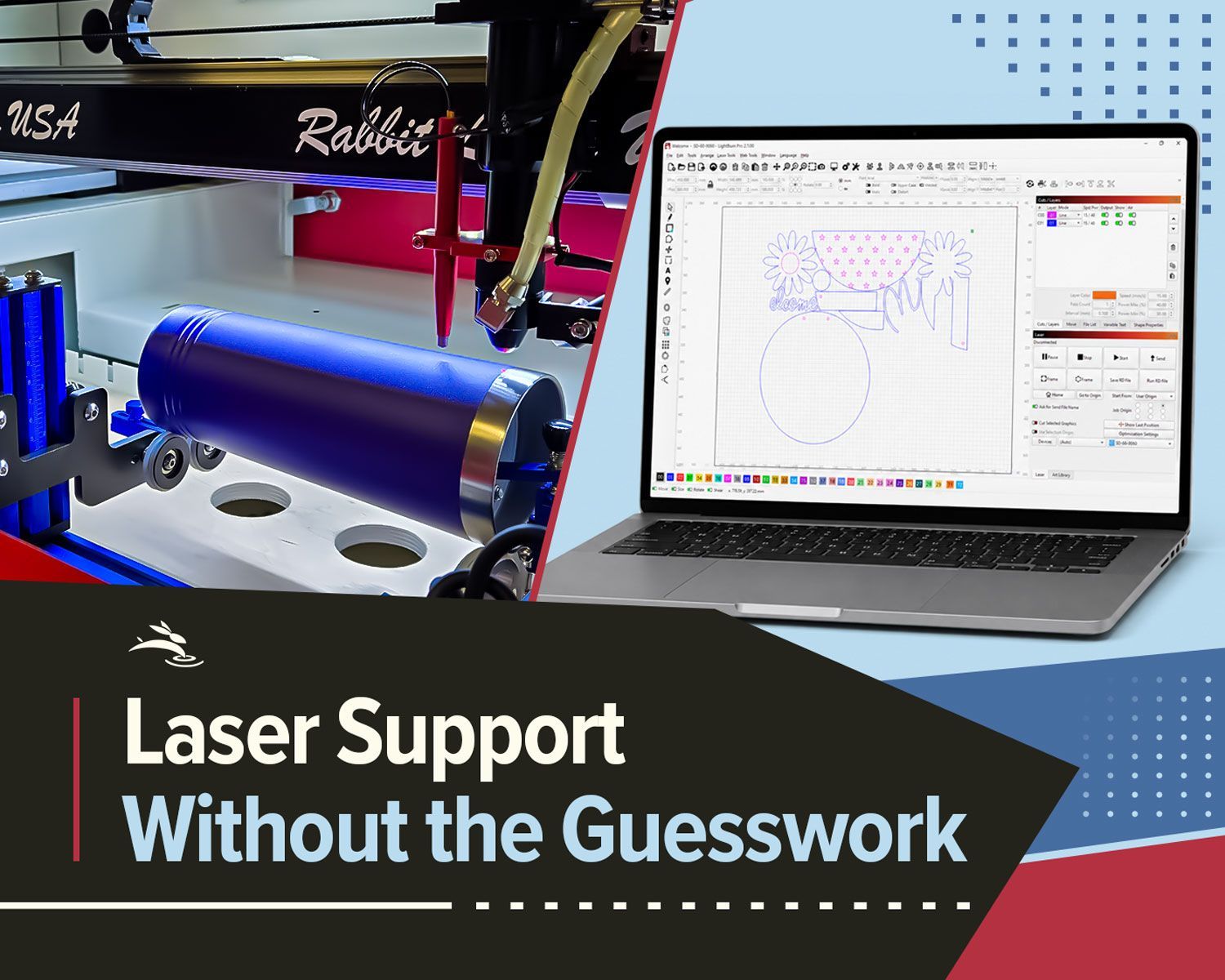
Split-screen of Rabbit Laser engraving a tumbler beside LightBurn software for remote support.
By Rod Boehm • June 26, 2026
Remote laser support can help with software, settings, troubleshooting, alignment, parts questions, and service needs.
Infographic highlighting personalization, sustainability, and efficiency trends in laser industry
By Rod Boehm • June 4, 2026
Explore 2026 laser engraving trends, including custom products, eco-friendly materials, efficient workflows, and business growth ideas.
Rabbit Laser CO2 machine with buyer’s guide graphic for choosing work area, support, parts, and trai
By Rod Boehm • May 19, 2026
Avoid common CO2 laser buying regrets. Learn what to know about size, support, parts, accessories, setup, and long-term value before you buy.
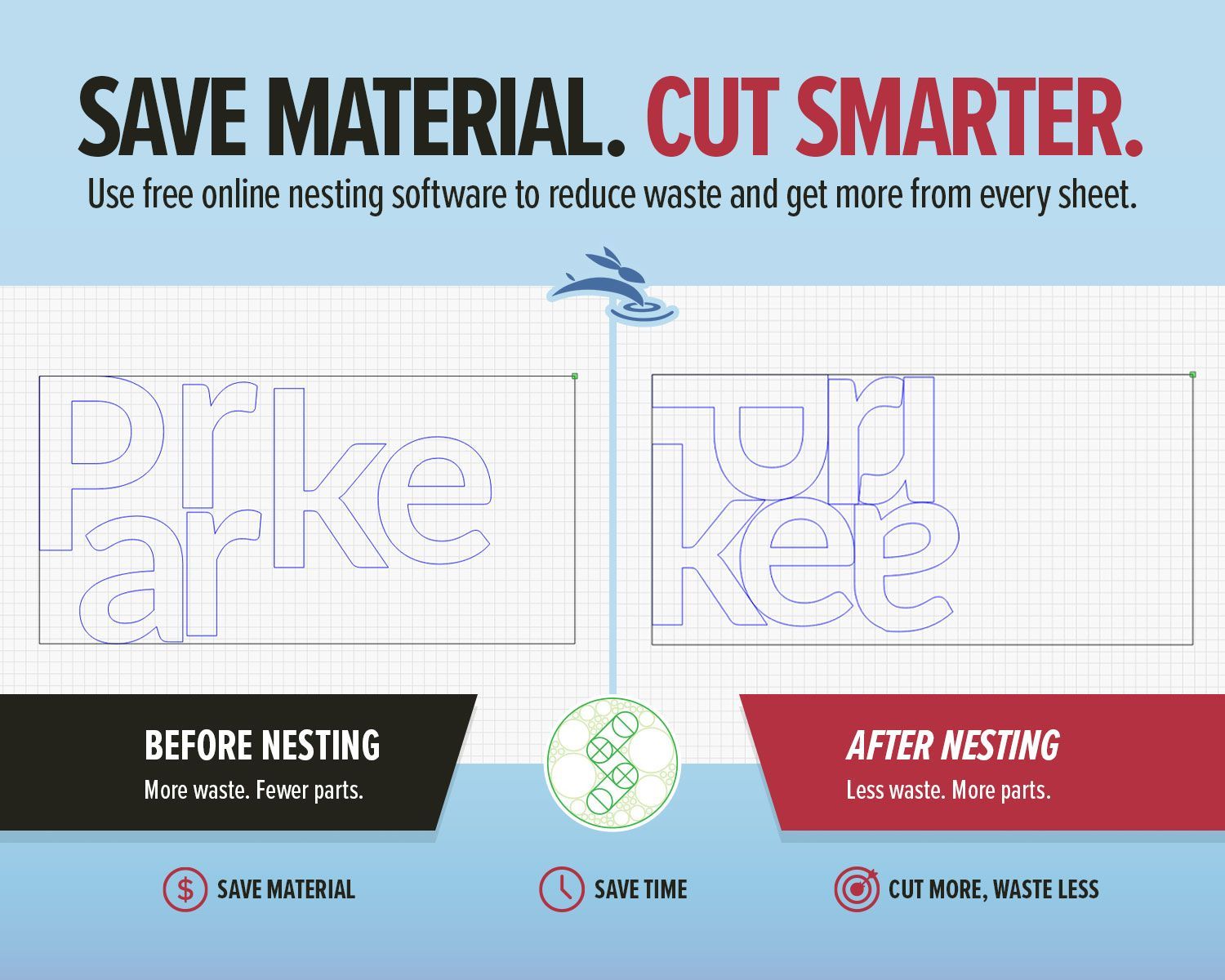
SVGnest blog graphic showing before and after laser nesting layouts to save material and cut smarter
By Rod Boehm • May 12, 2026
Use free online nesting software like SVGnest to arrange laser cutting files, reduce material waste, and improve your LightBurn workflow.
Light blue title graphic with Rabbit Laser USA watermark background.
By Rod Boehm • April 13, 2026
New to laser engraving or cutting? Avoid common mistakes that cause poor results, wasted material, and frustration. Learn what to fix fast.
CO2 laser engraver gantry system engraving at high speed illustrating motion control and engraving p
By Rod Boehm • March 4, 2026
High-speed laser engraving demands motion control. Learn how overscan, acceleration, and momentum impact precision and usable workspace.
CO2 laser air assist settings comparison showing laser head cutting acrylic and low vs high air assist results on plywood
By Rod Boehm • February 17, 2026
Learn how air assist settings affect laser cutting and engraving, including cleaner cuts, less smoke, better edge quality, and improved project results.
By Rod Boehm • February 6, 2026
Laser beam alignment guide for flying optics laser machines. Step-by-step maintenance tutorial to restore accuracy, cutting power, and engraving performance.
More Posts