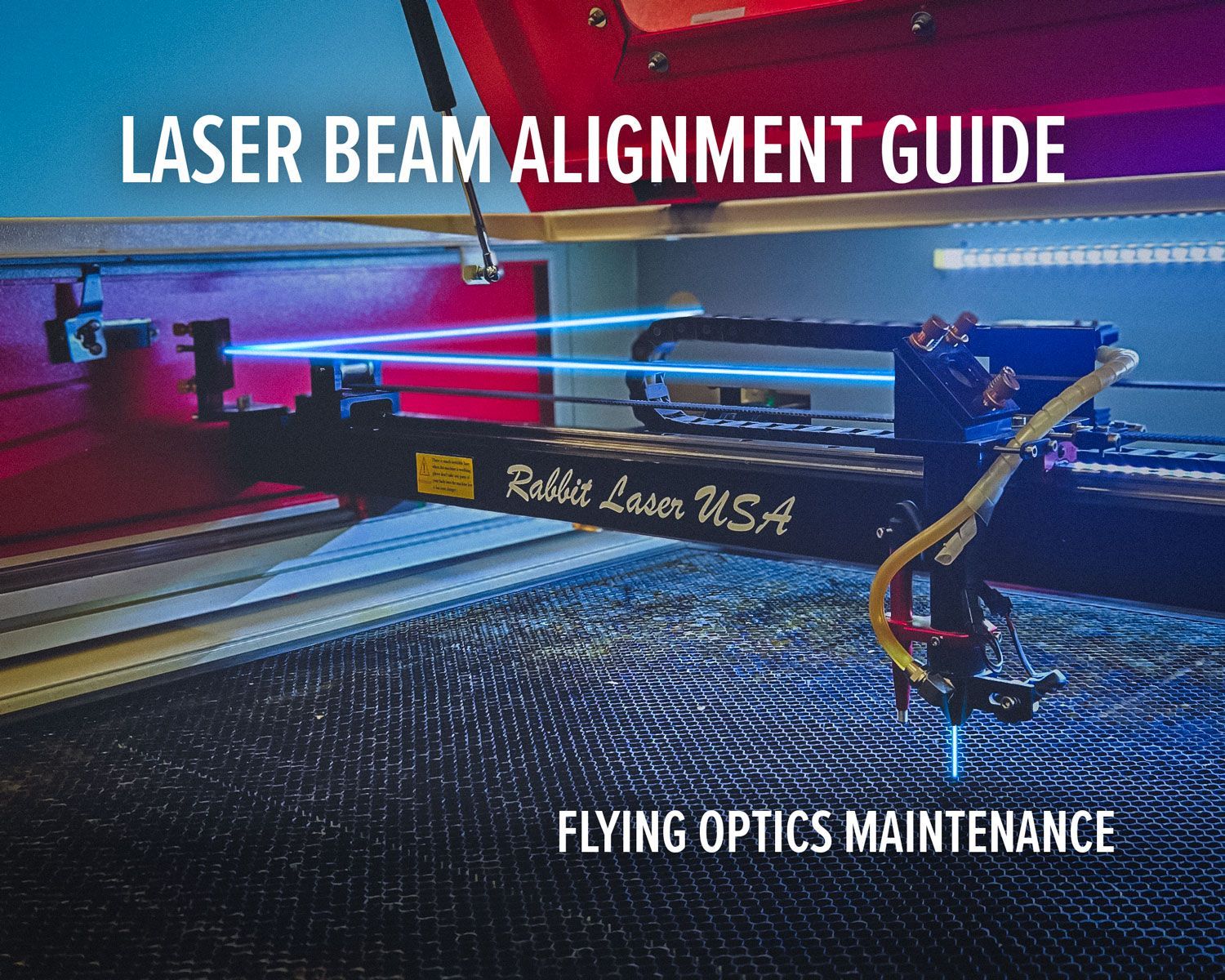
Elevating Leathercraft Efficiency with Rabbit Laser USA and LightBurn Software

Introduction: Redefining Leathercraft with Rabbit Laser USA and LightBurn
The world of leathercrafting is a blend of tradition and innovation, where precision and efficiency play a pivotal role. Rabbit Laser USA, in conjunction with the cutting-edge LightBurn software, emerges as a dynamic duo that empowers leathercrafters to achieve unparalleled excellence. This article explores the synergistic benefits of incorporating Rabbit Laser USA's CO2 lasers and LightBurn software into your creative process.
Precision Perfected: Rabbit Laser USA's CO2 Lasers
CO2 lasers have transformed industries worldwide, and the realm of leathercrafting is no exception. Rabbit Laser USA's CO2 lasers stand as a testament to precision, enabling artists to bring intricate designs to life with remarkable accuracy. From engraving logos to crafting complex patterns, these lasers set a new standard of precision in leathercrafting.
Streamlining Creativity with LightBurn Software
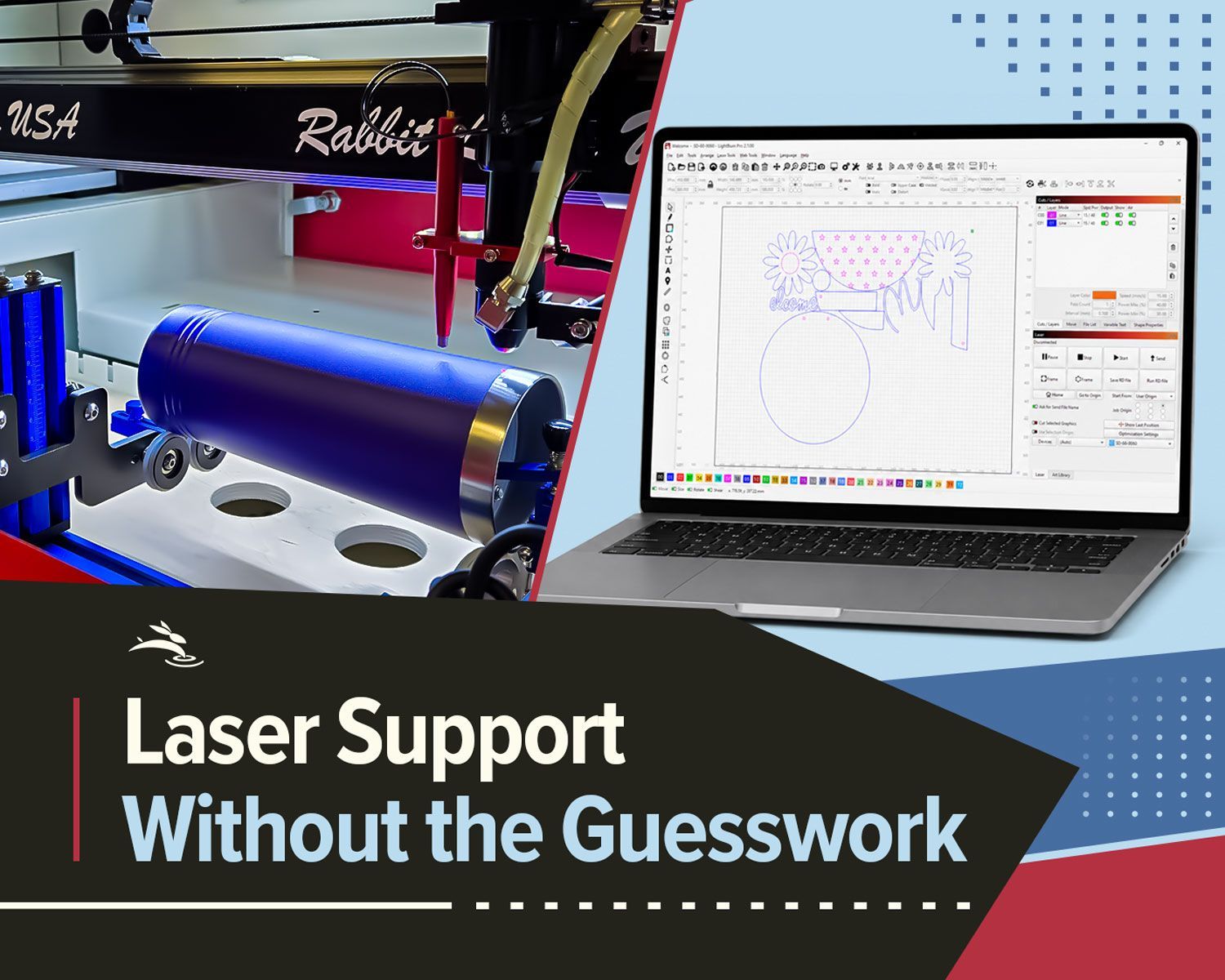
In the ever-evolving landscape of technology, LightBurn software emerges as a beacon of efficiency for leathercrafters. Seamlessly compatible with Rabbit Laser USA's CO2 lasers, LightBurn software offers an intuitive platform for designing, editing, and controlling laser engraving and cutting processes. Its user-friendly interface empowers artisans to translate their ideas into reality effortlessly.
The Perfect Synchronization: Rabbit Laser USA and LightBurn
The synergy between Rabbit Laser USA's CO2 lasers and LightBurn software is nothing short of exceptional. The software's compatibility with Rabbit's laser machines allows for a seamless transition from design conceptualization to precise execution. Artists can fine-tune their designs, optimize cutting paths, and monitor the process in real-time, resulting in a harmonious blend of technology and craftsmanship.
Efficiency Redefined: Time, Material, and Creativity
The combined prowess of Rabbit Laser USA and LightBurn software redefines efficiency on multiple fronts. The precision of CO2 lasers minimizes production time, while LightBurn's optimization capabilities reduce material wastage. Moreover, the software's design tools spark creativity, enabling artisans to experiment, iterate, and perfect their designs, ultimately leading to enhanced end-products.
Customer-Centric Approach: Rabbit's Unmatched Service
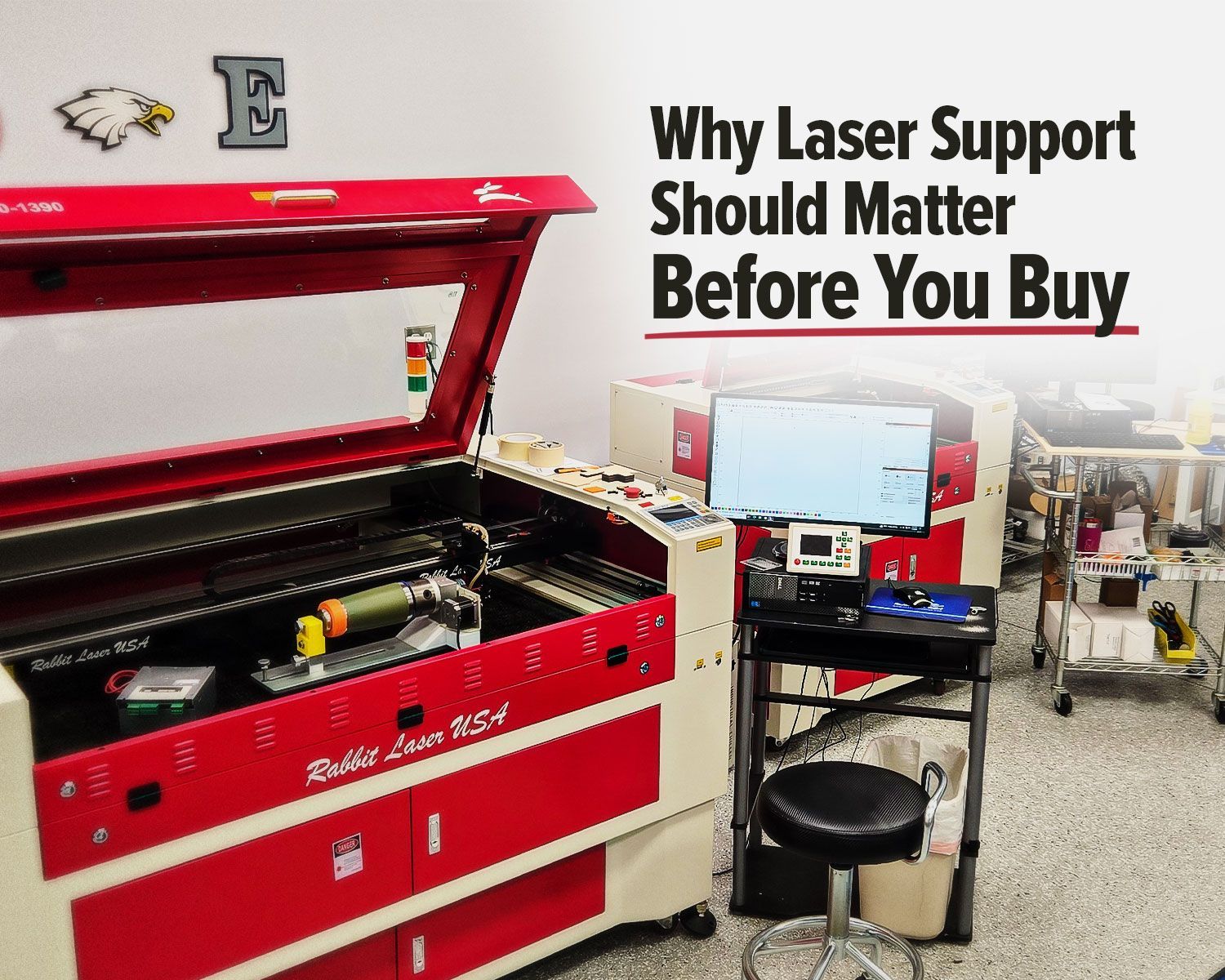
Beyond technology, Rabbit Laser USA's commitment to customer service remains unwavering. Their dedicated support team ensures that artisans receive the assistance they need to navigate both the laser technology and LightBurn software. This partnership extends beyond the tools, fostering an environment where innovation and learning flourish.
From Hobbyists to Professionals: Accessibility Amplified
Rabbit Laser USA and LightBurn software cater to a wide spectrum of users, from hobbyists to seasoned professionals. The accessibility of both tools ensures that novices can swiftly grasp the intricacies of laser crafting, while experts can delve into advanced techniques without limitations. This democratization of technology paves the way for an inclusive and thriving leathercrafting community.
Crafting the Future with Rabbit Laser USA and LightBurn
In conclusion, the collaboration between Rabbit Laser USA and LightBurn software transcends traditional leathercrafting boundaries. The fusion of precision, efficiency, and creativity propels artisans into uncharted territories of excellence. By embracing Rabbit Laser USA's CO2 lasers and harnessing the capabilities of LightBurn software, leathercrafters can craft the future, one meticulously engraved design at a time. 🐇