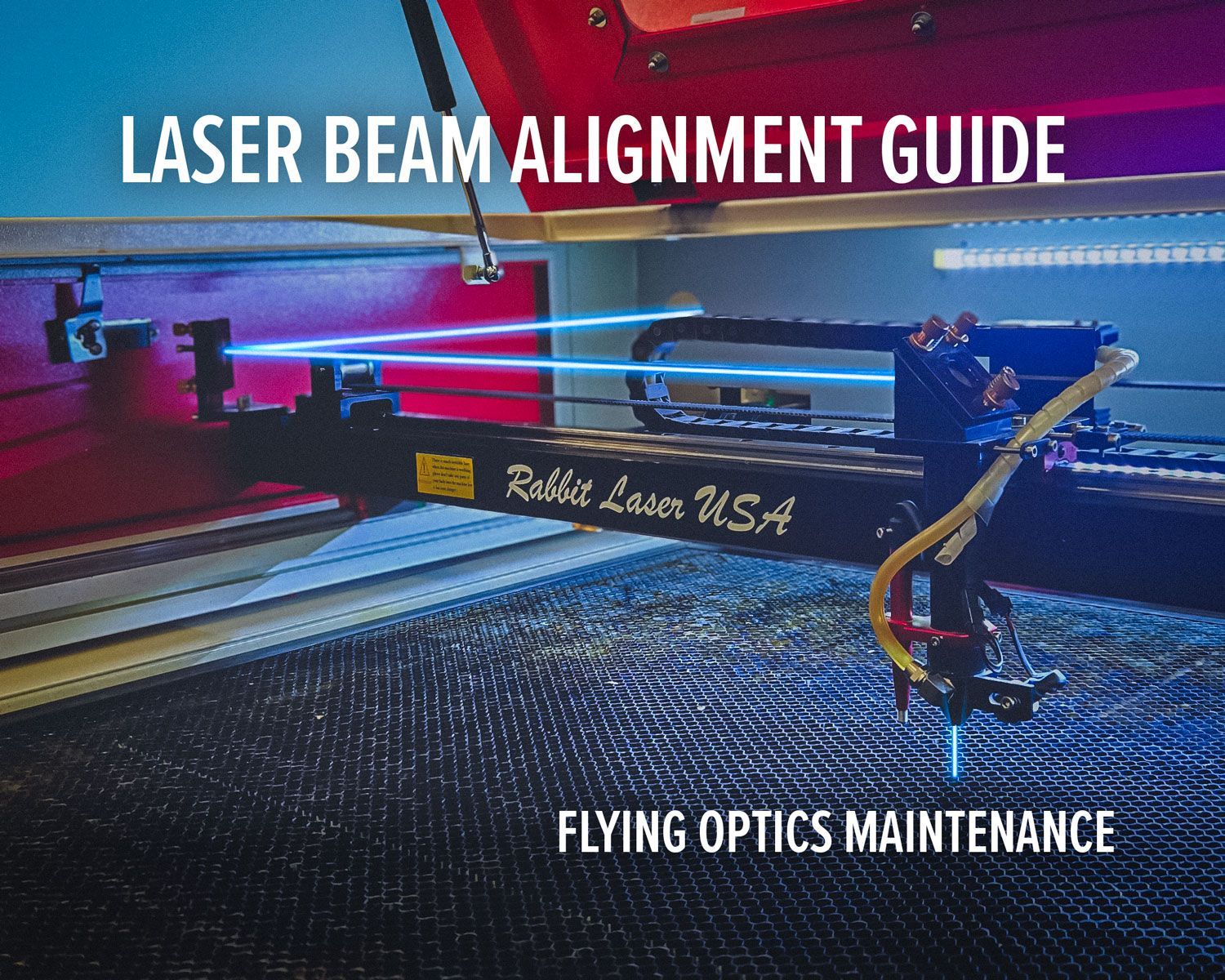
Efficient Rail Care:
Enhancing Your Laser Engraving Machine's Performance
- Rabbit Laser USA
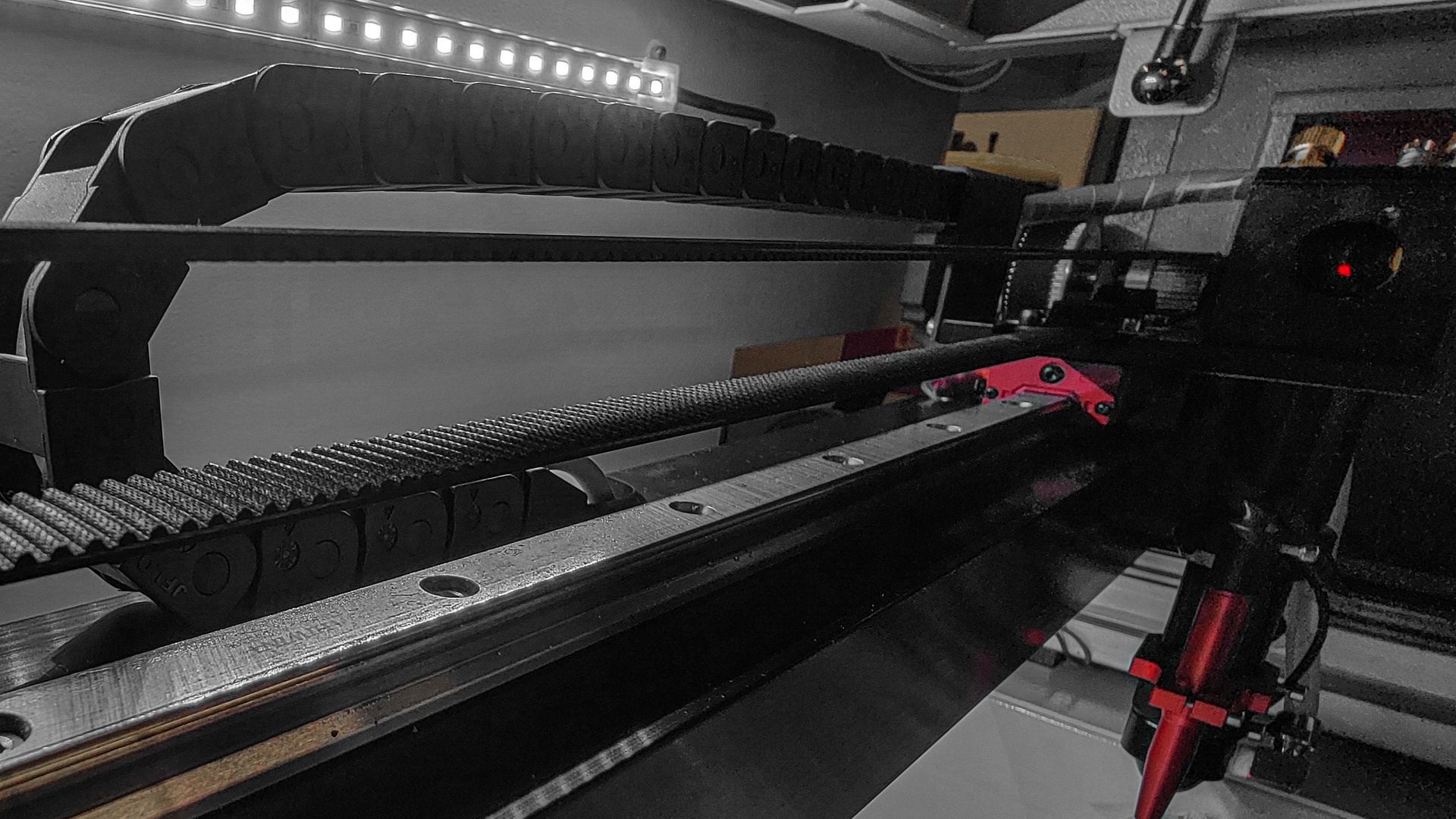
If you own a laser engraving machine, you understand the precision and finesse it requires to create stunning, detailed designs. However, to ensure your machine operates smoothly and efficiently, regular maintenance is essential. One often-overlooked aspect of laser engraver maintenance is lubricating the rails. In this article, presented by Rabbit Laser USA, we will delve into the importance of lubricating the rails of your laser engraving machine, step by step. Let's get started.
Introduction: Understanding Laser Engraving Machines
Laser engraving machines are sophisticated tools used for etching intricate designs onto various materials, such as wood, acrylic, and metal. These machines utilize precise laser beams to create detailed and high-quality engravings. To maintain the machine's accuracy and extend its lifespan, regular maintenance is crucial.
The Significance of Rail Lubrication
Rail lubrication is a fundamental aspect of laser engraver maintenance. The rails are the tracks on which the laser head moves. Without proper lubrication, friction can occur, leading to wear and tear on the rails and reduced engraving precision. Lubrication ensures smooth movement, reducing strain on the machine's components.
Choosing the Right Lubricant
Selecting the correct lubricant is vital. It's recommended to use a dry lubricant, such as PTFE-based lubricants, as they don't attract dust and debris, which can cause further issues. Ensure the lubricant is compatible with the materials in your machine to prevent any adverse reactions.
Step-by-Step Guide to Lubricating the Rails
Before you begin, gather the following tools:
- Dry lubricant
- Clean cloth
- Gloves (for safety)
- Screwdriver (if necessary)
Cleaning the Rails
Start by cleaning the rails thoroughly with a clean cloth. Remove any dust, debris, or old lubricant residue. Clean rails ensure optimal lubricant adherence.
Applying Lubricant
Apply the dry lubricant evenly along the rails. Be cautious not to overapply, as excess lubricant can attract dust.
Distributing the Lubricant
Use the screwdriver or your machine's manual controls to move the laser head along the rails. This will help distribute the lubricant evenly.
Testing the Movement
After lubrication, test the machine's movement. It should glide smoothly along the rails without any hitches or jerks. If you notice any issues, revisit the lubrication steps.
Maintenance Frequency
The frequency of rail lubrication depends on the usage of your laser engraving machine. As a general guideline, lubricate the rails every 100 hours of operation or as recommended by the manufacturer.
Troubleshooting Common Issues
If you encounter problems such as uneven engraving or unusual noises during operation, it's essential to address them promptly. Common issues may include inadequate lubrication, loose components, or debris on the rails.
Ensuring Safety
When performing maintenance on your laser engraving machine, always prioritize safety. Wear gloves to protect your hands, and follow the manufacturer's guidelines for maintenance procedures.
Conclusion
Regular rail lubrication is a simple yet critical aspect of laser engraver maintenance. It ensures the longevity and precision of your machine, allowing you to create stunning engravings consistently. By following the steps outlined in this article, you can keep your laser engraving machine in optimal working condition for years to come. 🐇