Laser Manuals and Tutorials
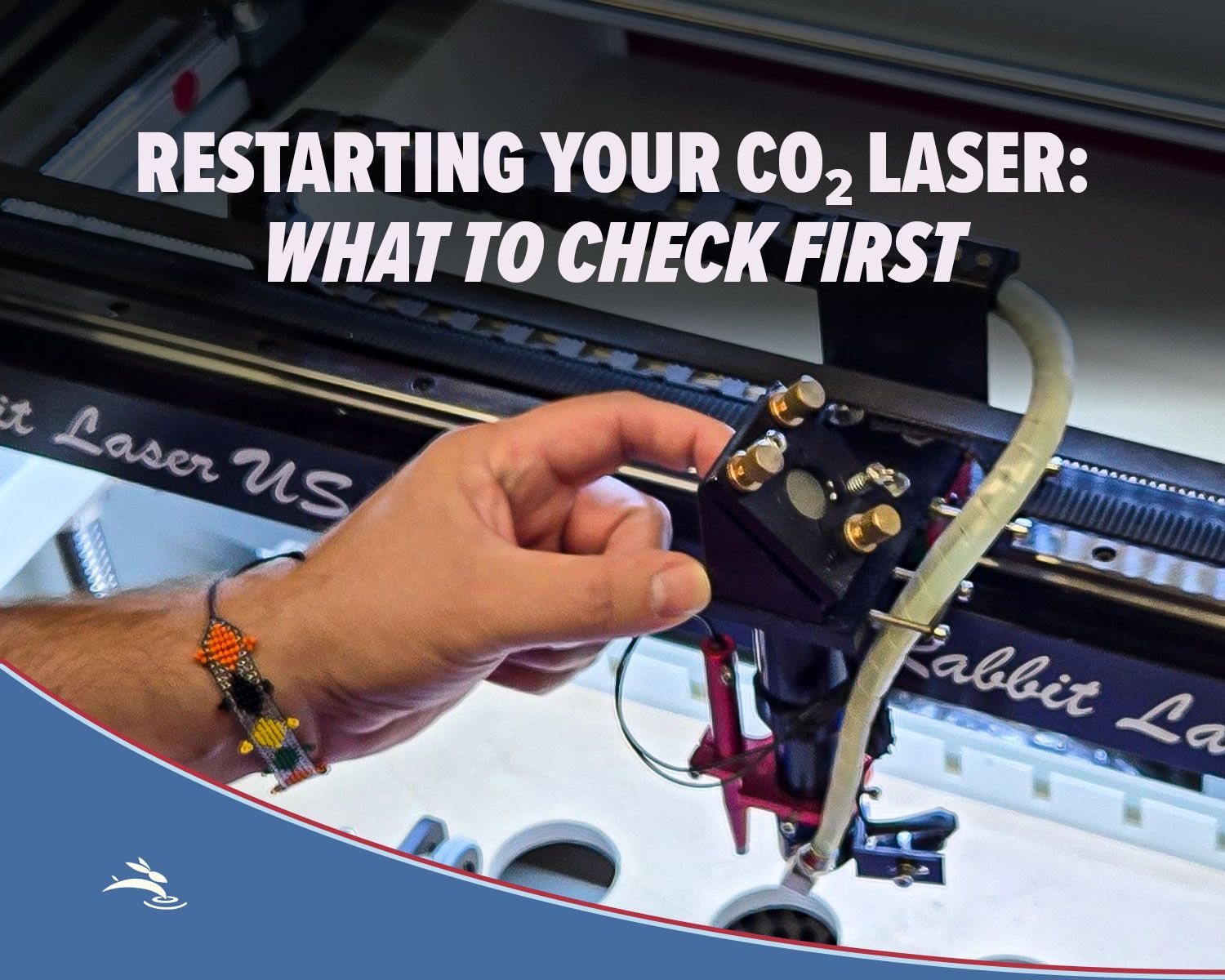
Lens Cleaning/Replacement Demonstration
Offset Text in LightBurn
Ruida Controllers and RDWorks V8 Software:
All new laser systems from Rabbit Laser USA are built with Ruida controllers (RDC6442G and RDC6442S). As laser machines progress, we also will be providing the NEW controllers (RDC6445 with advanced display options).
The industry standard RDWorks V8 software, manuals, and tutorials are provided here to help you with your projects:
- RDWorksV8 ... Open the directory for our newest version.
- Installation Manual for RDWorksV8.
- General schematic for laser system with Ruida 6442.
- Driver for the USB Virtual Com Port.. FTDI245.
- Using RDWorksV8 to cut a circle.
- Using RDWorksV8 to engrave text.
- Using RDWorksV8 to import a bitmap.
- Using a USB Flash drive to transfer a project from your computer to the laser machine.
- User Manual for RDWorksV8. Written by the Chinese developers.
- Hardware Manual for the RuiDa controller 6442G.
We want to suggest some specific resources for laser users to get additional help from the internet.
- Rabbit Laser USA Facebook Page Current events for what is happening at Rabbit Laser USA
- LightBurn YouTube channel great videos with tutorials on LightBurn software for laser cutters
- RDWorkslab.com These guys have a great manual written in a style of "one guy helping a friend to use his laser machine".
- CNCZone A great place to ask questions and get fellow users to help solve the problems.
- SawmillCreek Org A huge community of machinists and Laser Machine users that help each other.
- RDWorks Community Support Forum on Facebook. The largest Facebook community of Laser Machine users and RDWorks software with Ruida controllers.
RDWorksV8 has the ability to save a database of materials with speeds, power settings, DPI, ..etc. This material library feature has the potential to be quite important. The current library manager inside RDWorksV8 needs to be improved. Rabbit Laser USA has created a more detailed tool for managing the Material Library. RDWorksV8 Library Modifier-Manager ... Open this directory for our newest version.
Leetro Controllers and LaserCut53 Software:
- If you are looking for the LaserCut 5.3 Software, Drivers, or Manuals, please contact the office for assistance 513.217.5707.
PhotoGrav information:
Rotary Attachments:
- Quick Start for using Rotary Attachments with the Ruida controller systems .. Easy Button.
- Quick Start for using Rotary Attachments with the Ruida controller systems .. Plug the green connectors.
- Setup and Modifying the Rotary Attachments. An in-depth approach to get the best performance from your rotary accessory... PDF.
Setting Up Your Chuck Rotary Using LightBurn Software
Hardware:
- Startup Procedure before operating the laser machine. .. PDF
- Please read the CAUTION items before operating the laser machine. .. HTML.
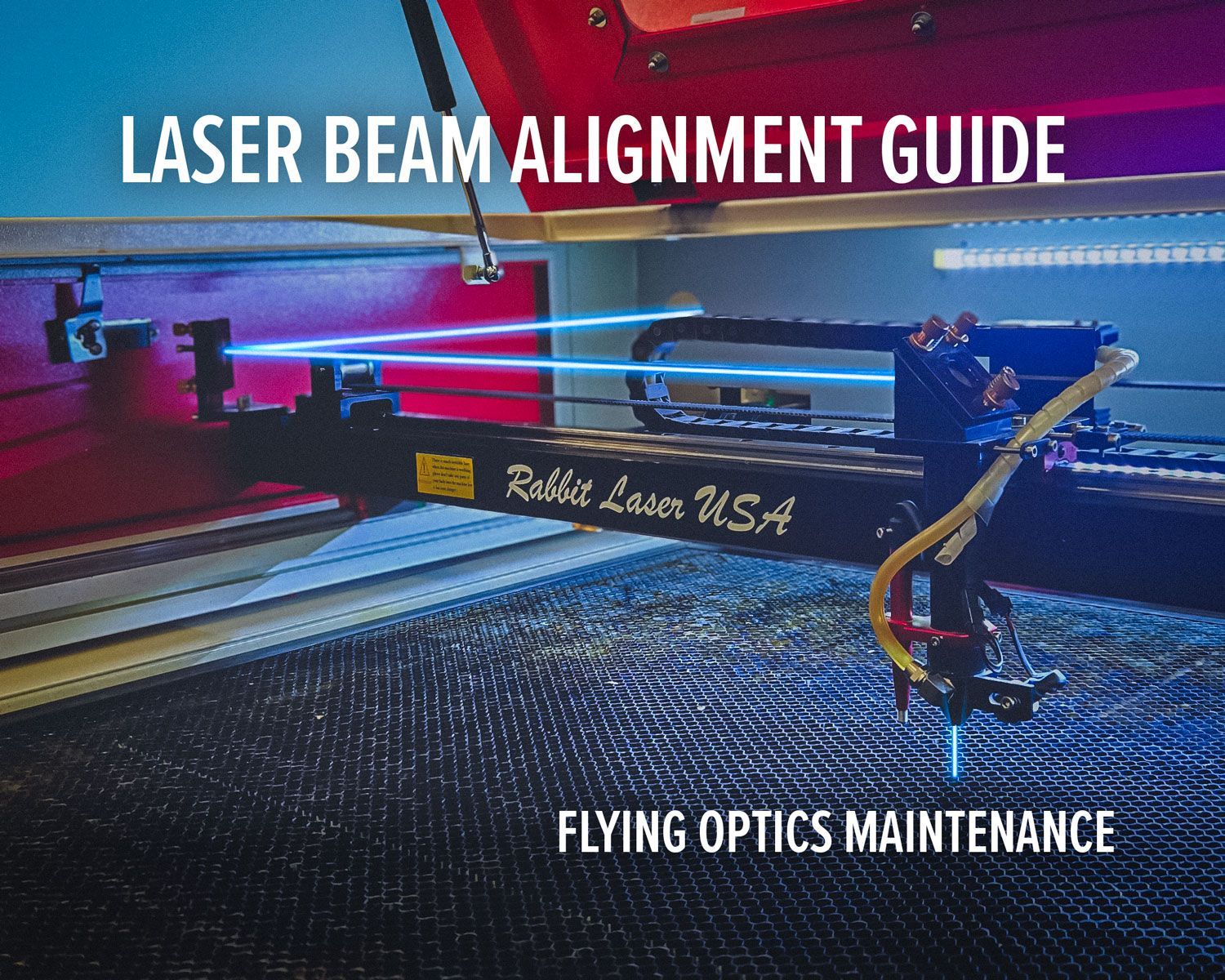
- The procedure for aligning the flying optics for the laser beam.
- Modifications for using a 4" or 101.6mm Focal lens through a 2" or 50.8mm focal tube nozzle. The 50.8mm and 63.5mm focal lenses are standard on laser engraving machines 60 watts and under. A 4" (101.6mm) lens provides a longer depth of field for improved cutting—especially on thicker, porous materials like foam. The 50.8mm lens works well for hard materials under 3/8" (9.5mm), and the 63.5mm lens works well under 1/2" (12.7mm). For thicker materials (example: 1.5" / 38.1mm foam), the 101.6mm lens helps maintain a tighter, more consistent kerf from top to bottom and can also improve cut quality in thicker wood.
- CW-3000 Chiller Manual. .. PDF.
- CW-5000 Chiller Manual. .. PDF.
- Laser Maintenance Schedule .. PDF. An explanation of when to clean and when to oil your laser machine.
- Laser Z-Axis Auto Focus .. PDF. How does this work ..and how to make it work better.
- Common Speeds and Power Settings for engraving and cutting materials.
- Chart for converting Scan Gap from DPI. Increments of 25 DPI .. PDF.
- Chart for using the interval correctly with RDWorks...PDF
- How to engrave an image onto MARBLE with RDWorks .. PDF.
- Using RDWorks to engrave Bricks.. PDF.
- Modify a project design to be cut in sections. .. PDF. Do you have product that is too long to fit into the laser machine. Use the pass-through feature to cut big projects or engrave big project in multiple steps.
- Tips for cutting acrylic .. PDF.
- Disassembly of the Laser... Going through narrow doorways
Ready to shop lasers and materials? Click here to see our laser store. Or give our laser experts a call at 513-217-5707 for more information.