Downloadable Projects - Laser-Made Magic to Ignite Your Creativity
Discover, Download, and Delight in Our Collection of Ready-to-Use Laser Projects
Welcome to "Laser-Made Magic," where we're passionate about inspiring creativity and innovation through the power of laser technology! In this blog, we've curated a collection of ready-to-use, downloadable laser projects that cater to enthusiasts and professionals alike. Whether you're a seasoned laser artist or just beginning your journey, these projects are perfect for honing your skills and expanding your imagination. Dive into our ever-growing library of designs, and let the world of laser cutting and engraving spark your next artistic masterpiece. Embrace the magic and start exploring today!
Enhance Your Creations with
Layered Laser Cut Projects
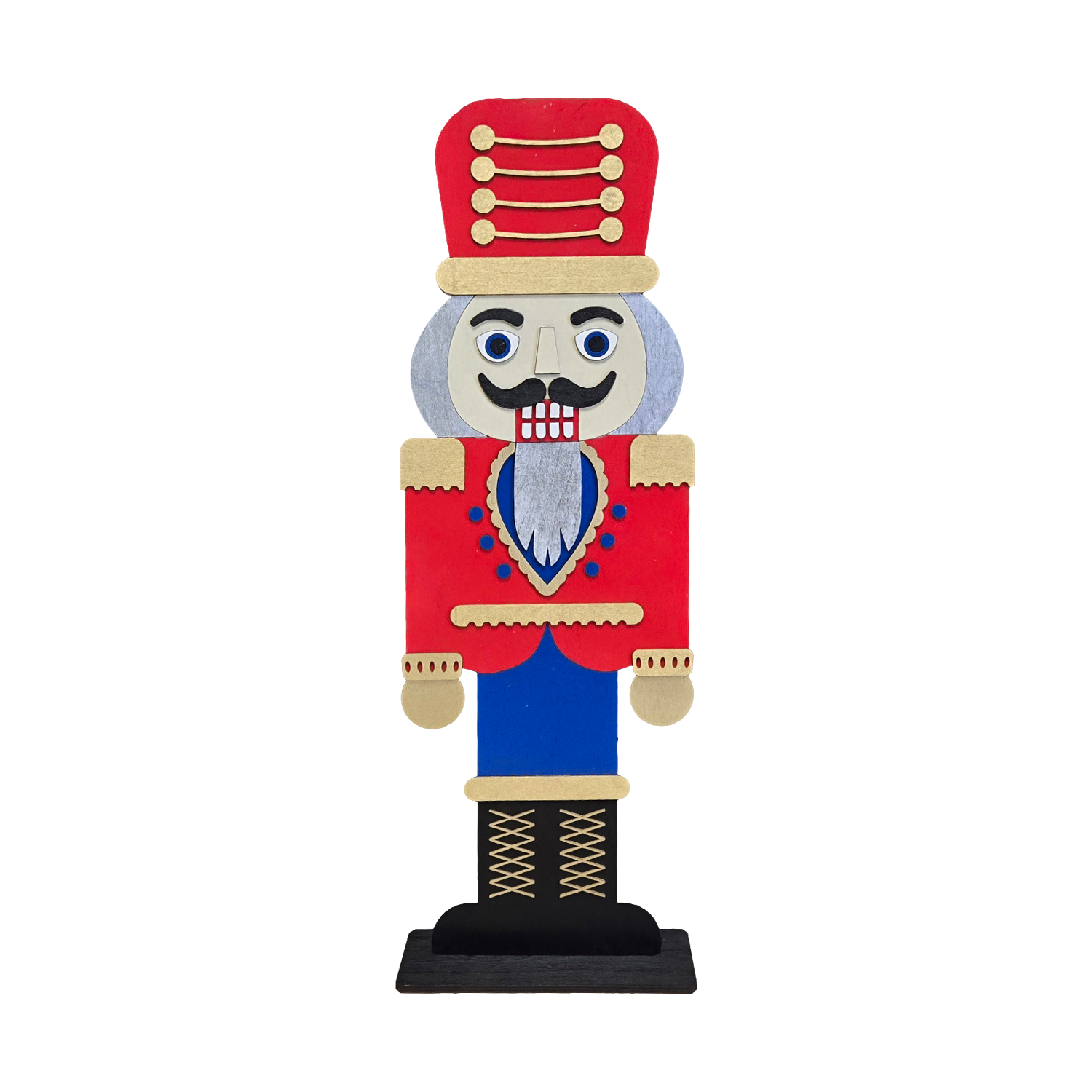
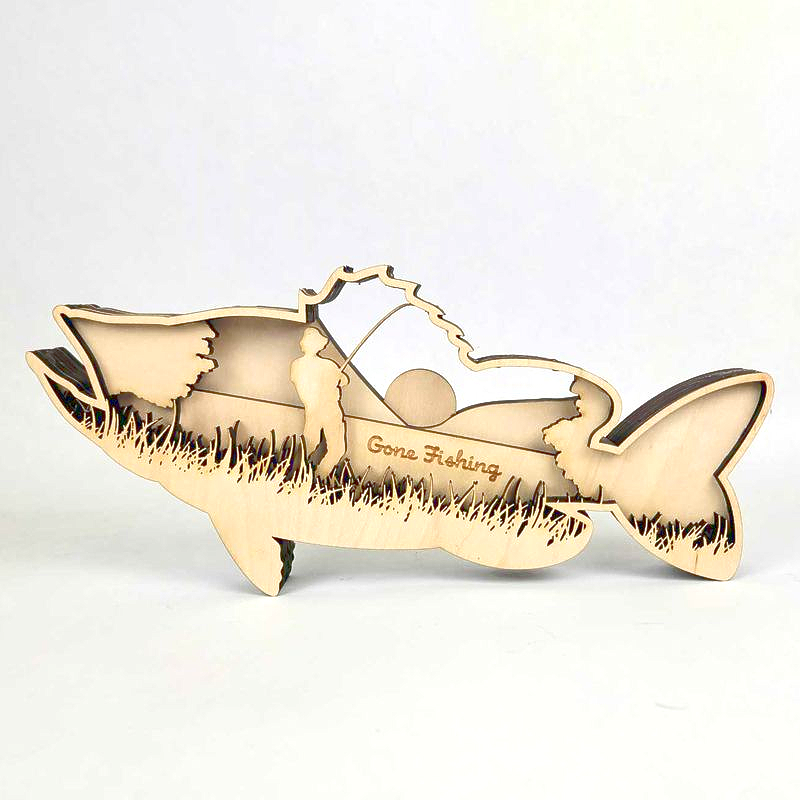
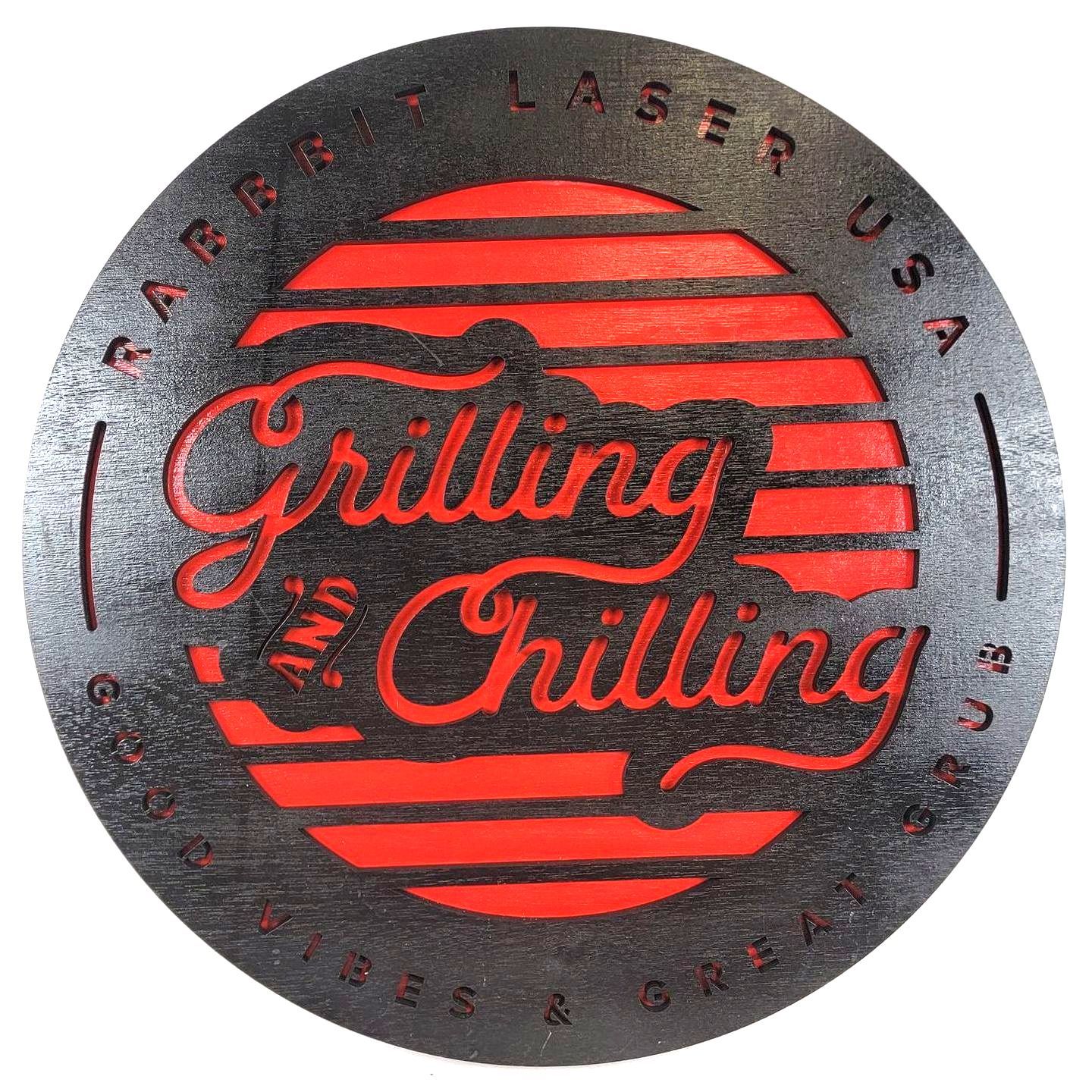
Discover the art of layering multiple materials for a stunning 3D image effect. Customize your project by painting different parts and add your personal touch.


Cardboard Boxes
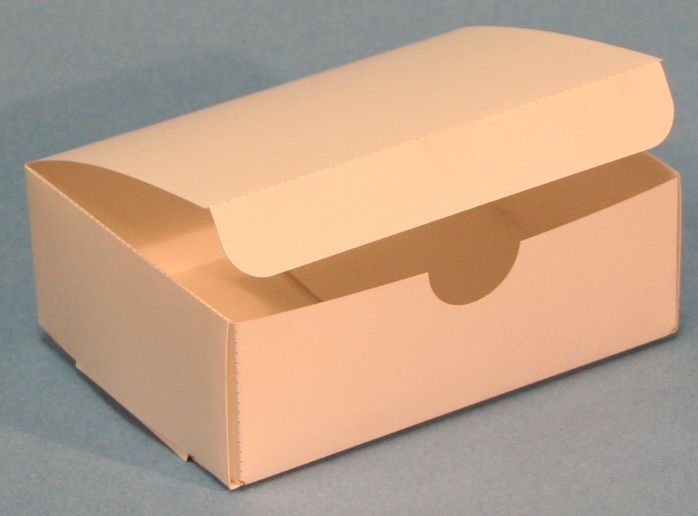
Cardstock Boxes are commonly used for fun appearance shapes and still perform a specific funtion. These boxes have thickness that ranges from 0.010 inch to 1/16 inch solid paperboard. The cardstock thickness is not greatly important, but needs to be thin enough to be appropriate for the size and strength of the box. Most boxes are a simple four-fold and then tape closed. We would like to provide to fun samples that are also functional. Instructions: Use the main outline color for cutting through the cardstock. The secondary color is for bending the box to the proper shape. Use the secondary color for either scoring the material or set function to "Holes" for making a perforation line.
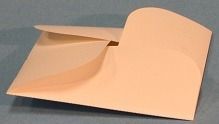
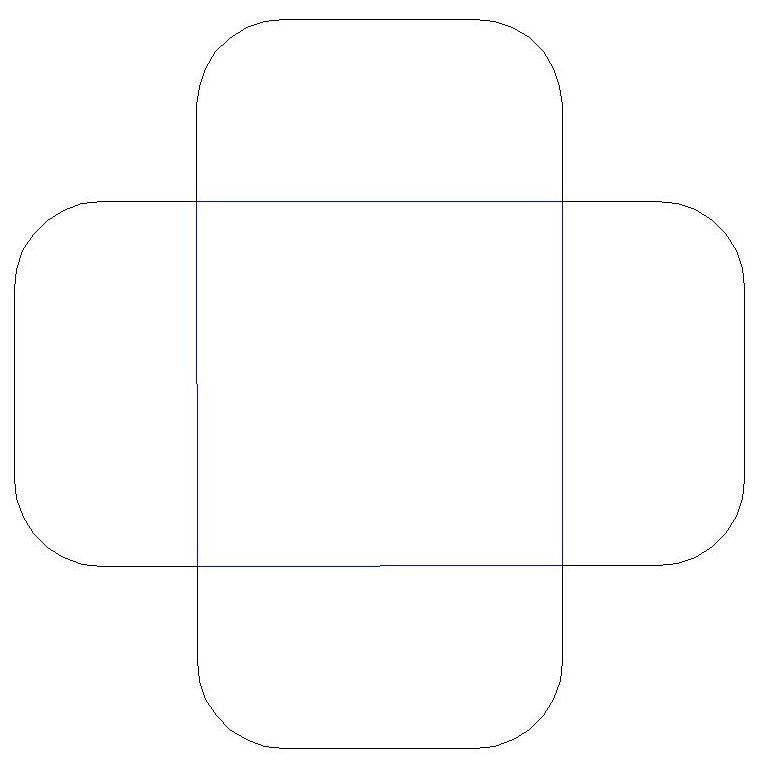
4 Petal Box
By: Ray Scott
Download Box_4PetalBox.dxf
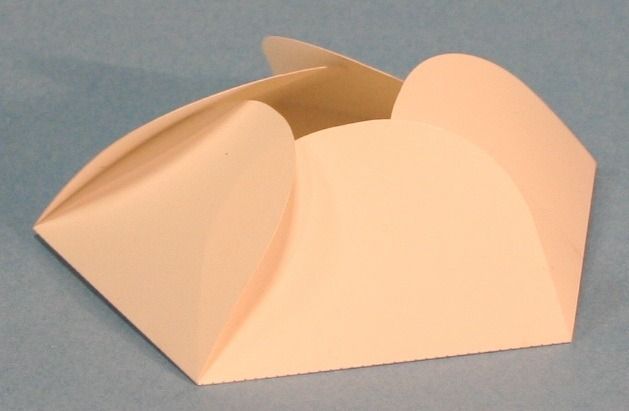
5 Petal Box
By: Ray Scott
Download Box_5PetalBox.dxf
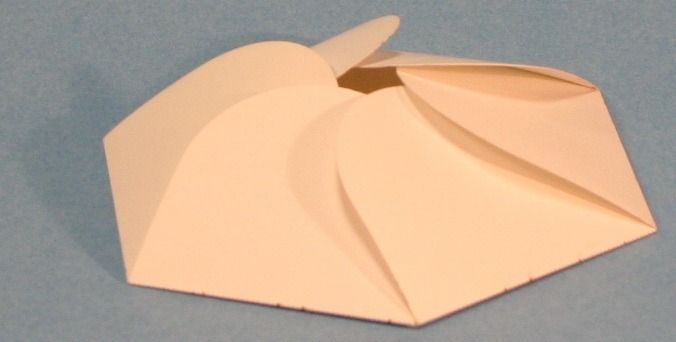
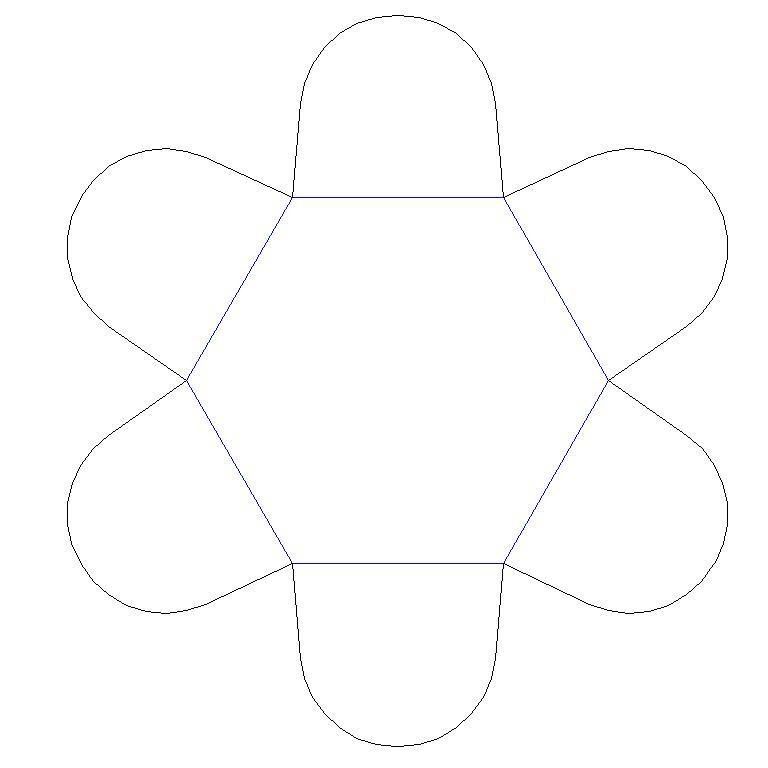
6 Petal Box
By: Ray Scott
Download Box_6PetalBox.dxf
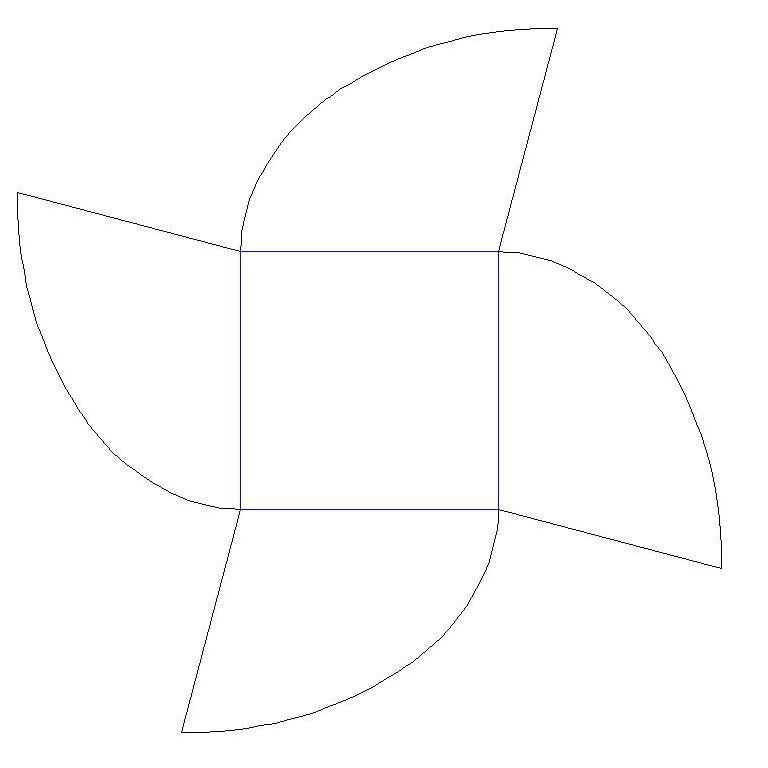
Bon Bon Box
By: Ray Scott
Download Box_BonBon.dxf
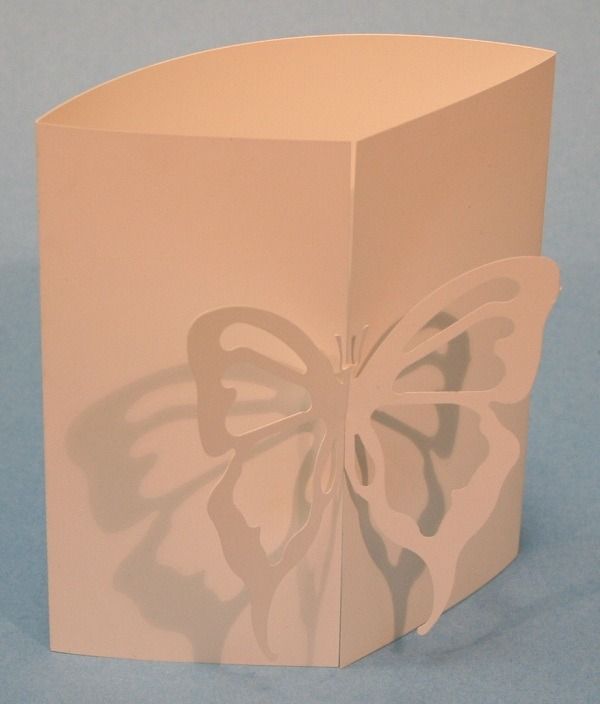
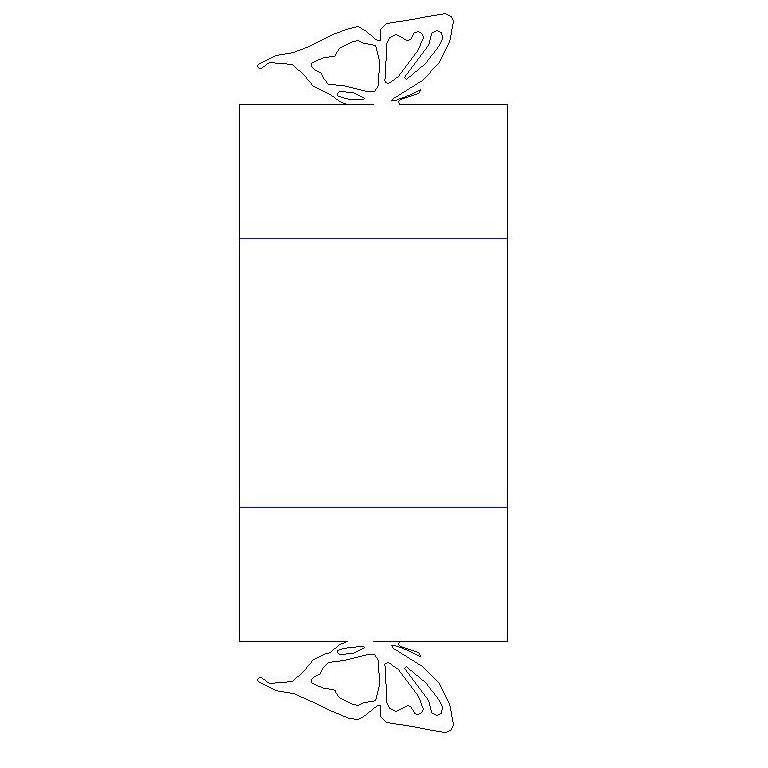
Butterfly Box
By: Ray Scott
Download Box_ButterflyCard.dxf
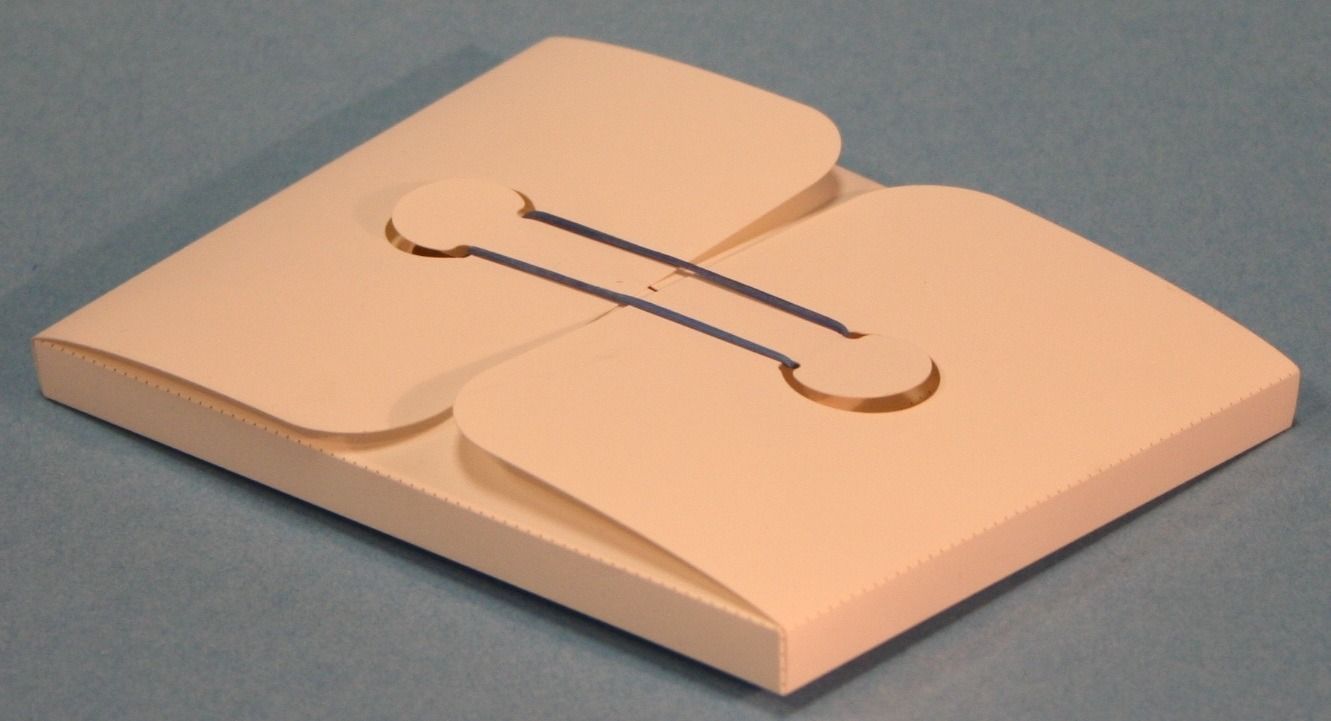
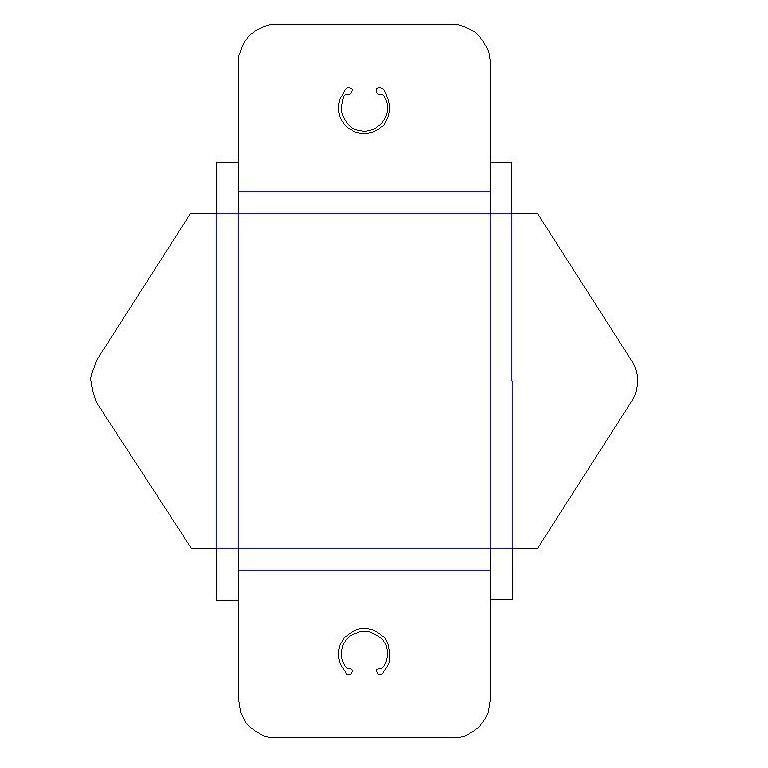
Button Box
By: Ray Scott
Download Box_ButterflyCard.dxf
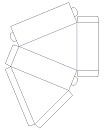
Cake Box for 1 piece of cake
By: Ray Scott
Download Box_CakeBox.dxf
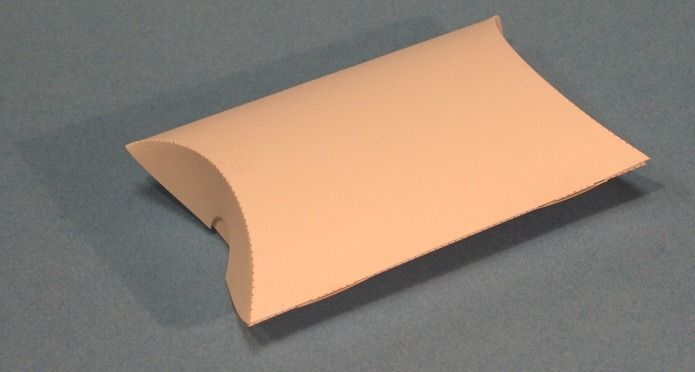
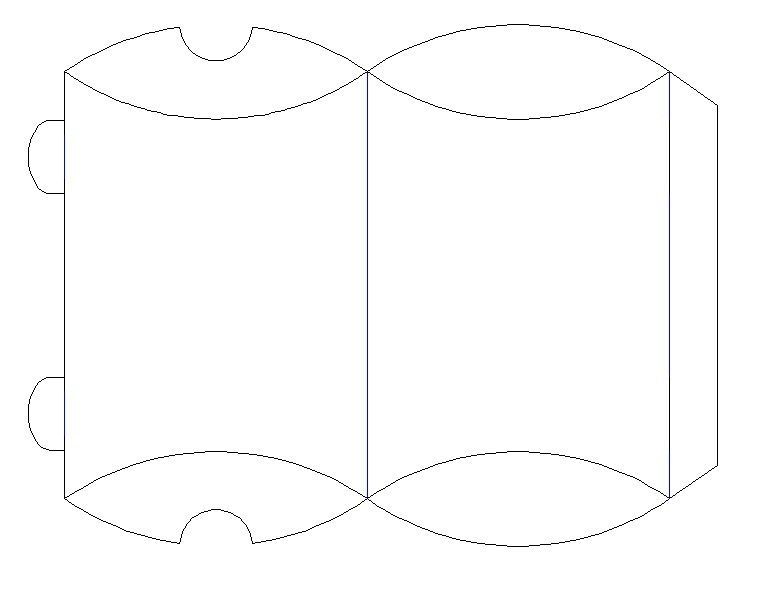
Curved Box
By: Ray Scott
Download Box_Curve.dxf
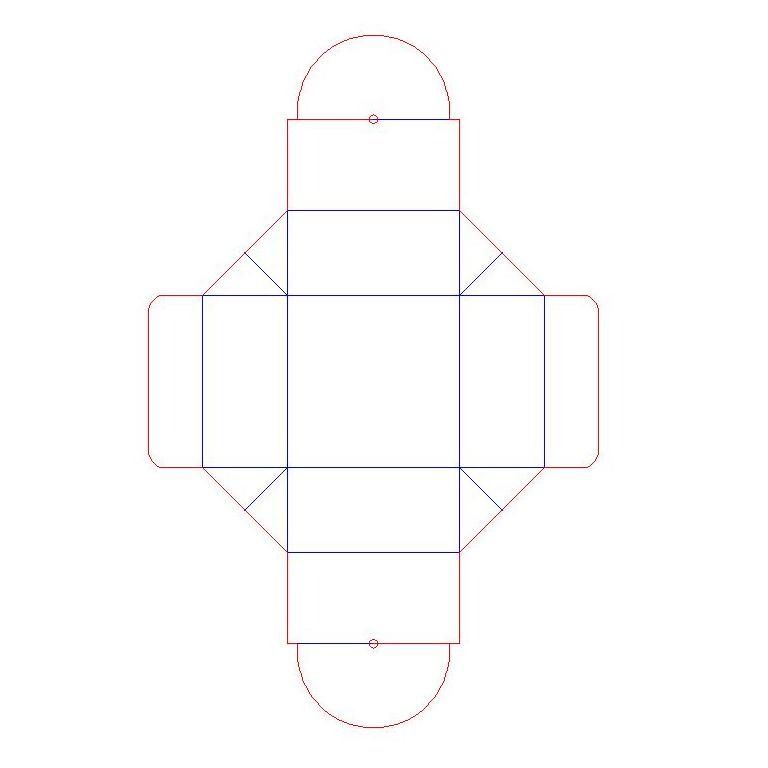
Daisy Box
By: Ray Scott
Download Box_DaisyBox.dxf
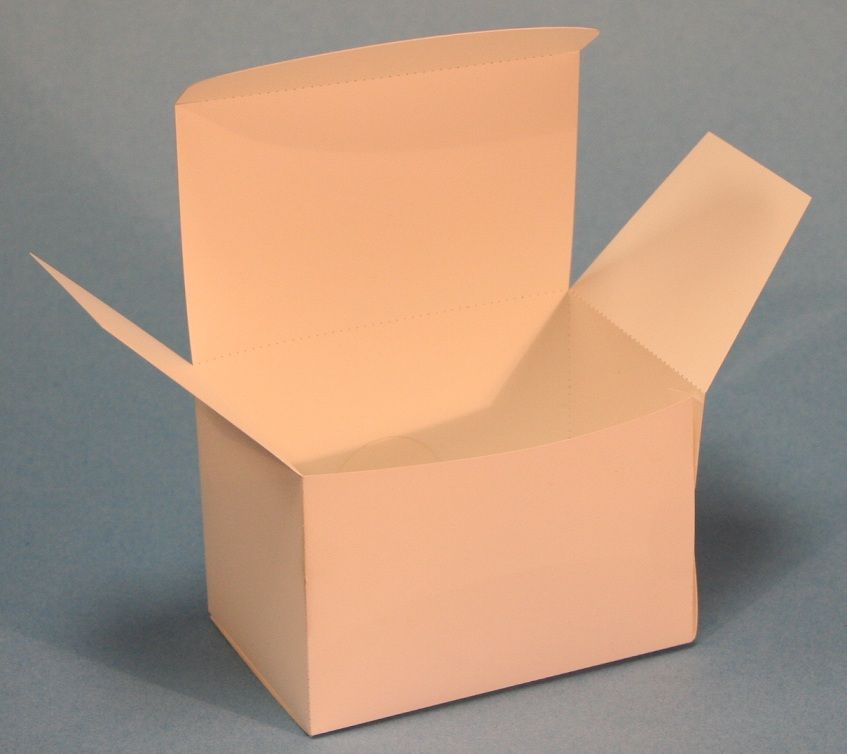
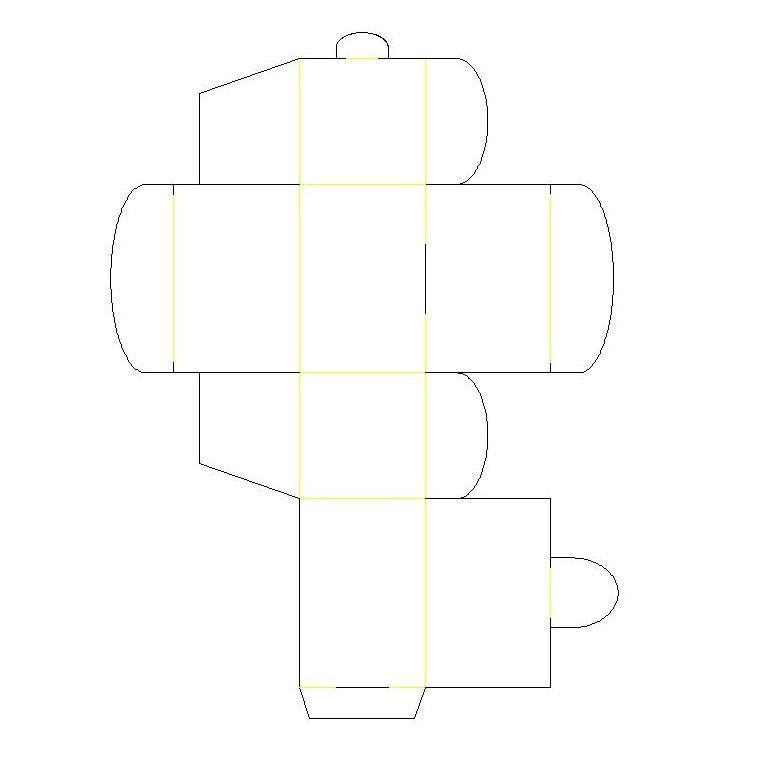
Gift Box
By: Ray Scott
Download Box_GiftBox.dxf
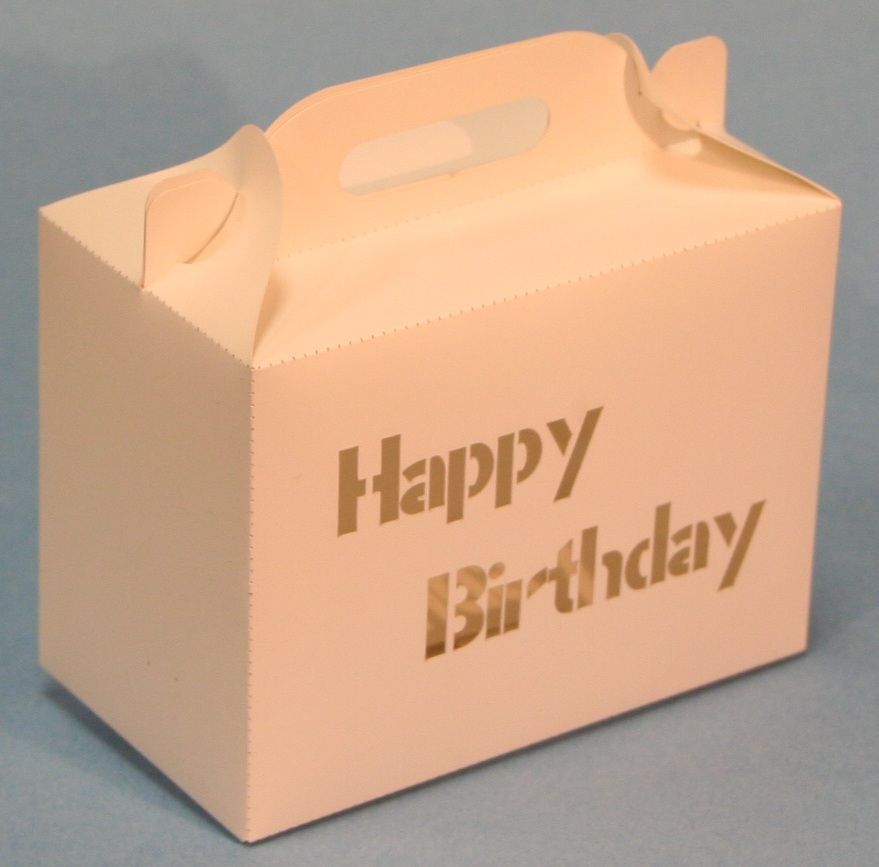
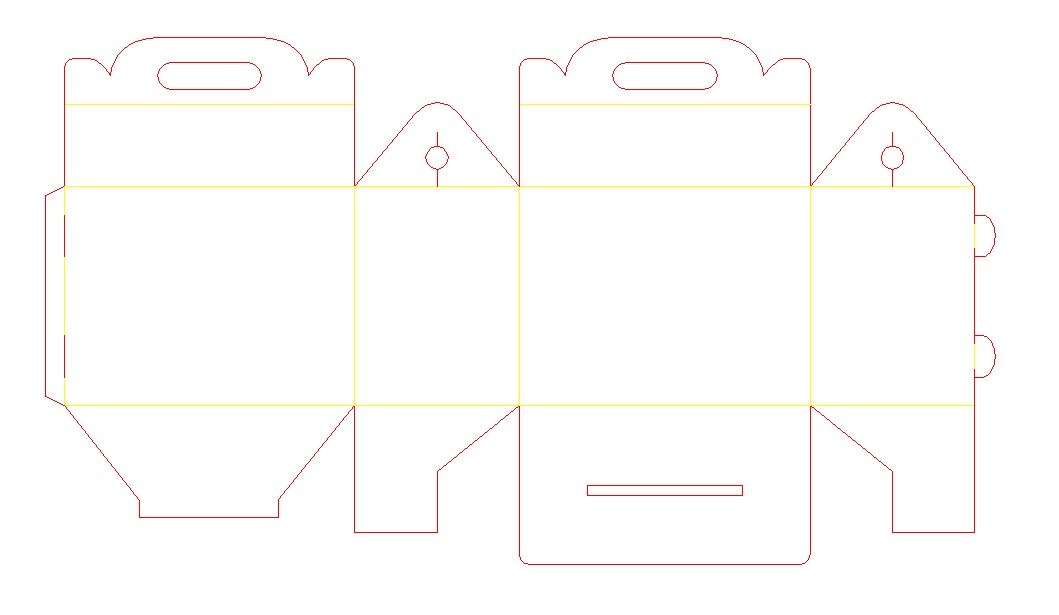
Happy Meal Box
By: Ray Scott
Download Box_HappyMeal.dxf
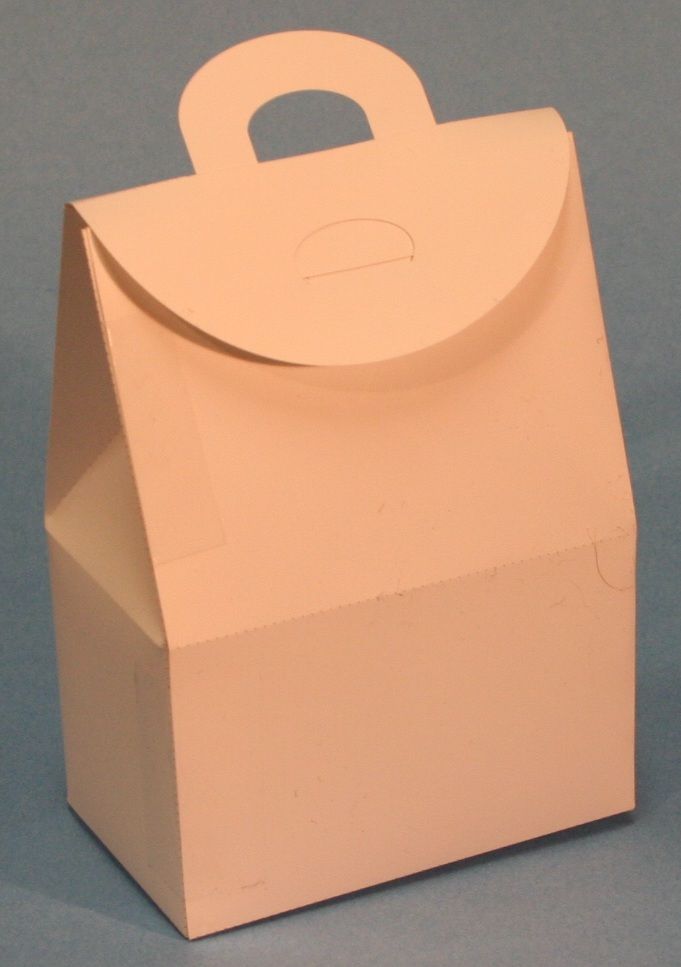
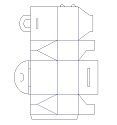
House Box
By: Ray Scott
Download Box_HouseBox.dxf
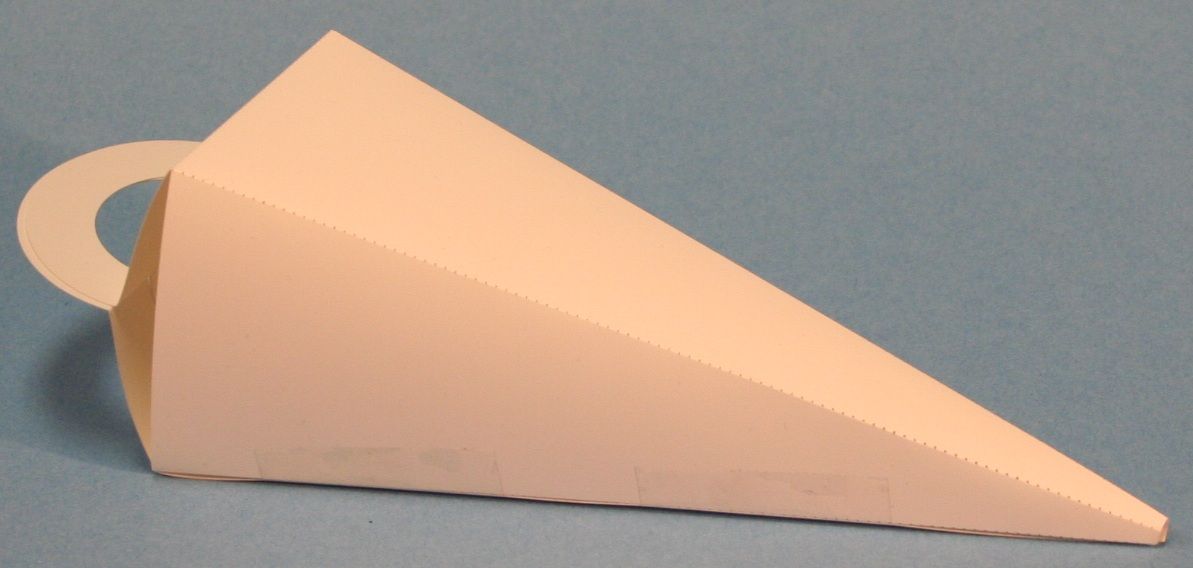
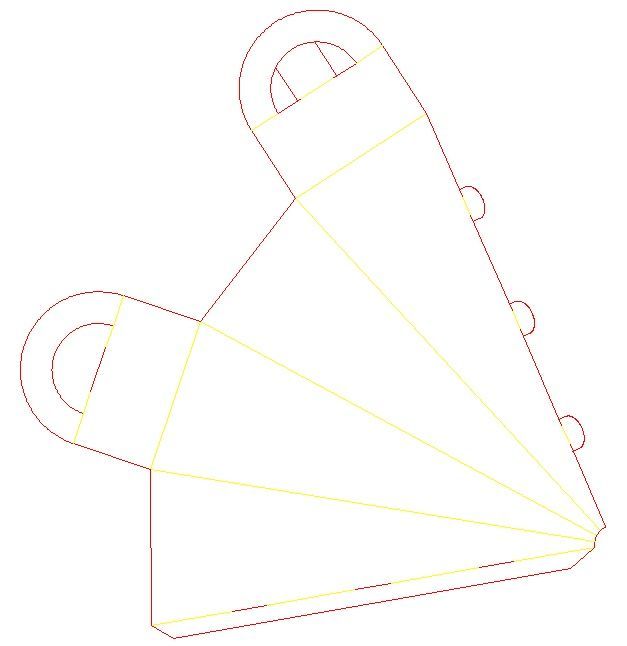
Icicle Box
By: Ray Scott
Download Box_IcicleBox.dxf
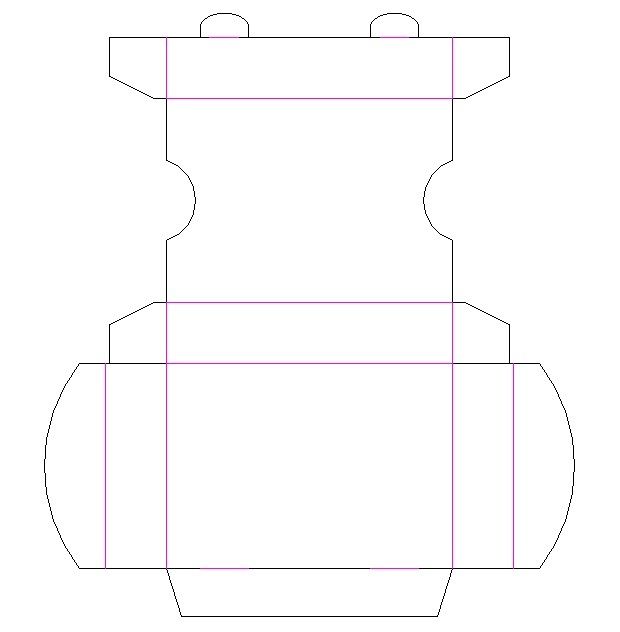
Playing Cards Box
By: Ray Scott
Download Box_PlayingCard.dxf
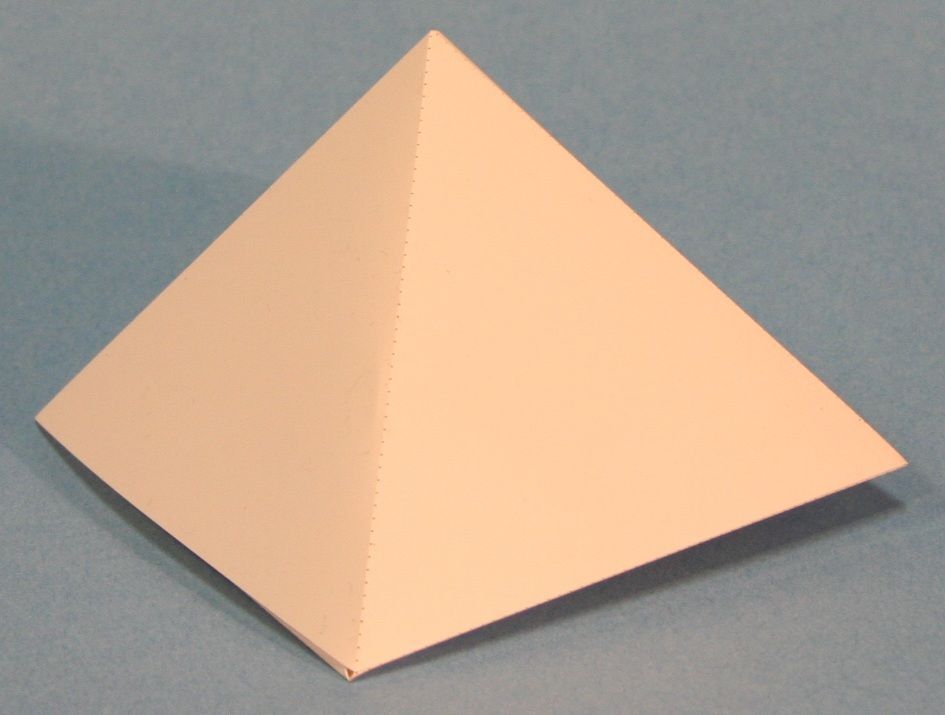
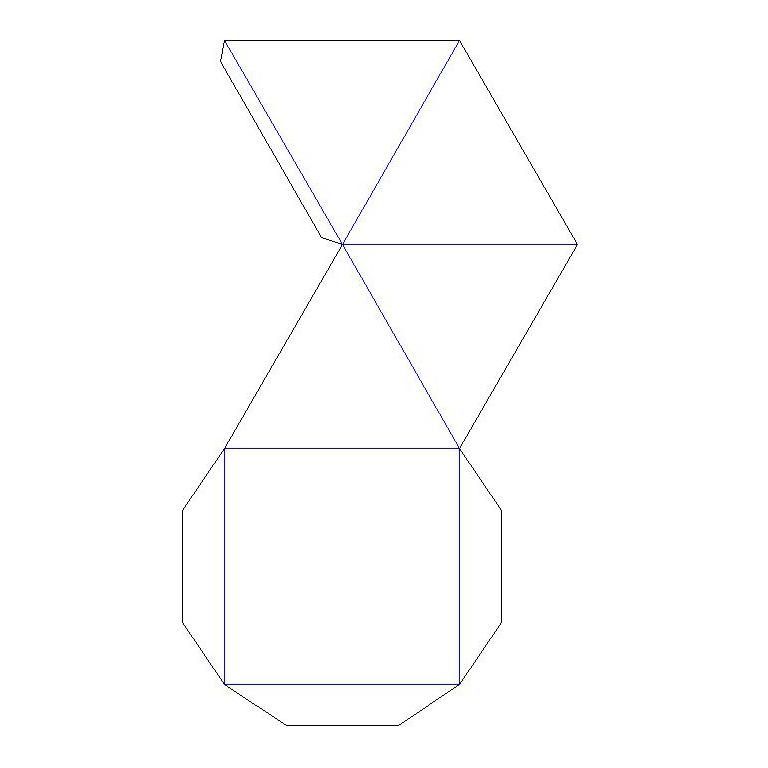
Pyramid Box
By: Ray Scott
Download Box_Pyramid.dxf
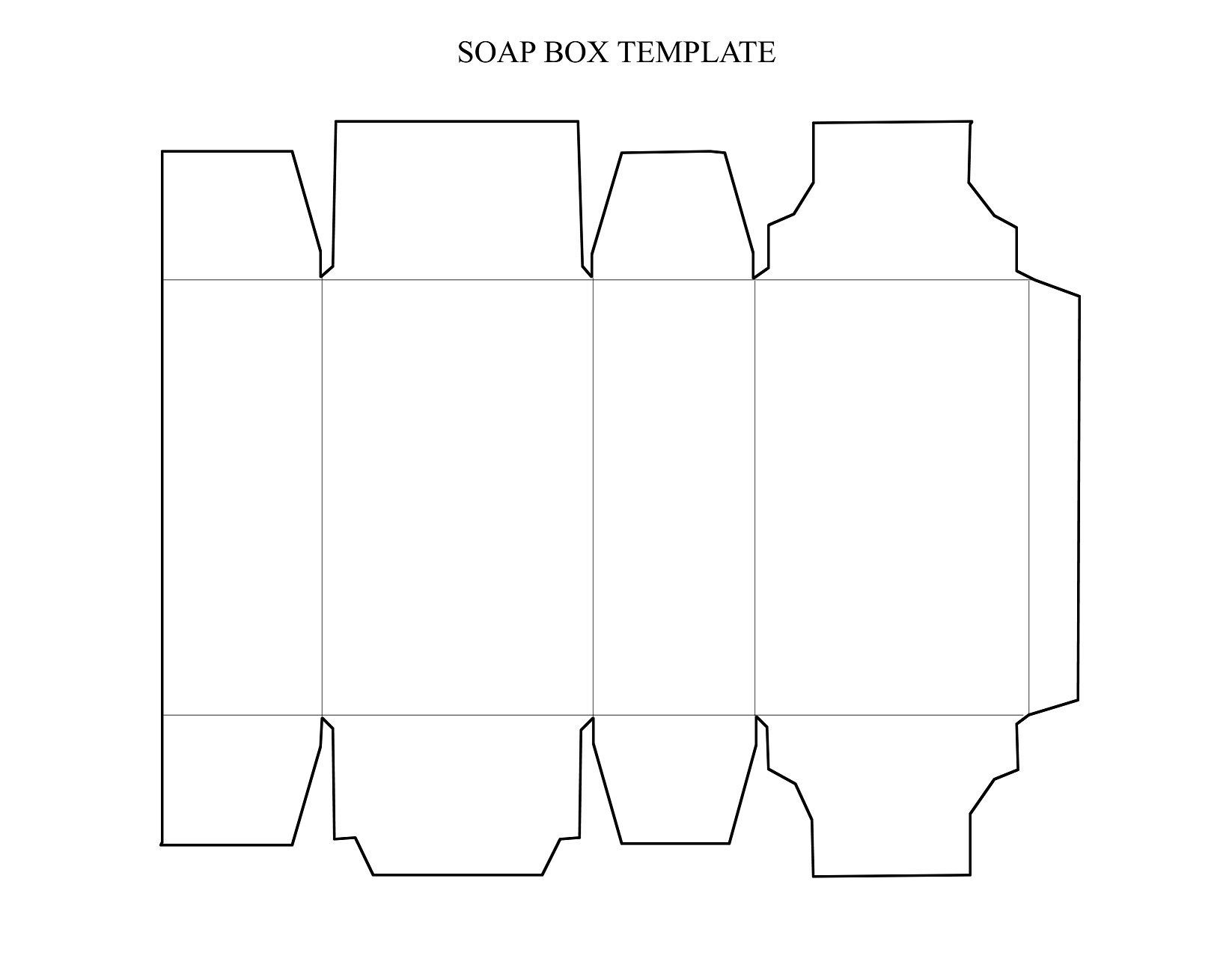
Soap Box
By: Ray Scott
Download Box_SoapBox.dxf
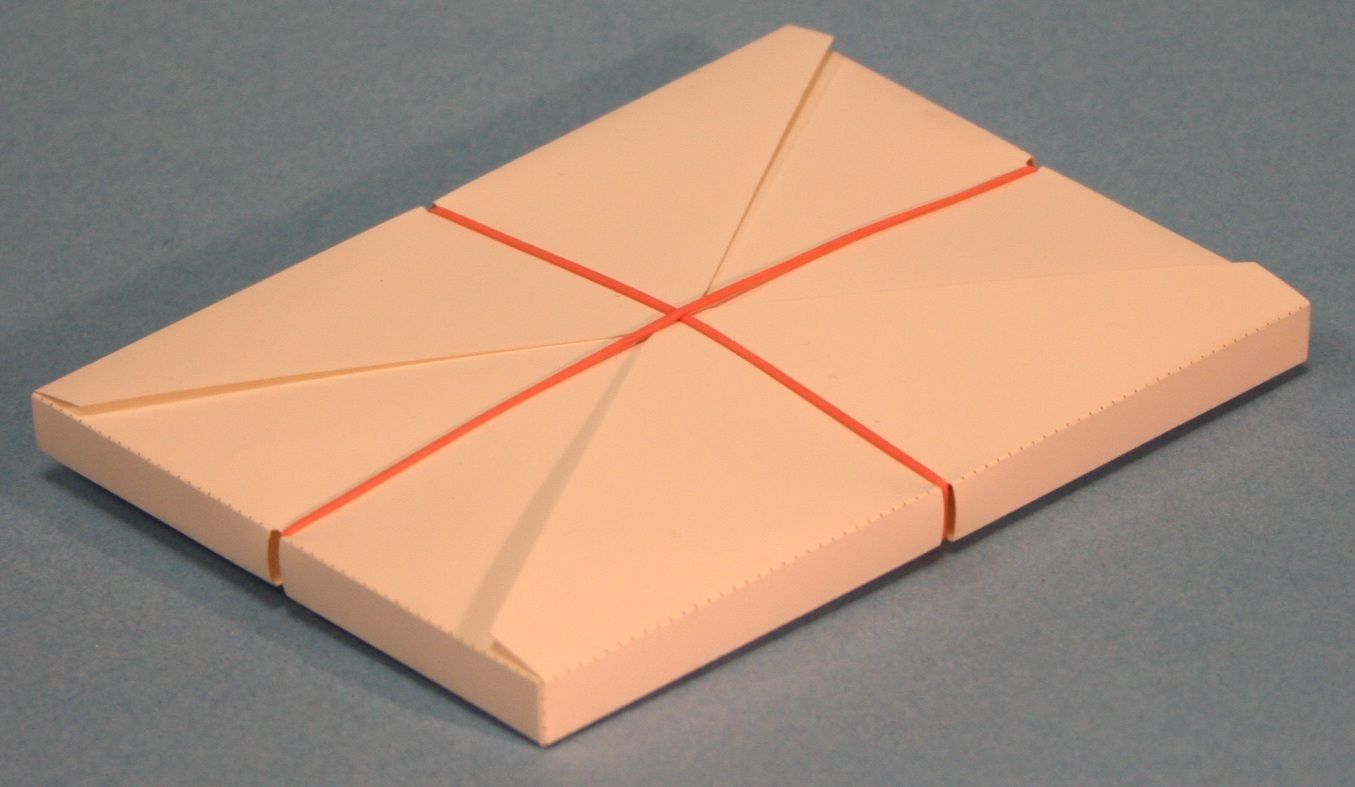
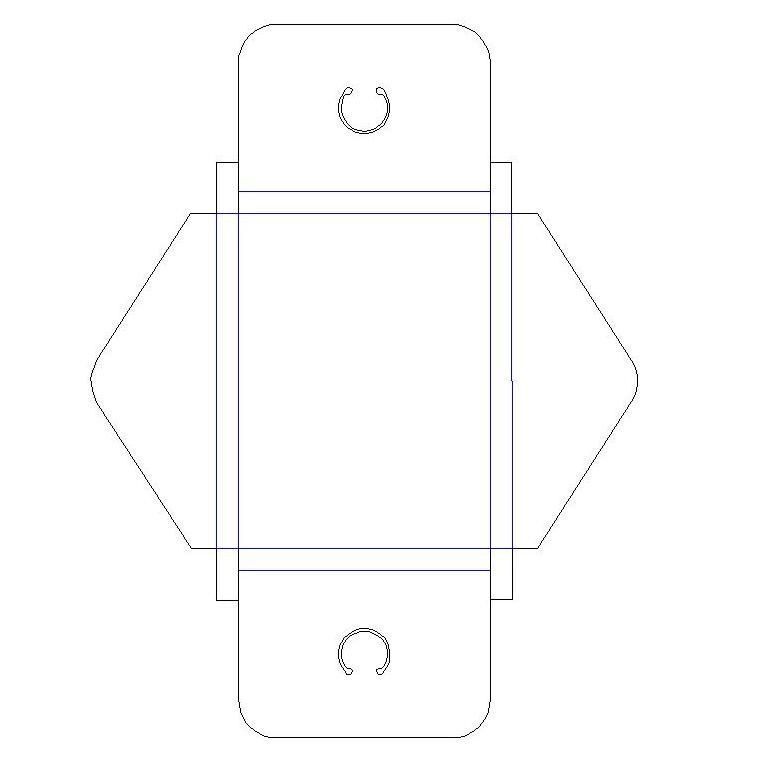
String Tie Box 2
By: Ray Scott
Download Box_StringTieBox2.dxf
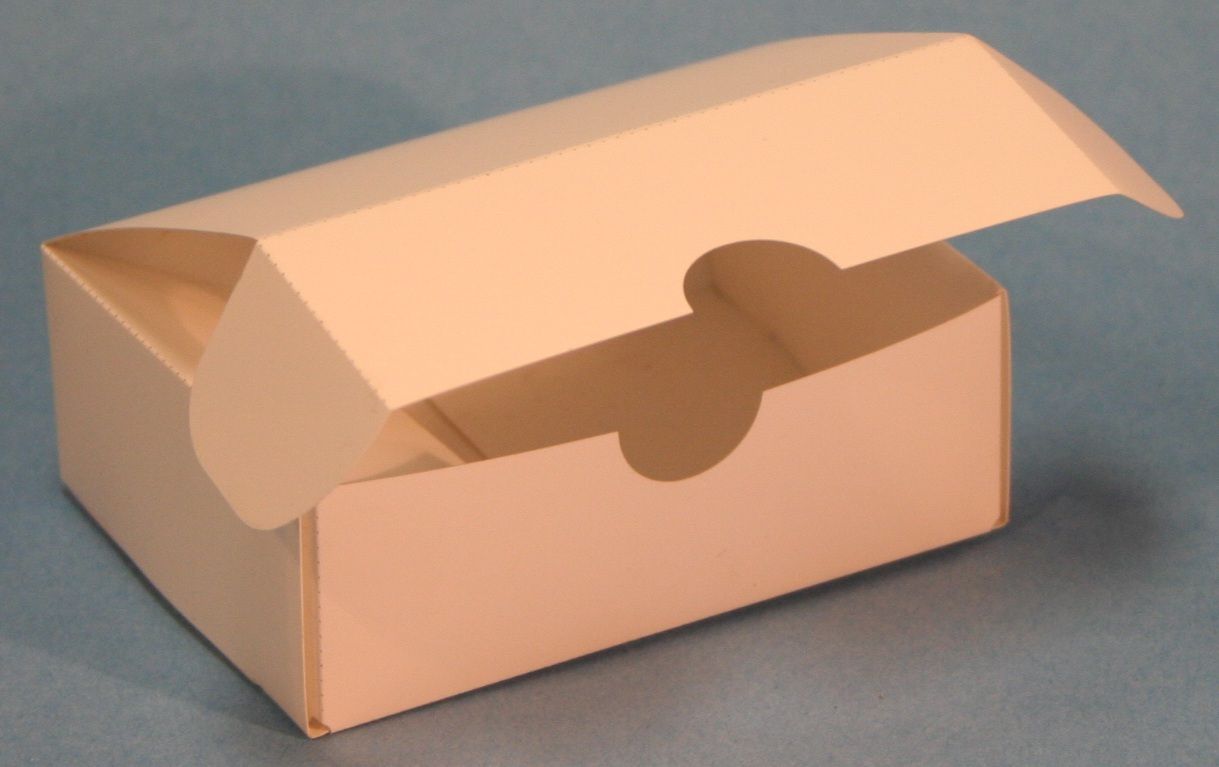
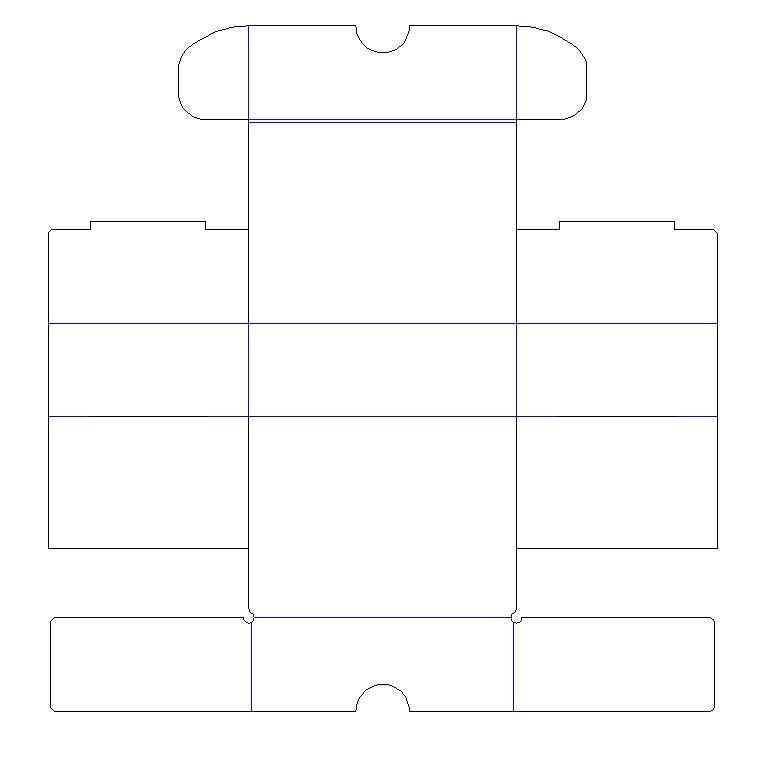
Simple Shipping Box
Simple Shipping Box .. Cut from thick cardstock. Can be used for small gifts or candies
By: Ray Scott
Download ShipBox100x75x35.dxf
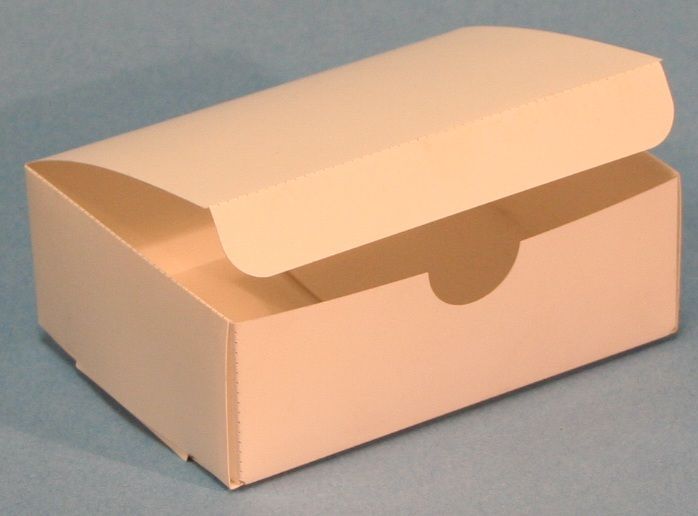
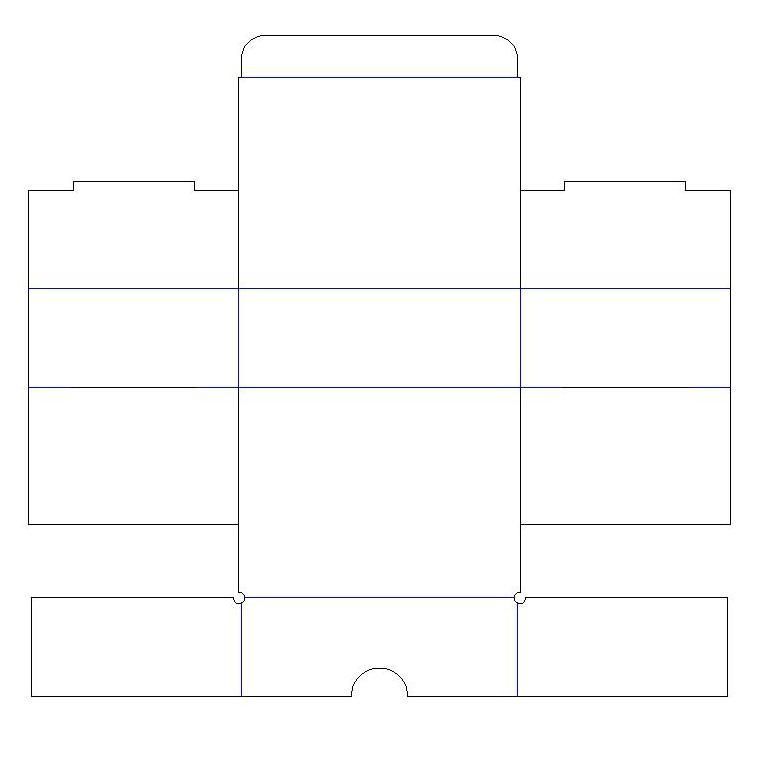
Candy Box
Candy box .. simple top closer.. no glue. Cut from thick card stock.
By: Ray Scott
Download Box_CandyBox.dxf
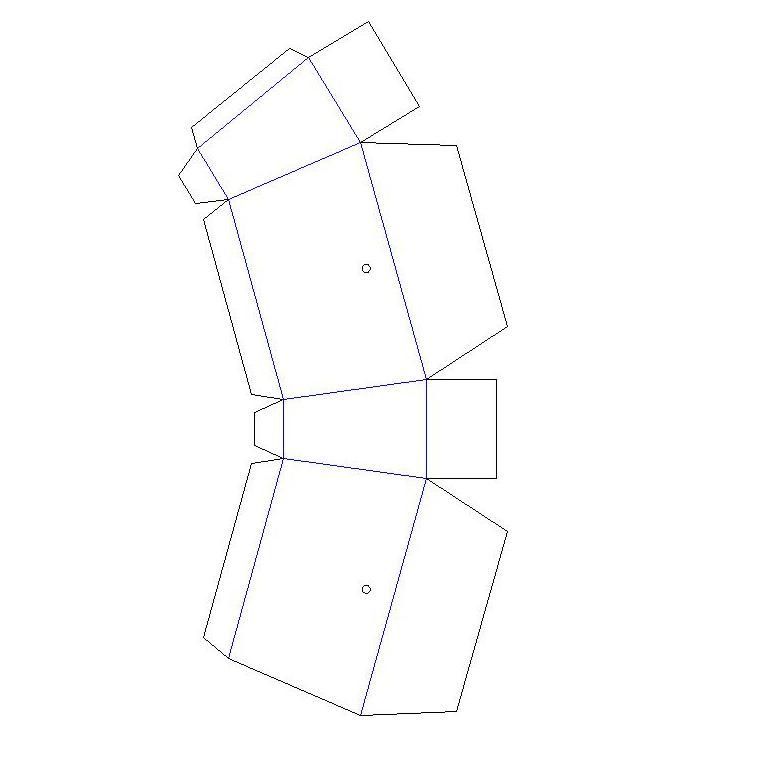
Trapazoid Box
By: Ray Scott
Download Box_Trapazoid.dxf
Corrugated Cardboard
Corrugated Cardboard Boxes are commonly used for shipping and general storage. These boxes have thickness that ranges from 1/16 inch to 5/16 inch. The wall thickness needs to be known so that the fold and inteferances can be designed into the cut plan. Most boxes are a simple four-fold and then tape closed. We would like to provide to fun samples that are also functional. Instructions: Use the main outline color for cutting through the cardstock. The secondary color is for bending the box to the proper shape. Use the secondary color for either scoring the material (at siginificantly lower power) or set function to "Holes" for making a perforation line.
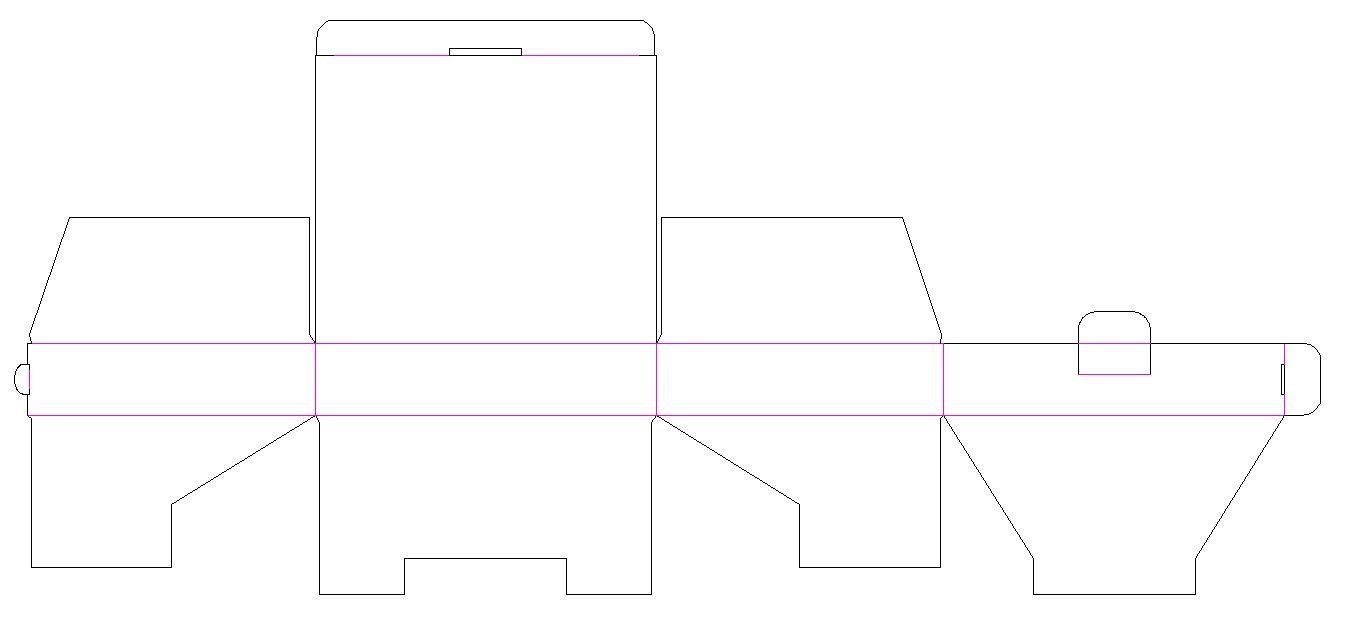
Corrugated Box - 4x19x16 cm
By: Ray Scott
Download File....dxf
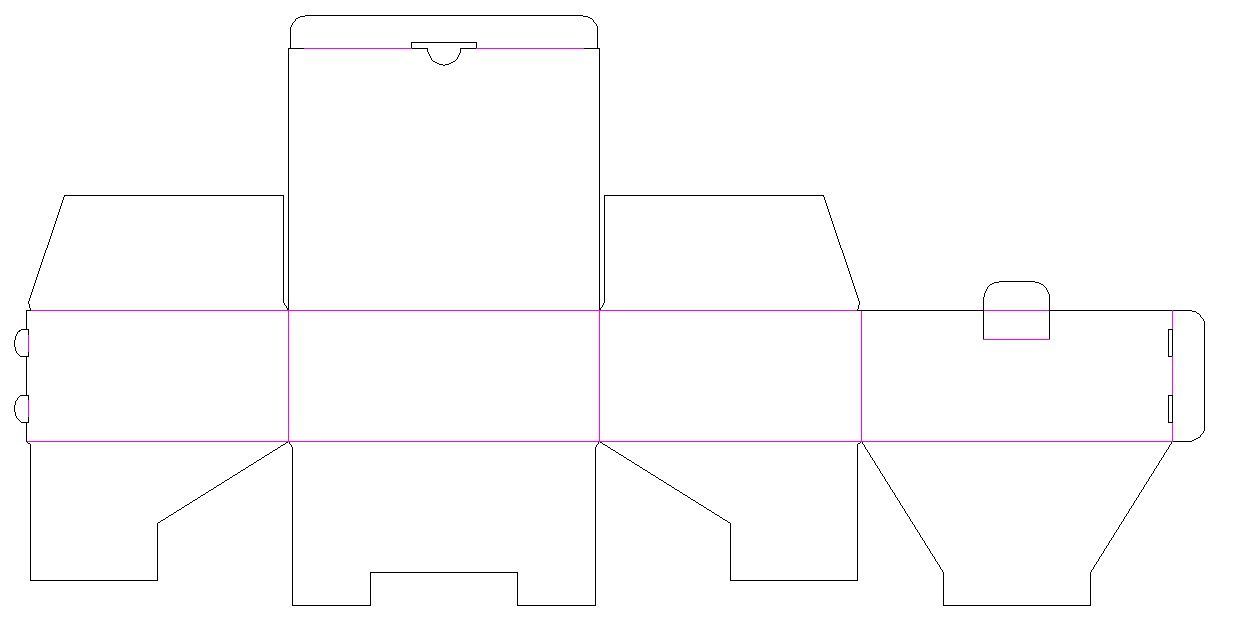
Corrugated Box - 8x19x16 cm
By: Ray Scott
Download File....dxf
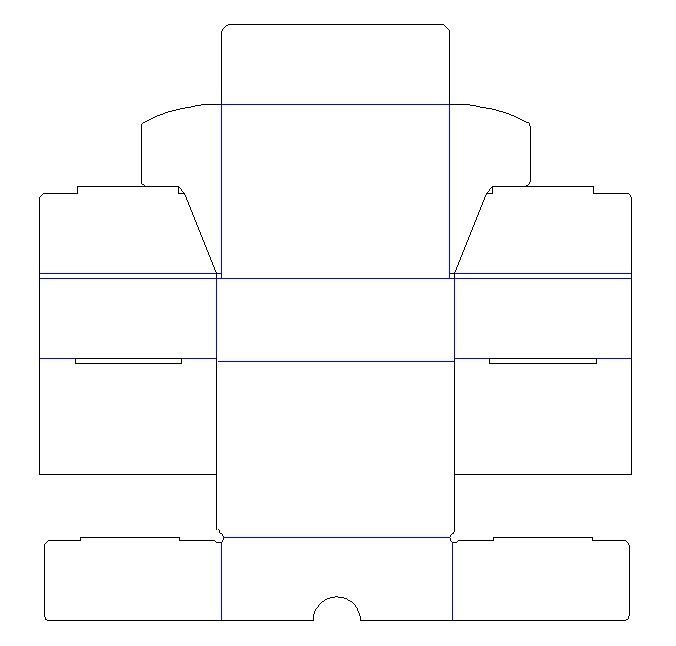
Corrugated Box - 100x75x35 mm
By: Ray Scott
Download File...CBox_Ship100x75x35.dxf
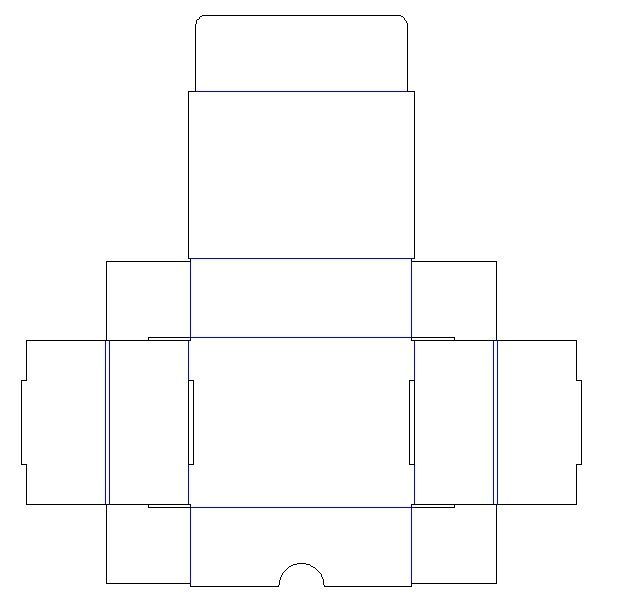
Corrugated Box - 100x75x35 mm Version B
By: Ray Scott
DownloadFile...CBox_Ship100x75x35B.dxf
Quick Links
Medieval War Weapons .. Mid-Evil Weapon projects
Bird Houses and Feeders projects
We will continue to add
*NEW* projects to this page as we are able to get them finished. Come check out the page each week!
Ready to shop lasers and materials? Click here to see our laser store. Or give our laser experts a call at 513-217-5707 for more information.